Most owners meet accounting at month-end, when someone spends days typing invoices into a ledger. In an ERP the ledger fills itself as the business works.
Everything posts on its own
- A sale creates the invoice, reduces stock and raises what the customer owes.
- A purchase adds stock and raises what you owe the supplier.
- A payment received or made updates cash or bank and the customer's or supplier's balance.
- Expenses are recorded against the right account and branch.
What finance sees every day
- Receivables: who owes you, how much, and for how long
- Payables: who you owe and when it is due
- Cash and bank: balances per account and branch
- Tax: sales tax in Pakistan or VAT in the UAE, per period
- Profit: by month, branch, product or order
Controls that stop mistakes
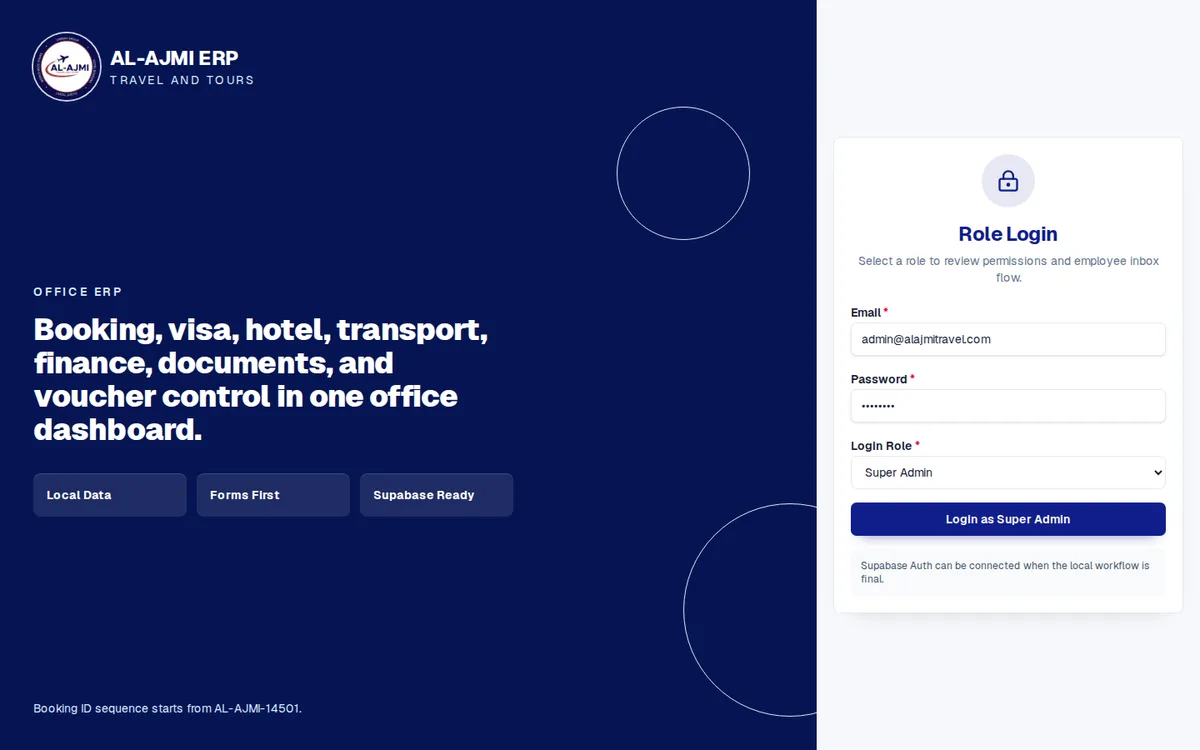
Roles decide who can create, edit or approve. Discounts above a limit need approval, deleted entries leave an audit trail, and each branch sees only its own figures unless you allow more.
Profit per order
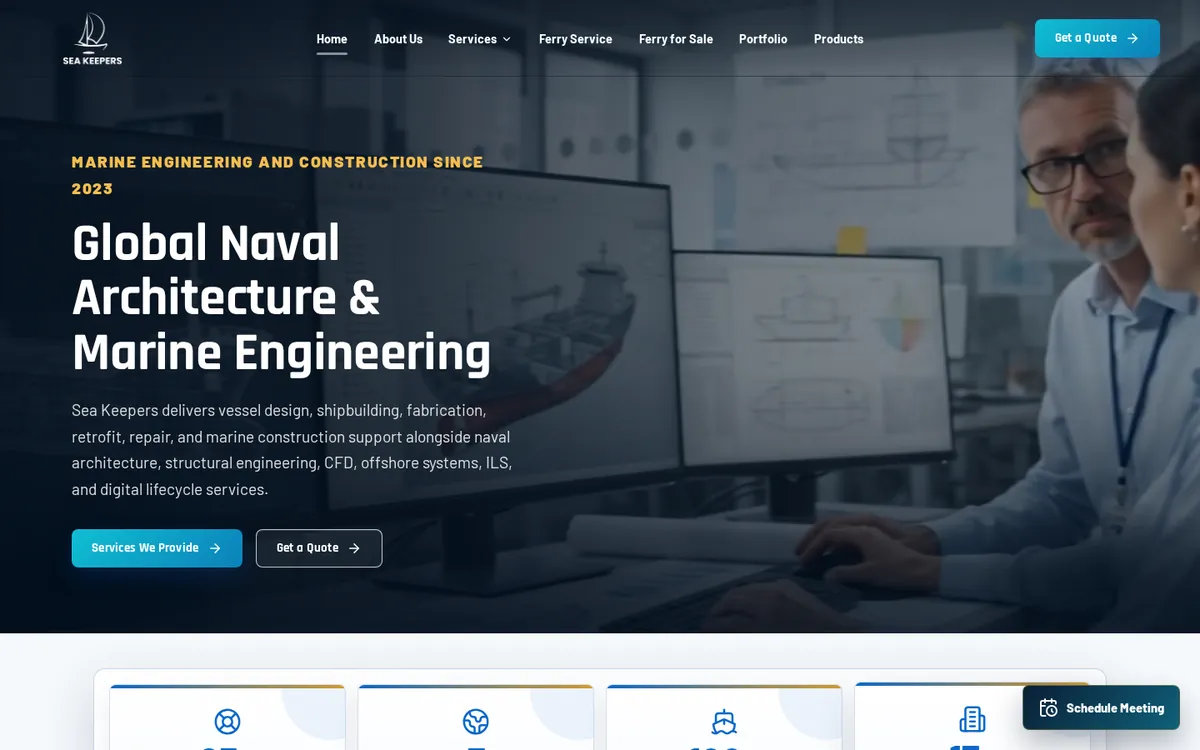
For project and trading businesses, the ERP shows revenue, costs and profit per order. In the Sea Keepers ERP, management sees revenue, expenses and payments against every purchase order.
Already using accounting software? Read how to integrate accounting software with ERP. Still on spreadsheets? Start with ERP versus Excel. See the modules on our ERP software page, or book a demo on your own numbers.