
An ERP quote can look expensive until you know what's inside it. These are the parts that decide the number.
What drives the price
- Modules: sales, inventory, purchasing, accounts, HR, production. Each adds screens, reports and testing.
- Users and roles: more people means more permissions and approvals to design.
- Branches and warehouses: stock and reporting per location.
- Customisation: how far the system bends to your process instead of the other way round.
- Data migration: items, customers, suppliers and opening balances brought in from Excel.
- Hosting: online so every branch can reach it, or on your own server.
- Support: who fixes things, how fast, and whether changes are included.
Start small, on purpose
The cheapest way to buy an ERP is one module at a time. Start with the one costing you the most today, often inventory or sales, run it for a month, then add the next. Seven signs you have outgrown Excel helps you pick the first.
Costs after launch
Budget for hosting, support and improvements every year. A system nobody maintains decays quickly, however good it was on day one.
Comparing quotes
Line quotes up by modules, users, branches, migration and support. If one quote is much cheaper, find which of those it leaves out. Use these questions for a software company in Karachi to check ownership, delivery and support as well.
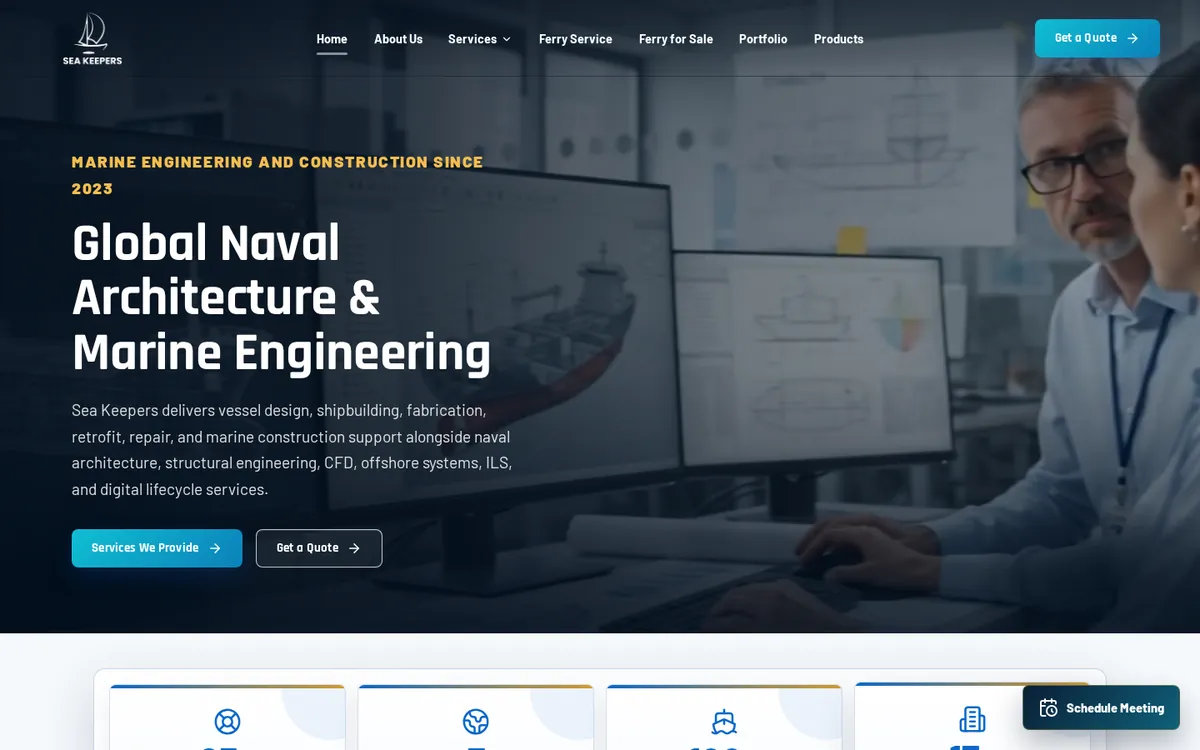
See the modules on our ERP software page and an ERP running a whole business at Sea Keepers. For a written quote, book a demo.