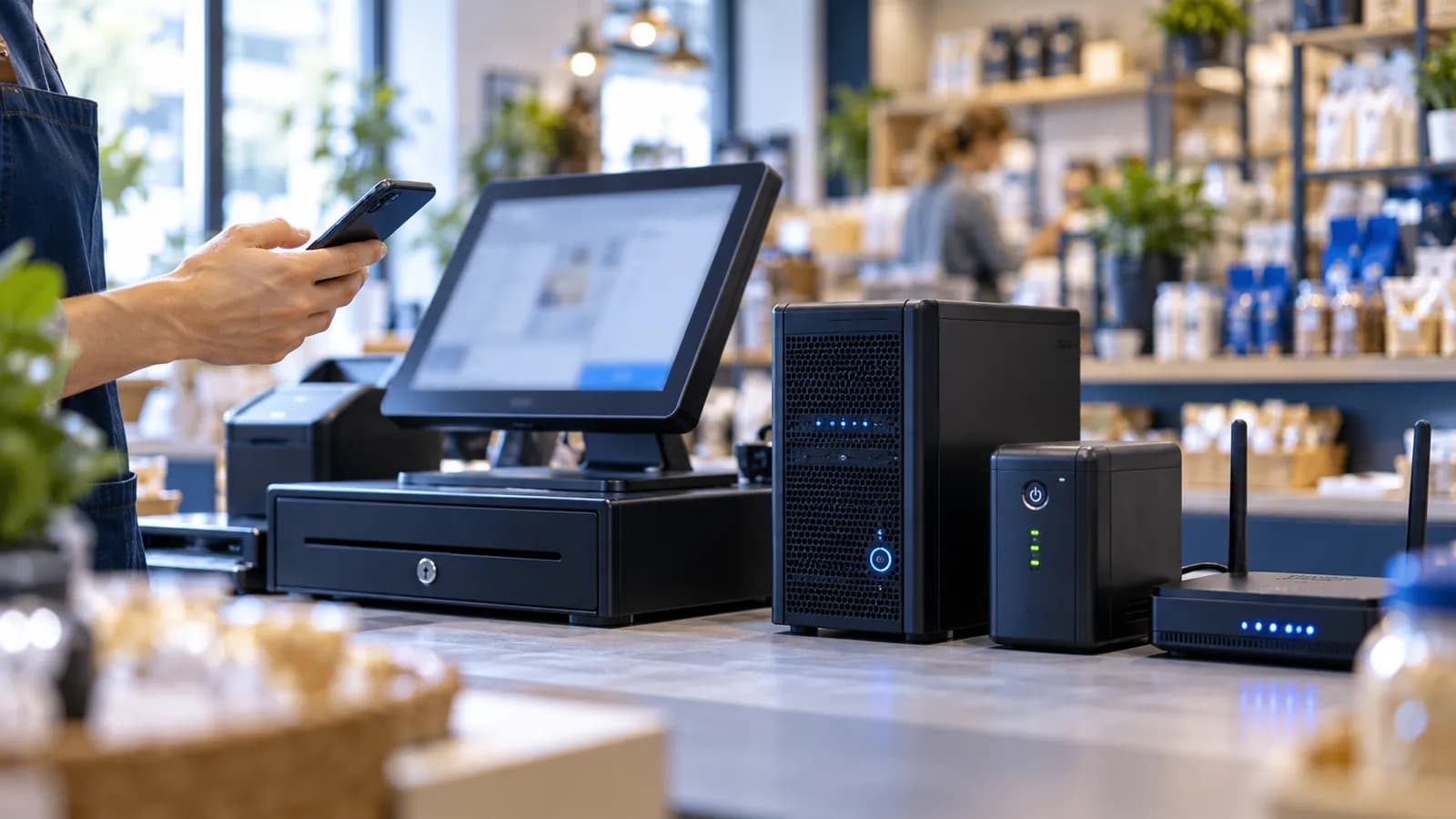
Somewhere in the first meeting a vendor asks whether you want the software in the cloud or on-premise, and the owner pictures either a server humming in the back office or a monthly bill that never ends. Both pictures are partly right. The useful question is what happens in your shop at the moment the lights go out or the internet drops, because that is where the two answers differ.
What each one means
| Cloud | On-premise | |
|---|---|---|
| Where it runs | On a server rented in a data centre, reached over the internet | On a computer or server inside your shop, office or godown |
| Who looks after the server | The vendor or the hosting company | You, or someone you pay to |
| How you reach it | Any browser or phone with a login, anywhere | Inside the building, or over the internet if you set that up |
| When the internet drops | Unreachable until it returns, unless there is a local copy | Keeps working inside the building |
| When the power drops | The server is fine; your devices need a charge | The server stops unless it has its own UPS |
| Backups | Taken by the vendor; you should hold a copy too | Taken by you, or not at all |
Pakistani conditions change the answer
Load shedding is the first test. An on-premise server with no UPS goes down with the lights, and every counter and every branch stops with it. A cloud server stays up, but your counter still needs a charged laptop or tablet and a connection. Internet cuts are the second test, and they favour the other side: an on-premise system keeps billing on the shop network while the fibre is down, and a cloud system does not, unless the counter has a local copy. Branches in other cities are the third. If the server sits in the Karachi head office and the Lahore branch reaches it over the internet, you already have a cloud system, only one you maintain yourself. Our guide to multi-branch software covers what each branch needs to see. And the owner checking stock from a phone in another city is simply a cloud requirement.
The POS that must keep billing
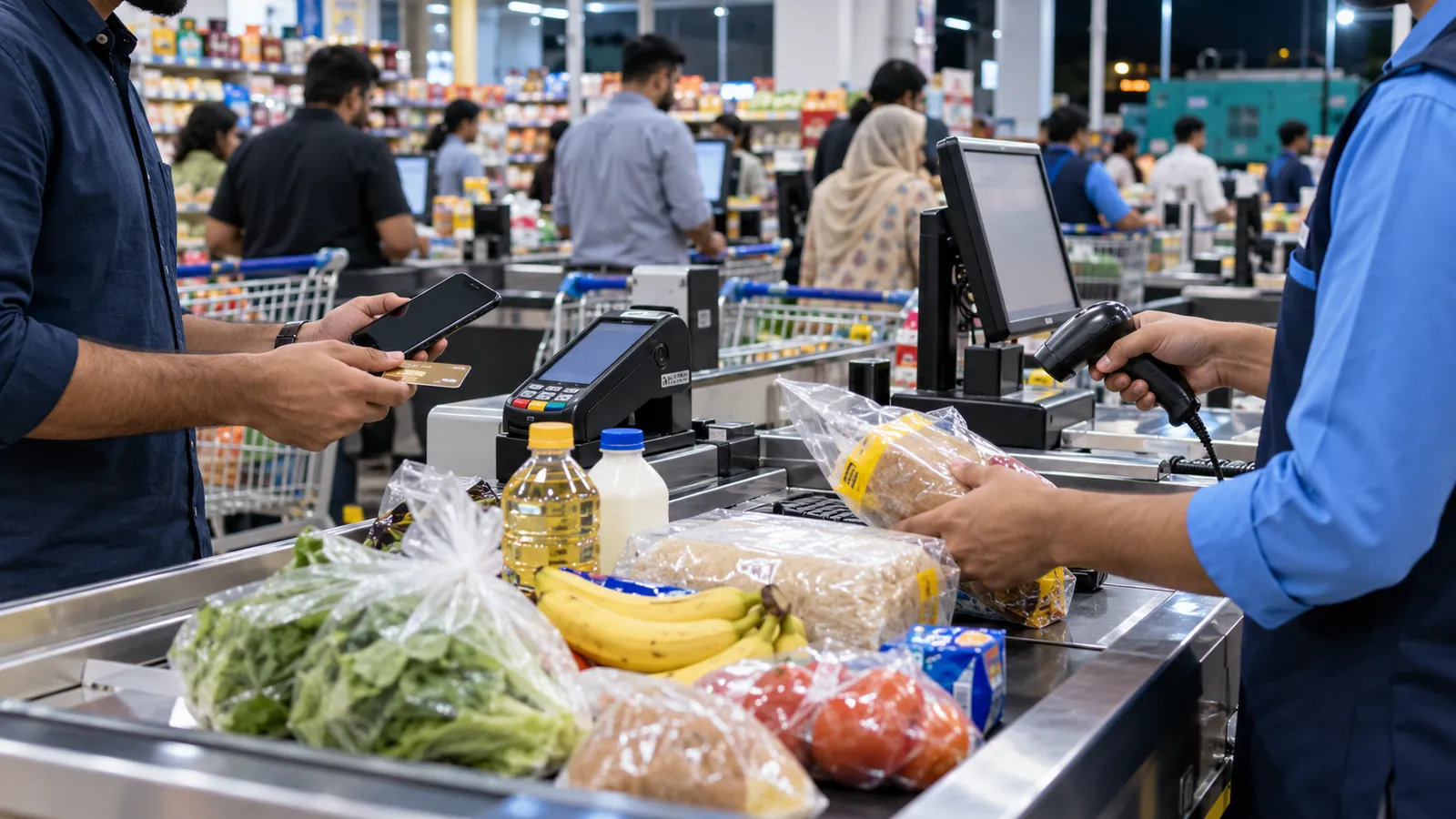
Whatever you choose, a retail counter cannot wait for the connection. The counter needs a local copy of items and prices, a way to print bills while offline, and a queue that sends those bills up when the connection returns. This is not a cloud or on-premise question; it is a requirement of any POS system sold in Pakistan. If your shop also has to send invoices to FBR, read how the integration handles the connection in our guide to FBR POS integration before you decide anything else.
Backups and who holds them
On-premise, the backup is your job, and the common failure is an external drive sitting in the same room as the server. A fire, a flood or a theft takes both. Cloud, the vendor takes the backups, and the common failure is never having asked where they are kept, how often they are taken, and how you would get a copy if you left. The right answer in both cases is a copy outside the building that you can open without the vendor's help. Ask for it in writing.
Security and access
On-premise feels safer because the data is in your own building. In practice the usual breaches have nothing to do with where the server sits: one password shared by the whole counter, no roles, a laptop that walks out with the salesman. Cloud makes logins matter more, because the system is reachable from anywhere, and it makes patching the server somebody else's job. The checks an owner should make are the same either way, and our guide to business software security basics lists them.
The shape of the cost
On-premise is a purchase: a server, a UPS, someone to maintain it, and a replacement when it fails, with the cost arriving in lumps. Cloud is a service: a monthly or yearly charge that grows with users and branches, and no hardware beyond the devices on the counter. Neither is cheaper in every case. A single shop with its own IT-minded owner can run a server for years; a chain with no IT person at all pays less in the cloud than it would in call-outs.
Which fits your situation
| Your situation | Usual answer | Why |
|---|---|---|
| One shop, poor internet, owner on site | On-premise, with a backup copy outside the building | Billing cannot wait for the connection |
| Branches in two or more cities | Cloud, with an offline POS at each counter | One stock and sales picture; no branch has to be the server |
| Owner checks figures from a phone | Cloud | Nothing to open up on the office network |
| Website orders must reach the counter | Cloud | The orders come from the internet anyway |
| Factory or godown with its own IT person | Either; on-premise is workable | Someone is there to look after it |
| No IT person at all | Cloud | The vendor looks after the server |
The hybrid most shops end up with
In practice the answer is rarely pure. The record of truth lives in the cloud, where the owner, the accountant and every branch can reach it, and each counter keeps a local copy that bills through the cut and syncs afterwards. The Roll Palace in Keamari is a small example: website orders land on the same order board as counter and table sales, which only works when the board is reachable from outside the shop. If you want to see how a counter behaves when we pull the internet cable, book a demo and ask for exactly that.
Questions people ask
Is cloud software safe for my business data?
As safe as the logins and roles you set, which is also true on-premise. Ask where the server is, how backups are taken, and how you get your data out if you leave. The common breaches are shared passwords, not the location of the server.
What happens to a cloud POS when the internet goes down?
A properly built one keeps billing from a local copy on the counter and sends the bills up when the connection returns. Ask to see this in the demo. A cloud POS that stops when the internet stops is not fit for a shop in Pakistan.
Can I move from on-premise to cloud later?
Usually, if the software was built for both and your data can be exported. Ask before you buy whether the same system runs in either place, so a move is a migration and not a rewrite.
Who owns the data on a cloud system?
You should, and the contract should say so, along with how you get a copy on request and what happens to the data if you stop paying. If the vendor will not put that in writing, keep looking.
Do I need a server for an ERP in Pakistan?
Not necessarily. Most businesses run the ERP in the cloud and keep a local POS copy at each counter for offline billing. A server of your own makes sense when internet is poor, the business is in one building, and someone is there to look after it.