Ask an owner about security and the picture is of a stranger breaking in from abroad. In a trading or service company the usual story is closer to home: one password shared by the whole accounts room, a salesman who left in the spring and can still log in, a backup that turned out to be empty on the day it was needed. None of this needs a specialist. It needs an afternoon and a list.
Logins and passwords
- One login per person. With a shared "admin" account, the system cannot tell you who changed a price or deleted an invoice.
- Two-step verification wherever it is offered. Email, hosting, the domain account and the system itself. It is also called multi-factor authentication: a password plus a code on your phone.
- No passwords in WhatsApp groups. If one must be sent, send it privately and change it afterwards.
- A safe record for the owner. The top-level logins should not exist only in one employee's memory. Use a password manager, or a sealed note in the safe.
Roles: each person sees their own work
The principle has a formal name, least privilege, and a simple meaning. The cashier does not need the supplier ledger, and the storekeeper does not need to see salaries. Limits on discounts, write-offs and payments should sit in the system rather than in a verbal instruction. Our guide to roles and permissions in business software shows how to set them without slowing people down.
Backups that have been tested
A backup is a copy of the database kept somewhere other than the main server. Most companies have that part. The part they skip is the restore: taking last night's copy, loading it on another machine and checking that the invoices open. Until someone has done that, you have a file, not a backup.
- Copies taken automatically, not when someone remembers.
- At least one copy outside the office and outside the main hosting account.
- A restore test on a fixed schedule, with the date written down.
- Two people who know where the copies are and how to bring one back.
Who holds the hosting and the domain
Many businesses discover during a dispute that their domain is registered to a former web designer's personal email, or that only the developer can log in to the server. Both accounts should be opened under a company address the owner controls, with suppliers added as users who can be removed. The same goes for app store accounts and messaging providers. Software cost after launch lists the outside accounts a typical system depends on.
When someone leaves
Disable the login the same day
Do not delete it. The record of what that person entered should stay readable.
Change shared passwords
Wi-Fi, shared inboxes, courier and bank portals, anything they knew.
Sign out their devices
Remove company email and WhatsApp Business sessions from personal phones and laptops.
Hand over their records
Reassign their customers, leads and open tasks to a named colleague.
Check the admin list
Confirm they are not an owner of the hosting, the domain or the shared drive.
Phishing on WhatsApp and email
The attacks that reach most businesses here are messages, not code. A "supplier" writes from a new address to say the bank account has changed. A caller posing as a courier or a bank asks for the code that just arrived by SMS, which is in fact the code to take over your WhatsApp. An email that appears to come from the owner tells accounts to make an urgent transfer.
One rule covers all three. A request for money, a code or a password is confirmed by calling a number you already had, never the one in the message. Tell staff plainly that nobody will be blamed for holding a payment while they check.
A business software security checklist
| Check | Good answer | Warning sign |
|---|---|---|
| Who can log in today? | A named list that matches the current staff | Logins for people who have left |
| Who is the admin? | The owner or a director, plus one deputy | Only the developer, or everyone |
| When was a backup last restored? | A recent date, written down | "It runs automatically, I think" |
| Whose email is on the domain? | A company address | The personal address of a past supplier |
| How are bank detail changes confirmed? | By a call to a known number | By replying to the same email |
| Is two-step verification on? | Yes, on email, hosting and the system | Nobody is sure |
This list covers everyday risks. A company that handles card details, medical records or other regulated information should take specialist advice as well.
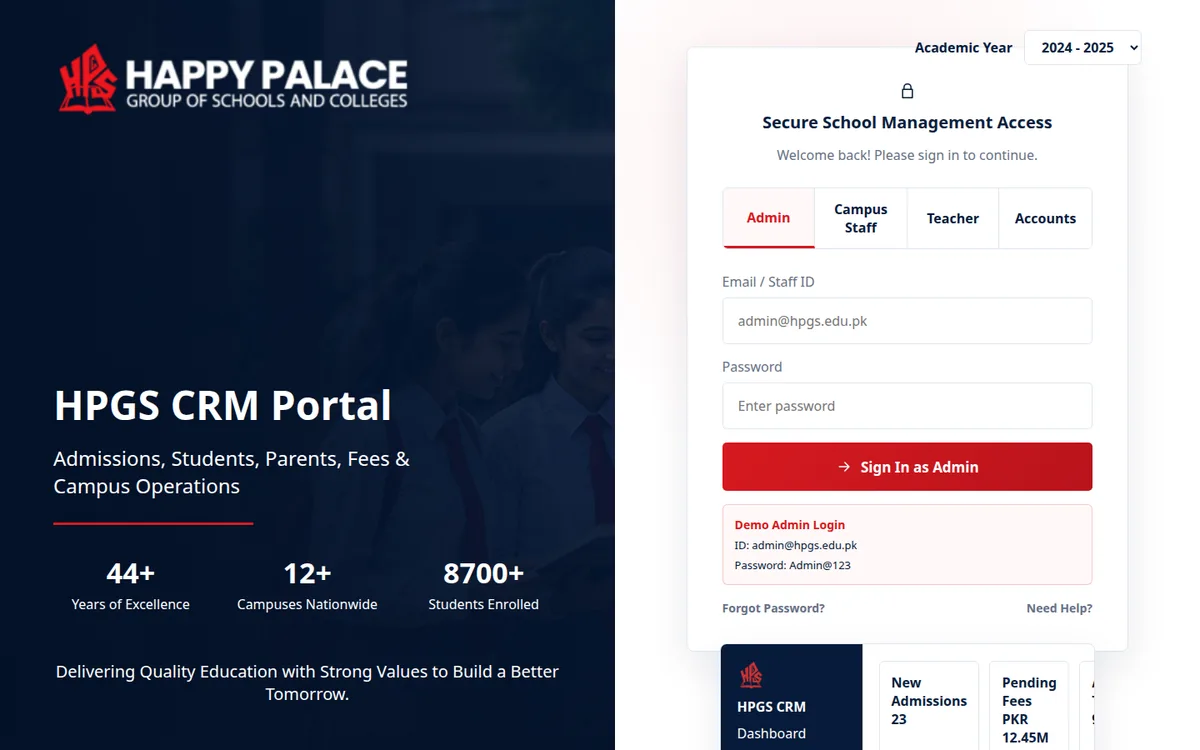
In the ERP software Operix builds, each person sees the screens their job needs, and discounts, write-offs and payments above a limit wait for approval. Our websites carry forms with spam protection. A system with many users in many places, like the school management CRM we built for Happy Palace School and its campuses, depends on the habits above as much as on the code. If you are planning a new system and want these points built in from the start, contact us.
Questions people ask
What is the biggest security risk for a small business?
Usually the ordinary ones: shared passwords, logins left active after someone leaves, and backups nobody has tested. All three are within an owner's power to fix this week.
How often should backups be taken?
Often enough that losing the work since the last copy would be bearable. For a busy system that means automatically, every day or more often. Restore one on a schedule to prove it works.
What is least privilege access?
It means each user can reach only the screens and data their job needs. A cashier bills, a storekeeper moves stock, and neither sees salaries or supplier payments.
Is online hosting safer than a server in our office?
Either can be safe or unsafe. What matters is who holds the admin login, whether backups leave the building, and whether updates are applied.
What should we do if a staff member's WhatsApp is taken over?
Warn customers and colleagues from another number straight away, and follow WhatsApp's own recovery steps to register the number again. Then turn on two-step verification for that account and every other company number.