In a small business everyone knows the password. The cashier can change a price, the salesman can see the profit on every item, and the storekeeper can adjust stock with no one the wiser. It runs on trust until the day it does not. Setting roles is not a sign that you suspect your staff. It protects them as well, because when a figure is wrong the record shows who entered what.
Access and permission are different things
Access is about which parts of the system a person can open at all. Permission is about what they may do once inside. A salesman needs access to customer balances, with permission only to view them. An accountant can add a receipt but perhaps not delete one. Most systems split permission into five actions: view, add, edit, delete and approve. Talking in those five makes the whole setup easier to agree.
Roles before individuals
A role is a named bundle of permissions: cashier, storekeeper, salesman, accountant. People are then placed in roles. When a new cashier joins, you assign the role and the job is done. When someone moves from stores to purchasing, you change one setting. The other way, ticking boxes person by person, starts tidy and ends with nobody able to say why one user can see the payroll.
Individual exceptions are sometimes needed: a senior salesman allowed a larger discount, a branch manager covering for the accountant during leave. Keep them few, give them an end date where you can, and note why each one exists.
Typical user roles and permissions
| Role | Can see | Can enter or change | Usually cannot |
|---|---|---|---|
| Cashier | Items, prices, sales of their own shift | Bills, receipts, returns within a limit | Change prices, see cost or profit, reopen a closed shift |
| Salesman | Own customers with balances and limits, stock available | Quotations and orders | See cost prices, exceed a credit limit, edit invoices |
| Storekeeper | Stock at their own godown, pending receipts and issues | Goods received, issues, transfers | See values and prices, adjust stock without approval |
| Purchase officer | Suppliers, purchase history, the reorder list | Purchase orders | Approve their own orders above a limit, release payments |
| Accountant | Ledgers, bank, tax reports | Receipts, payments, journals | Delete posted entries, change item or price lists |
| Branch manager | Everything at their own branch | Approvals within branch limits | See other branches unless allowed |
| Owner or director | Everything, at every branch | Final approvals and user roles | Nothing is blocked, but every action is still logged |
Your own list comes from asking, for each job, what the person needs in order to work and what would cause damage if done by mistake.
Design around what the person is trying to do
A common mistake is to copy the organisation chart into the system. Titles tell you little. Start from tasks instead: closing a shift, receiving a truck, booking an order on a route, chasing recoveries. For each task, list the screens it needs and nothing more. A salesman booking orders has to know whether the customer is over the credit limit, so that view belongs to the task even though customer ledgers belong to accounts.
Separating duties
A rule from manual bookkeeping still applies: the person who records should not be the person who approves, and neither should be the only one handling the cash or the goods. In practice it comes down to a few pairs.
- Whoever raises a purchase order does not approve it or release the payment.
- Whoever counts the stock does not post the adjustment.
- Whoever takes cash at the counter does not close the shift alone.
- Whoever creates a new supplier does not also pay that supplier.
A very small team cannot separate everything. Where one person must do both halves, have the owner read a daily report of those entries.
Approval limits
Approvals stop being a bottleneck once they have limits. A cashier may give a small discount alone; a larger one waits for the manager. A purchase officer may order up to a set value; beyond it the owner signs. The same goes for credit beyond a customer's limit, write-offs, stock adjustments and payments. Set the limits yourself, review them from time to time, and make sure an approval can be given from a phone. Otherwise staff will find a way around it whenever the approver is out.
The audit trail
An audit trail records who created, changed, cancelled or approved each entry, and when. Two rules make it useful. Every person has their own login, because a shared password makes the trail worthless. And posted entries are cancelled or reversed, never erased, so the original stays visible. Ask to see the trail in any demo: pick an invoice, change it, and look at what the system kept.
Remove a person's access on the day they leave, and go through the user list every few months. Old logins that still work are an open door.
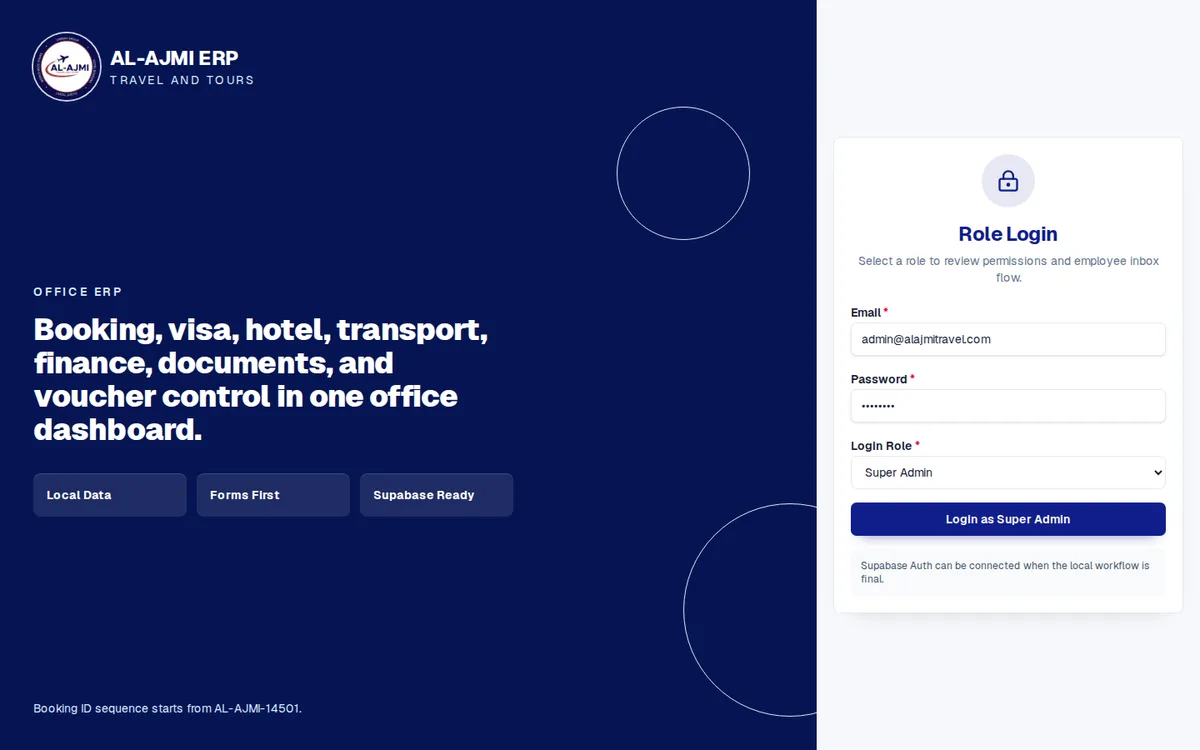
Roles are one part of keeping a system safe; the rest is in business software security basics. In Operix ERP software, each person sees the screens their job needs, and discounts, write-offs and payments above a limit wait for approval. At the counter, our POS system keeps discounts within limits you set. A system like the Al Ajmi Travels ERP, with bookings, visas, hotels, transport and finance in one dashboard, is exactly where each desk should see only its own part. For access across branches, read software for a multi-branch business, then book a demo and bring your staff list.
Questions people ask
What are user roles and permissions?
A role is a named set of permissions, such as cashier or accountant. Permissions define what that role can view, add, edit, delete or approve, and each user is given one or more roles.
What is the difference between access and permission?
Access is whether a user can open a screen or module at all. Permission is what they can do there, for example view a customer ledger without being able to change it.
What is segregation of duties in business software?
Splitting a sensitive task so that no single person can complete it alone, such as one person raising a payment and another approving it. A small team that cannot split a task should add a review by the owner.
What is an audit trail?
A record kept by the system of who created, edited, cancelled or approved each entry, and when. It depends on every user having a login of their own.
Should the owner have full access?
Yes, through a personal login like everyone else, so the owner's actions are logged too. Daily entry is better left to staff roles, with the owner's login kept for review and approval.