Automation does not start with software. It starts with seeing where your team spends hours copying the same numbers from one place to another.
Step 1: Map how work moves today
Follow one order from the first call to the payment. Note every sheet, register, WhatsApp group and person it passes through. The places where someone retypes data are your first candidates.
Step 2: Pick the costliest process
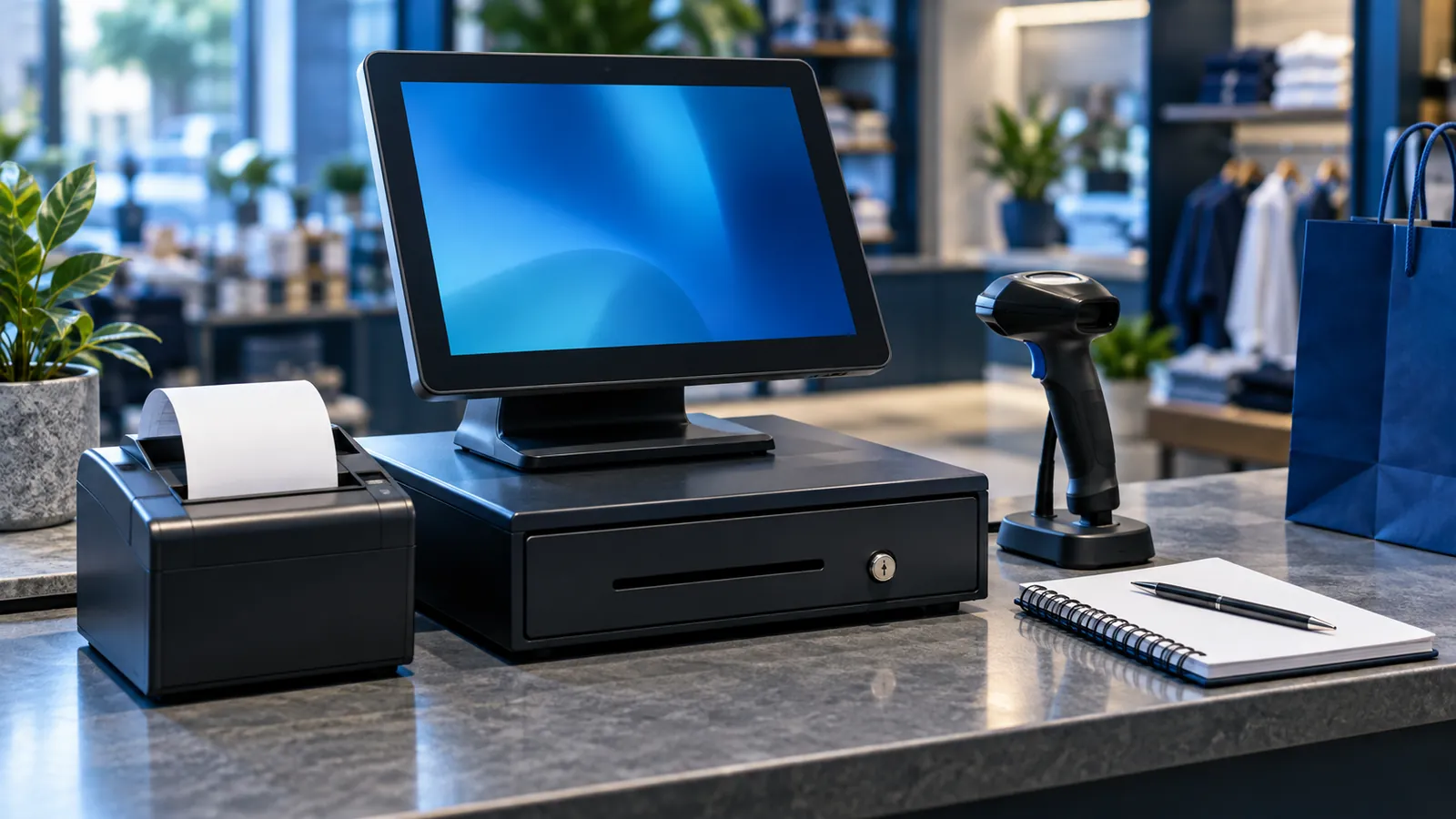
- Billing and stock at the counter: a POS system.
- Purchasing, inventory, accounts and deliveries: an ERP.
- Leads and follow-ups from WhatsApp, calls and the website: a CRM.
Do one first. Automating everything at once is the most common reason projects fail.
Step 3: Decide what the system must do
List the screens, approvals and reports you need, and who uses each one. Approve the screens before development starts; it is cheaper to change a drawing than working software.
Step 4: Move your data
Clean your item list, customers, suppliers and opening balances in Excel, then import them. Bad data moved into a new system stays bad.
Step 5: Train, launch and measure
Train each role on its own screens, run the old and new way side by side for a short time if needed, then switch. After a month, compare: hours spent, stock differences, late payments, missed leads.
Step 6: Automate the next process
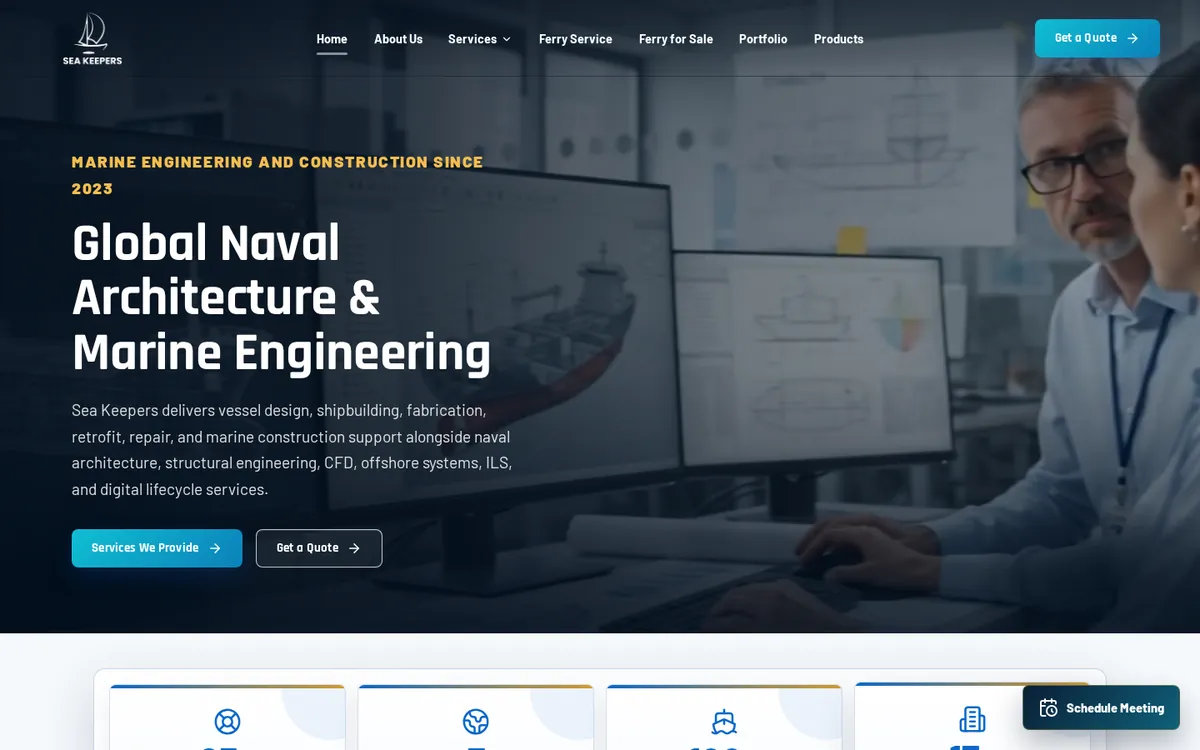
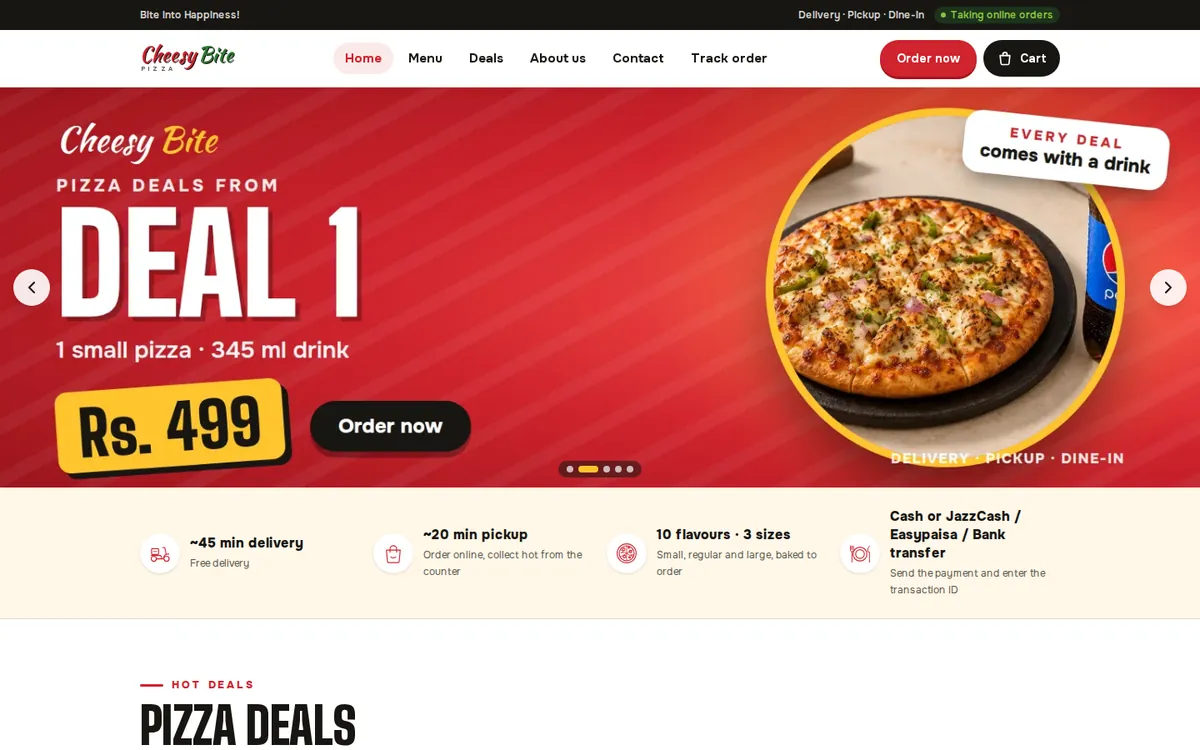
Once the first system is trusted, connect the next one to it. Cheesy Bite runs online orders, the kitchen and the counter on one system; Siratim runs its website and ERP together.
For costs, read ERP software cost in Pakistan. For where AI fits once your data is in one place, see AI automation for Dubai businesses. When you're ready, book a demo with your own process.