
The search 'Odoo standard vs custom' hides two questions. The first is whether to use Odoo at all or have an ERP built; Odoo vs custom ERP answers it. The second is the one this guide answers: you have Odoo, or are about to, and need to decide how much of it stays standard and how much gets changed. The second decision is where most of the money goes over the following years, and it is rarely made on purpose.
What counts as standard
Standard Odoo is the set of applications Odoo writes, tests and migrates itself: sales, purchase, inventory, accounting, invoicing, CRM, manufacturing, HR, project, helpdesk, website, e-commerce and point of sale, plus country packages for the chart of accounts and taxes. Community is the open-source core. Enterprise adds applications such as Studio and the full accounting reports and is priced per user. Standard also means Odoo's way of working: one order flow, one approval model, one set of document layouts. Every part of your system that stays inside that set moves to the next version without you paying for it.
The ladder of customisation
| Step | Example | At the next version |
|---|---|---|
| Configuration | Roles, sequences, approval rules, email and report templates, fields added with the standard tools | Carried forward |
| Studio | New fields, views and simple automations made without code (Enterprise) | Mostly carried forward; automations need a check |
| Custom modules | Code written for you: new models, logic, screens, integrations | Migrated and re-tested by a developer, every year |
| Core edits | Changes inside Odoo's own modules | Upgrade blocked until the edit is redone |
A cheap Odoo project and an expensive one usually differ in the bottom two rows. A good implementer spends the first weeks on the top two, because many requests that arrive as 'we need this customised' are a setting nobody had found or a report layout that Studio can produce.
Where staying standard is right
- Accounting and tax: the country package is maintained for you, and a customised ledger is a liability at audit time.
- Sales, purchase and basic stock in a company that can live with the normal quotation-order-delivery-invoice flow.
- HR records, leave and expenses, which are rarely where a business is different from its competitors.
- Anything requested because a screen is unfamiliar rather than wrong; three months of use settles most of those.
Where a custom module is right
- Documents your customers rely on that Odoo's templates cannot produce: a Pakistani sales tax invoice in your own layout, a challan with your fields, a quotation with options.
- Pricing rules the price list cannot express: tiers by customer group and season, scheme discounts for salesmen, prices derived from a formula.
- Links to a bank, a courier, a marketplace, FBR's systems or a machine on the floor.
- The workflow that is the business: a chandler's enquiry with hundreds of lines, a travel agency's vouchers and visas, batch traceability in a food plant.
- Reports the bank, the auditor or the parent company want in a fixed format.
One test decides most requests. Write the requirement in one sentence. If it describes how the company works, customise. If it describes how a manager would prefer the screen to look, configure, or wait.
Hosting decides what is even possible
Odoo Online, the hosted edition, runs standard applications and Studio changes and nothing else; custom modules cannot be installed there. Odoo.sh and your own server allow custom modules and make you responsible for the platform. So the hosting decision has to be made with the customisation plan in hand. A company that expects to need modules and signs up for Odoo Online discovers the limit in month three, when the first real requirement arrives.
The upgrade tax
Odoo releases a major version every year. Standard modules go with it. Each custom module has to be migrated, re-tested and sometimes rewritten against the new models, and the work is quoted per module. Businesses that customised freely in year one are often two or three versions behind by year four, on an unsupported release, because the migration quote is bigger than the original build was. The number of modules matters more than their size. Software costs after launch covers the same pattern for any system.
The sign you have gone too far
When a company pays Odoo licences, Odoo upgrade costs and a developer for custom modules at the same time, and uses only a few of the standard applications, it is paying three times for one system. The usual signs are a double-digit count of custom modules, core workflows replaced rather than extended, and an upgrade that keeps being postponed. At that point a custom ERP built around the actual process, which imports the data from Odoo and keeps a standard accounting package, is often cheaper over five years and easier to change. Custom ERP vs off-the-shelf sets out that comparison.
Write the process first
How orders, stock, purchasing and money move today, on paper, before choosing modules. Most of it fits standard once it is written.
Exhaust configuration and Studio
Settings, roles, templates and Studio before any code. Keep a list of what was configured and why.
Give every module a one-line reason
A business justification per custom module, so the next upgrade can ask whether it is still needed.
Extend, never edit
Custom code sits beside Odoo's modules and extends them; nobody edits the core.
Price the next upgrade now
Before approving a module, ask for the cost of migrating it to the next version. If nobody can say, that is the answer.
What Operix builds, and when we point you back to Odoo
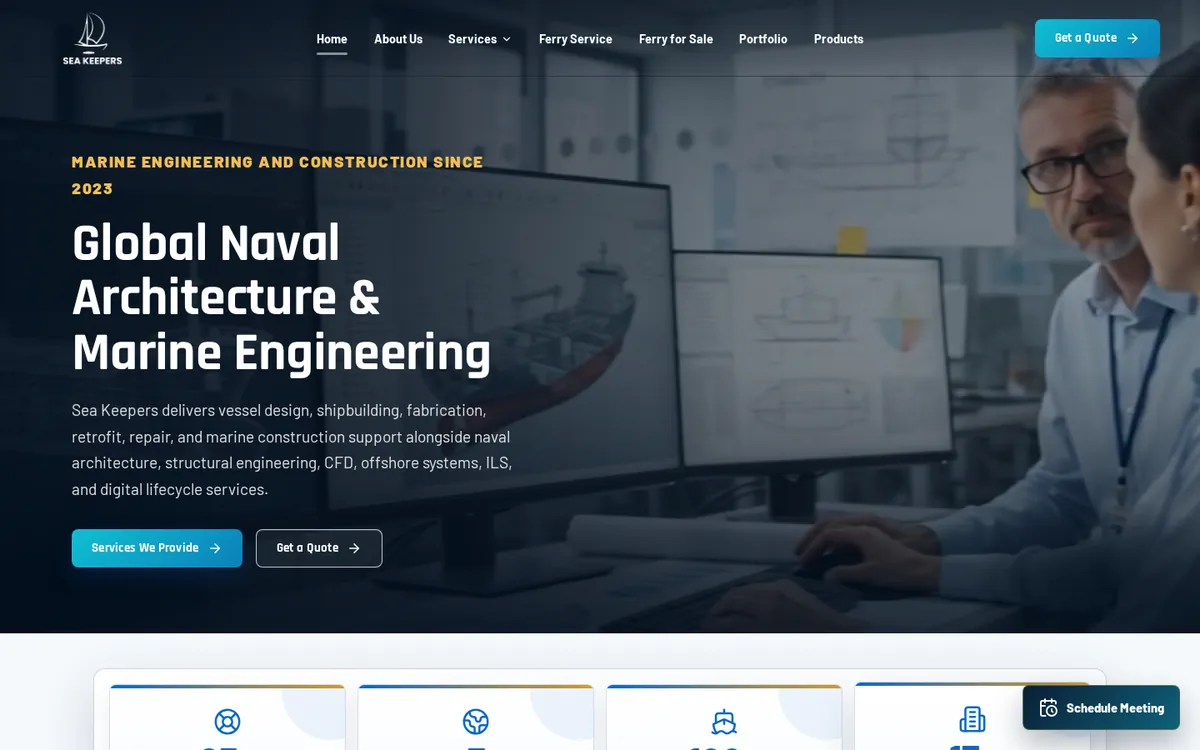
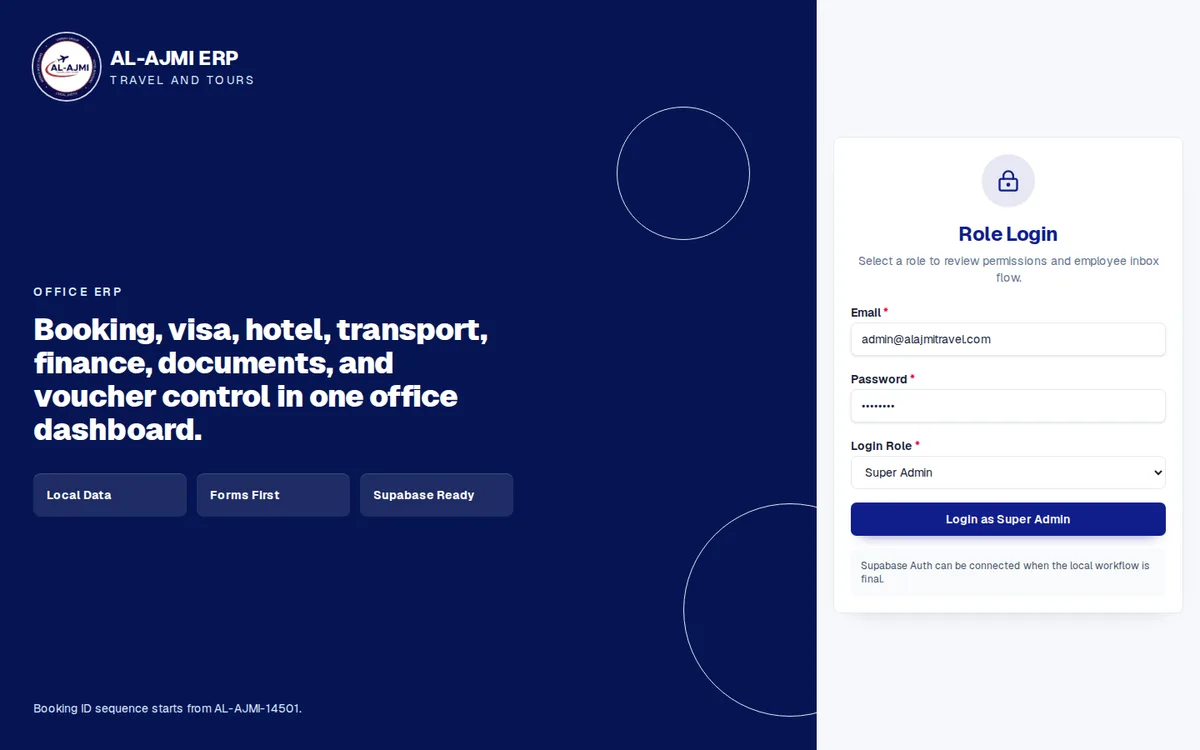
Operix builds custom ERP and CRM systems from Karachi; the Sea Keepers ERP and the Al Ajmi Travels ERP are two examples where the workflow was the business. We also tell companies when standard Odoo plus configuration is the right answer, because a custom system for a textbook process costs more and delivers nothing extra. Send us how your company works and we will say which parts belong in standard Odoo, which need a module, and which would be better built.
Choosing between customising Odoo and the alternatives? Odoo customisation vs alternatives: how do I choose? scores the four options against five questions.
Questions people ask
Is Odoo Community enough for a small business in Pakistan?
Often, yes, for sales, purchase, stock, CRM and accounting with the Pakistan chart of accounts. Enterprise adds Studio, the full accounting reports and support, priced per user. List the applications you will actually use before choosing an edition.
Can we add custom modules on Odoo Online?
No. Odoo Online runs standard applications and Studio changes only. Custom modules need Odoo.sh or your own server.
How much does it cost to customise Odoo?
Configuration is part of a normal implementation. Studio changes are measured in hours. Custom modules are quoted per module, and the honest quote includes the cost of migrating each one to the next version.
If we customise Odoo heavily, is it still Odoo?
Legally yes; practically it becomes a custom system that happens to depend on Odoo's upgrade cycle. That is the point at which a purpose-built system is worth comparing on five-year cost.