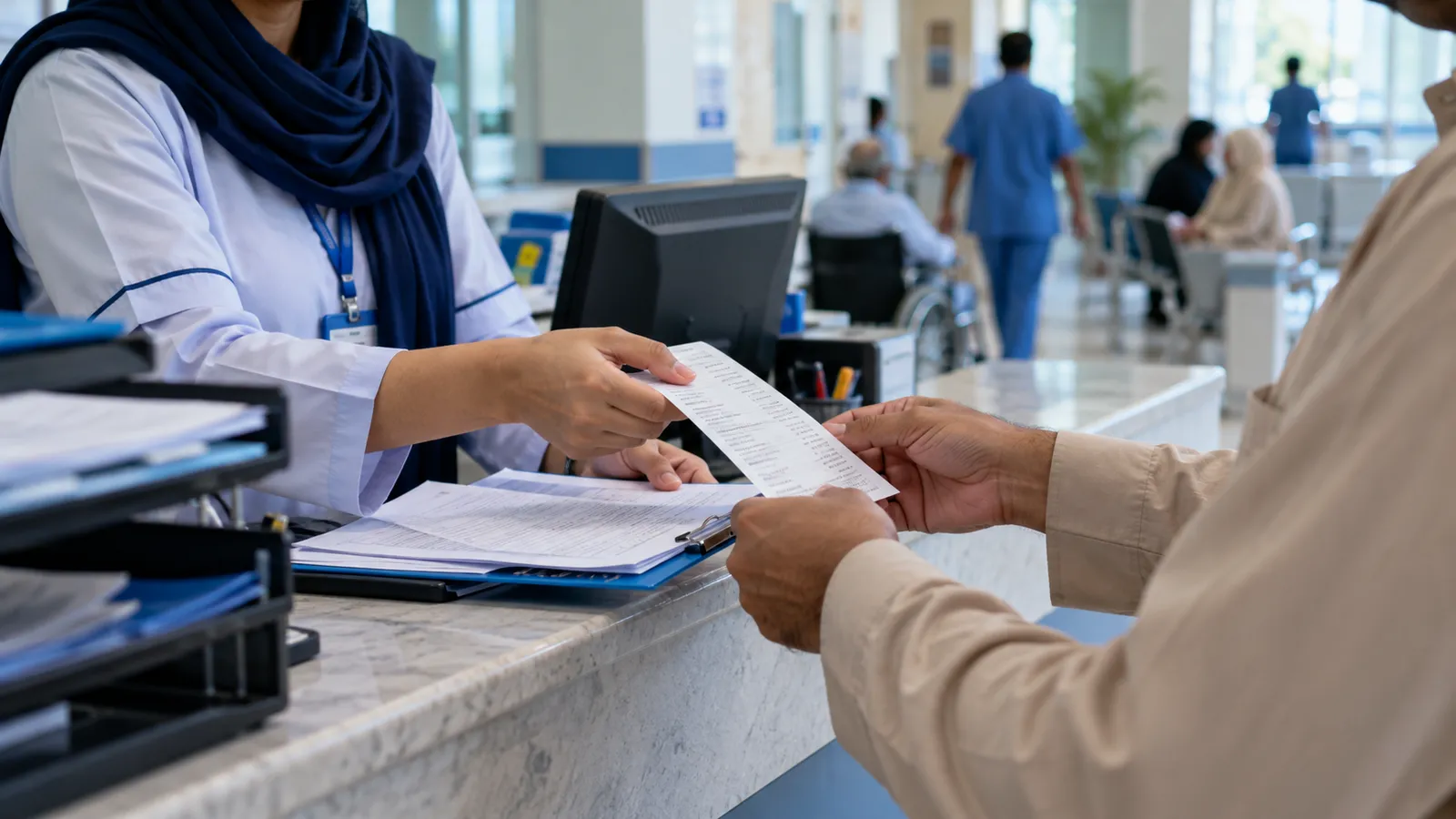
If you run a private hospital in Karachi, Lahore, Multan or Peshawar, your day probably starts with a queue at the OPD counter and ends with an argument at the discharge desk about a bill nobody can fully explain. The consultant's fee is on one register, the lab has its own software, the pharmacy keeps a separate stock book, and the panel company wants a claim with every slip attached. Hospital management software is meant to put all of that on one patient number.
The patient journey the software must follow
- Registration with an MR number, CNIC or phone number, so a returning patient is found in seconds.
- OPD token and consultant schedule, with the consultation fee charged at the counter.
- Orders from the doctor: lab tests, X-ray or ultrasound, medicines.
- Admission to a ward or room for IPD, with a deposit recorded.
- Daily charges: room, nursing, procedures, consumables and medicines issued to the bed.
- Discharge with one itemised bill, settled by the patient, the panel company or both.
Each step adds lines to the same account. When the patient is discharged, nobody should need to phone the pharmacy to ask what was issued to bed 12.
Billing, panels and corporate patients
Many hospitals in Pakistan treat employees of companies, banks and factories on a panel. Those patients pay little or nothing at the counter; the hospital bills the company at month end at an agreed rate list. The system therefore needs one rate list for cash patients and one per panel, an approval step when a panel patient needs something outside the agreed list, and a monthly claim per company with every invoice behind it. Recoveries from panels are the hospital's udhaar, and they deserve an ageing report like any other receivable.
| Point | Cash patient | Panel or corporate patient |
|---|---|---|
| Rates | Hospital's standard rate list | The company's agreed rate list |
| At the counter | Pays in full, cash, card or transfer | Shows employee card; pays any share not covered |
| Approvals | None | Items outside the agreement need the company's approval |
| At month end | Nothing pending | Claim per company with invoices attached |
| Follow-up | Refunds and deposits only | Recovery and ageing until the company pays |
Pharmacy and lab inside the hospital
A hospital pharmacy sells to walk-in customers and issues to wards at the same time. It needs batch and expiry tracking, returns from wards when a patient is discharged, and stock per store. We cover that side in detail in pharmacy software with batch and expiry and on our pharmacy industry page. The lab needs sample numbers, result entry with normal ranges, and a printed or WhatsApp report; if your lab also serves outside patients, read our guide to diagnostic lab software.
What the software should not do
Clinical decisions belong to doctors, and medical rules belong to the regulators and your own medical committee. Good hospital software records what was ordered, given and charged, and shows who did it. It should not pretend to diagnose, and it should not replace your clinical protocols. Patient records are sensitive, so access should be by role: the billing clerk sees charges, not case notes. Our page on roles and permissions explains how to set that up.
Load shedding, branches and reports
Counters must keep working when the internet drops, and sync when it returns. If you have a second campus or collection points, each one should see its own patients while management sees the totals, as described in multi-branch business software. Owners usually want a short set of reports: daily cash by counter, OPD per consultant, admissions and bed occupancy, pharmacy margin, and panel recoveries outstanding.
Collect every rate list
Gather the cash rate list and each panel company's agreed rates in one place, with the date they were last changed.
Trace three real patients
Pick an OPD visit, a short admission and a panel case, and write down every slip and counter they passed.
Name the people
List who registers, who bills, who issues medicines and who approves discounts, by shift.
Decide what moves over
Choose which patient history and pharmacy stock come into the new system and which stay in the old registers.
Go live at one counter
Start with OPD billing, then add IPD, pharmacy and lab once staff are comfortable.
Working with Operix
Operix Systems is a Karachi software company. We build ERP software in Pakistan around the way your counters already work: every screen is shown to you before it is built, releases come weekly on your own data, and training happens on the live system in Urdu or English. Hospitals in Karachi get on-site visits; other cities are served online. If your billing desk is where the trouble is, book a demo and bring a real discharge bill.
Questions people ask
Does the software handle both OPD and IPD?
Yes. OPD visits and IPD admissions sit on the same patient number, so lab tests, medicines and room charges collect on one account. The discharge bill is built from those lines rather than typed again.
Can panel companies have different rates?
Yes. Each panel or corporate client gets its own rate list, and the system prepares a monthly claim per company. Outstanding claims show in an ageing report until they are paid.
Will it help with medical regulations?
The software keeps records and an audit trail, but it does not make clinical or regulatory decisions. Those stay with your doctors, your medical committee and the relevant authorities.
What does hospital software cost?
It depends on the modules, counters, users and branches you need. We give a written quote after a discovery call, with payment in milestones.