
POS app · small shops
POS and khata app for small shops in Pakistan
Operix sets up a POS and khata app for kiryana stores, medical stores and other small shops in Pakistan. The shopkeeper bills from an Android phone, scans barcodes with its camera, keeps each customer's udhaar, and sees stock and expiry dates, without buying a computer. Bills go to a small printer or to the customer's WhatsApp.
What it does
Billing, khata and stock on one phone
The three records a small shop keeps in three places, kept together and kept right.
Bill from the phone
Pick the items or scan them, take cash or put the sale on the customer's account, and the bill is ready in seconds.
Scan with the camera
The phone's camera reads the barcode, so a shop can start without buying a scanner.
Khata for every customer
Udhaar given, payments received and the balance today, for each customer and each supplier.
Stock that counts itself
Every sale takes stock down. Low-stock and out-of-stock lists tell you what to order.
Expiry dates
Items close to expiry appear on a list, so medicines and food can be returned or sold in time.
Bill on WhatsApp or paper
Send the bill to the customer's WhatsApp, or print it on a small Bluetooth thermal printer.
Sales, expenses and profit
Today's sales, the month's expenses and what the shop earned, on one screen.
Works when the internet drops
Billing carries on through a cut and the records sync when the connection returns.
Your records, kept safe
Everything is saved under your own login, so a lost or broken phone does not take the khata with it.
Who it is for
Kiryana stores, medical stores and small shops
Kiryana and general stores
Loose items sold by weight, fast-moving stock, and regular customers who settle at the start of the month.
Kiryana store software guide →Medical stores
An expiry date on every medicine, a near-expiry list for returns to the distributor, and strips sold loose.
Pharmacy software →Other small shops
Mobile accessories, cosmetics, bakeries, hardware, stationery: any shop with a counter, a shelf and a khata.
Retail software →
How it starts
From a WhatsApp message to your first bill
On site in Karachi, online in every other city.
Message us on WhatsApp
Tell us what kind of shop you run and roughly how many items you sell.
We load your items
From your own list, a distributor's invoice, or by scanning the shelf with you.
Try it on your own shop
A demo with your items and a few of your customers' balances, before you decide.
Training
At your shop in Karachi, or on a video call in other cities, in Urdu or English.
Support
The same WhatsApp number for questions, fixes and new requests.
When the shop grows
The same records move up with you
A second counter, a computer with a scanner, or a new branch needs more than a phone. The items, customers and balances carry over to our POS system for busy counters, and to ERP software when purchasing and accounts need their own screens. In Karachi we install at the counter: see POS software in Karachi.
References
Read before you choose
Blog · 1 October 2026 · 6 min
Kiryana store software: billing, khata and stock on a phone
What kiryana store software has to do: fast billing, udhaar per customer, loose items by weight, stock and supplier dues, and how a small shop starts.
Read →Blog · 1 October 2026 · 6 min
Pharmacy software in Pakistan: batch, expiry and billing
What pharmacy software in Pakistan must handle: batch and expiry on every purchase, near-expiry returns to distributors, substitutes and a fast counter.
Read →Blog · 1 October 2026 · 6 min
POS vs ERP: which does a growing shop need first?
POS vs ERP for a growing shop: what each one does, which to buy first, a side-by-side table and how the two connect when you add branches.
Read →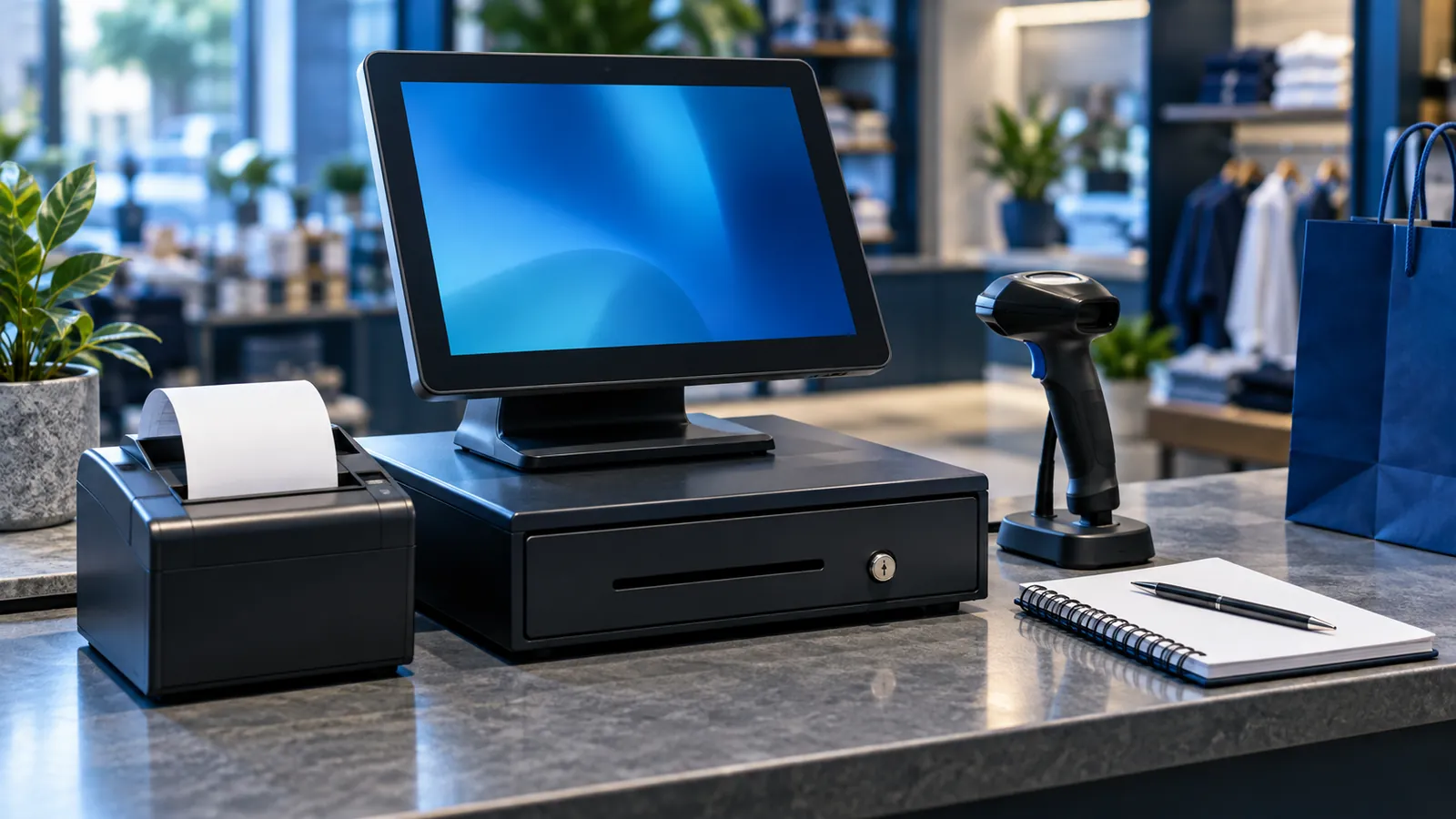
Blog · 29 September 2026 · 5 min
POS system price in Pakistan: what you actually pay for
What decides the price of a POS system in Pakistan: counters, branches, hardware, restaurant features, FBR integration and support, and how to compare quotes.
Read →Blog · 1 October 2026 · 6 min
Inventory management software: stock figures you can trust
How inventory management software keeps stock right: a document for every movement, godown locations, unit conversions, cycle counts and stock in transit.
Read →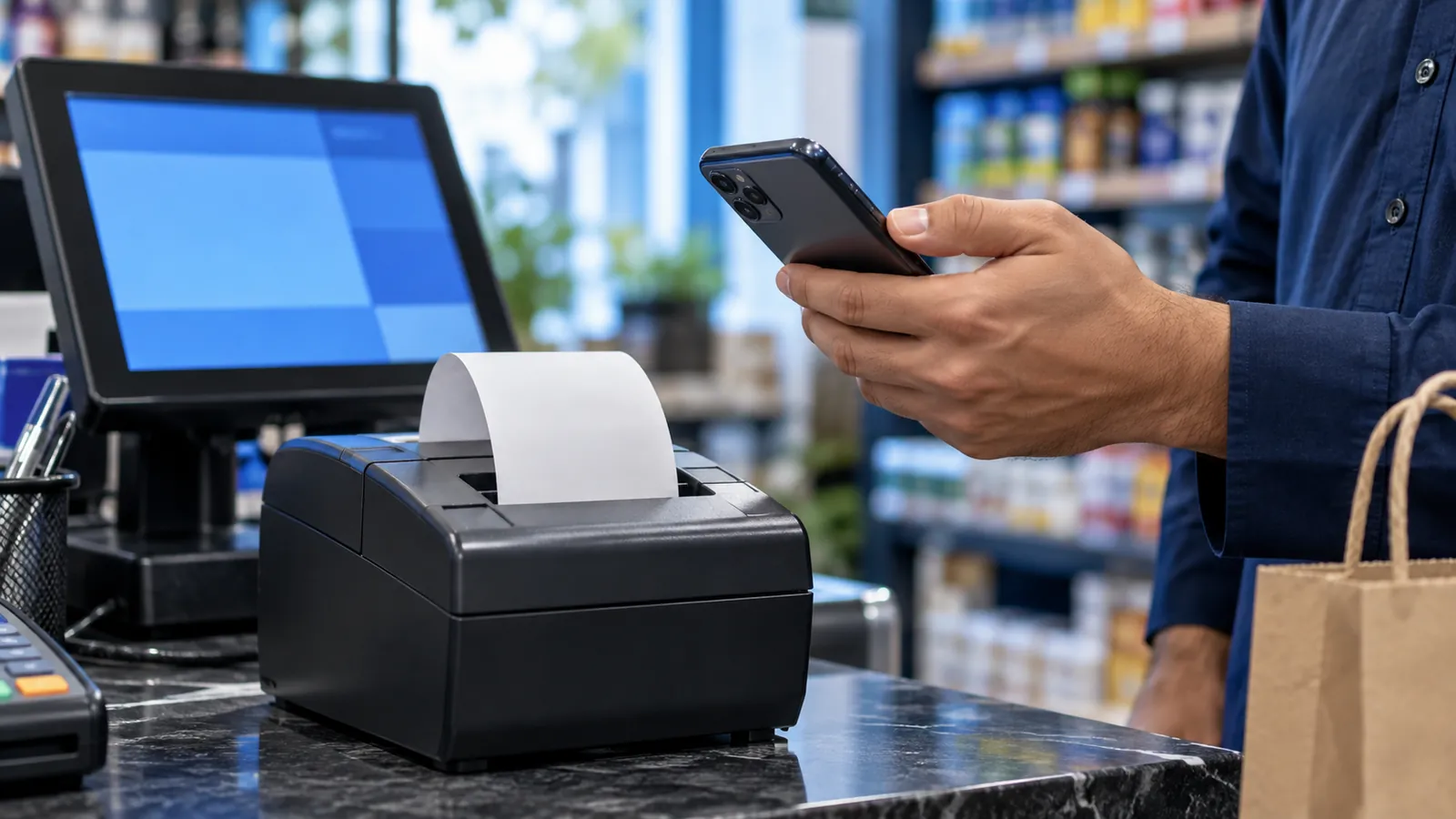
Blog · 29 September 2026 · 4 min
FBR-integrated POS: who needs it and how it works
A plain guide to FBR POS integration in Pakistan: which retailers it applies to, what changes on the receipt, and what to ask your POS vendor.
Read →
Questions
What shopkeepers ask
What do I need to start?
An Android phone. A Bluetooth thermal printer and a barcode scanner can be added later if the counter gets busy.
Does the app work without internet?
Billing carries on when the connection drops, and the sales sync when it is back.
Is it suitable for a medical store?
Yes. Medicines carry an expiry date and near-expiry items are listed in time for returns. A busy pharmacy that needs full batch tracking is better served by our counter POS for pharmacies.
How is udhaar recorded?
Each credit sale and each payment is saved against the customer, so the balance is always current and can be sent to the customer on WhatsApp.
What happens if my phone is lost?
Your records are saved under your login, not only on the phone. Sign in on another phone and the khata, stock and sales are there.
Does it connect to FBR?
If your shop is required to integrate its POS with FBR, tell us when you ask for a quote and we plan it into the setup. Confirm with your tax adviser whether it applies to you.
How much does the app cost?
It depends on the size of the shop and the setup you need. We don't publish prices; message us on WhatsApp for a written quote.
See it on your own shop's items.
Message us on WhatsApp and we'll set up a demo with your products and a few customer balances. We don't publish prices: every quote starts with a conversation.