Ask three vendors for a POS price and you will get three numbers that can't be compared, because each one quietly includes different things. Here is what actually moves the price, so you can line quotes up side by side.
1. Counters and branches
One counter in one shop is the simplest setup. Each extra counter needs its own login and closing, and each branch needs its own stock and a way for head office to see it. Multi-branch is where cheap POS software usually breaks, so ask to see a branch report in the demo.
2. Hardware
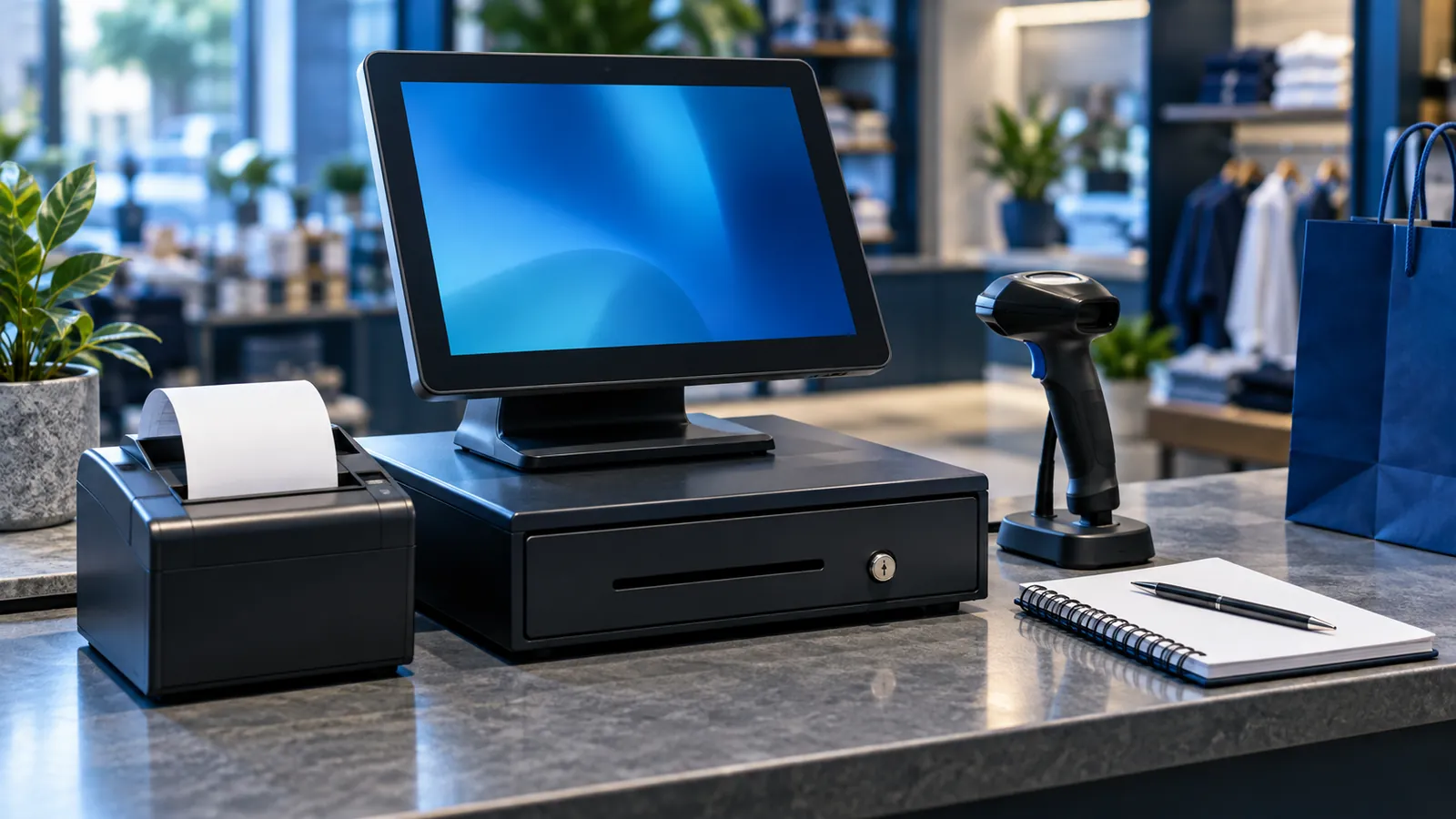
- A computer, tablet or all-in-one POS terminal
- A thermal receipt printer
- A barcode scanner for retail
- A cash drawer
- Kitchen printers for restaurants
Many businesses already own some of this. A good vendor checks what you have before telling you to buy anything.
3. Restaurant or retail features
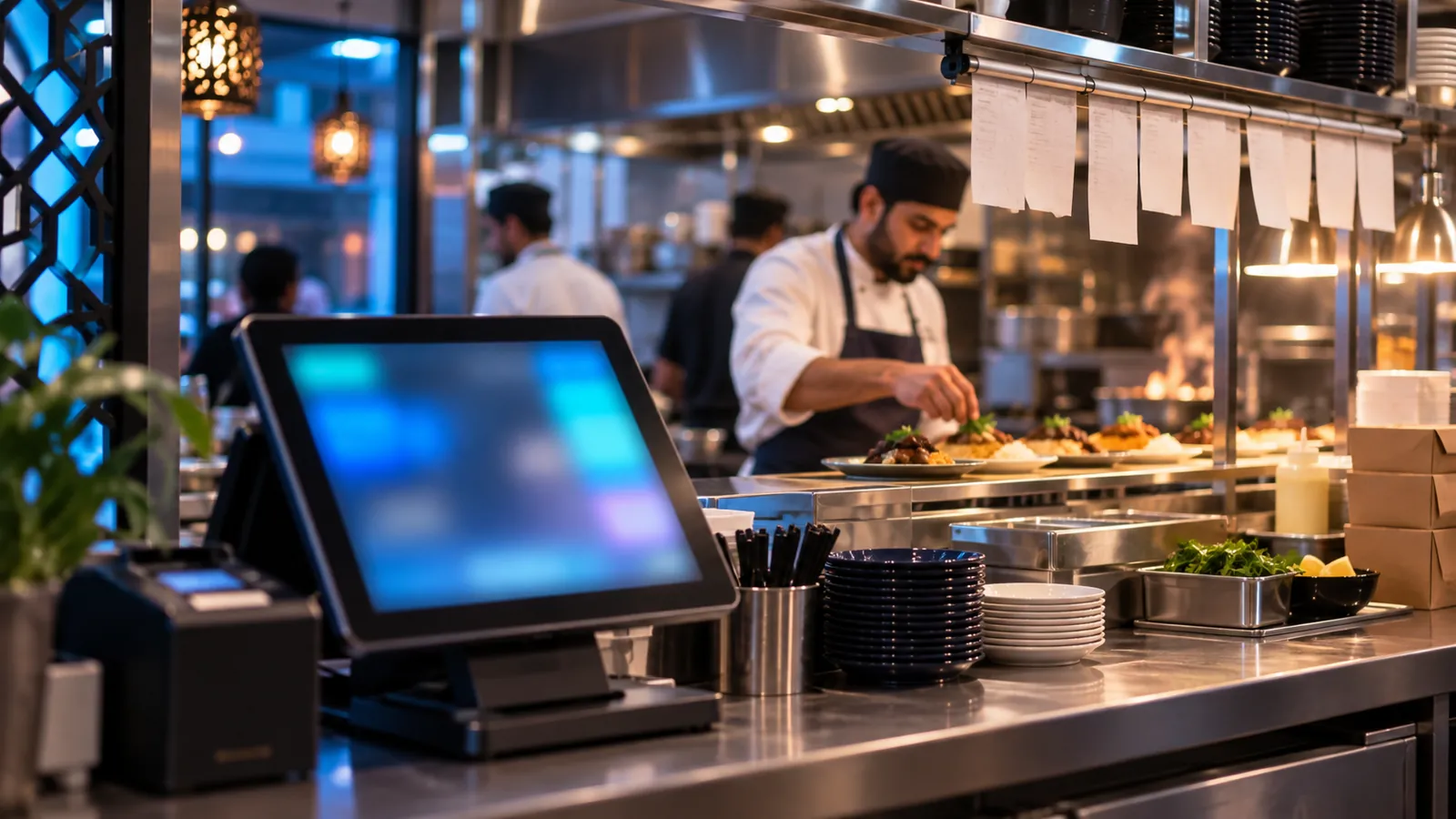
Restaurants need tables, kitchen tickets, delivery and recipes that deduct ingredients; shops need barcodes, returns and exchanges. Our restaurant POS checklist lists what to look for.
4. FBR integration
If your business is required to connect its POS to FBR, the integration is part of the project, not an add-on at the end. Here is how FBR POS integration works.
5. Support and updates
A POS that stops on a Saturday night costs more than any licence. Ask who you call, how fast they answer, and whether updates are included.
One-time or monthly?
Some vendors charge once, some monthly per counter. Monthly looks cheaper at first; over three years it often isn't. Work out the three-year total for each quote.
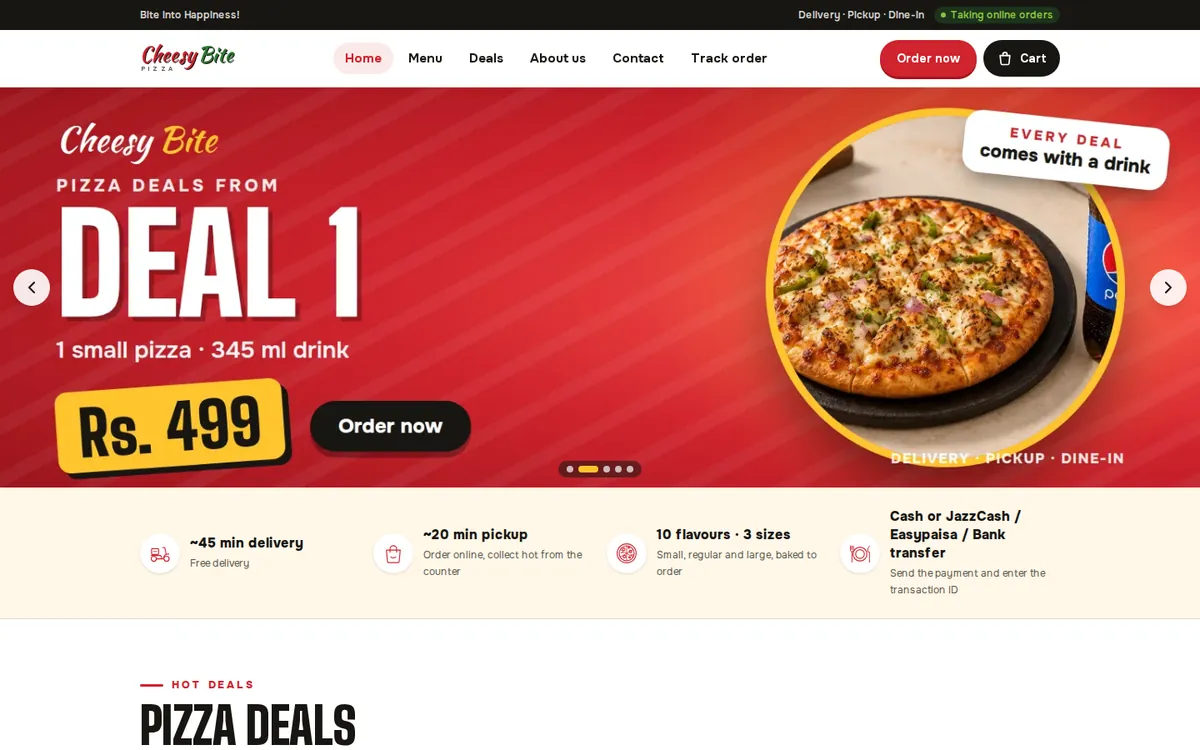
Operix POS systems are quoted on exactly these points, and in Karachi we install on site. See it running for a restaurant at Cheesy Bite, or ask for a written quote.