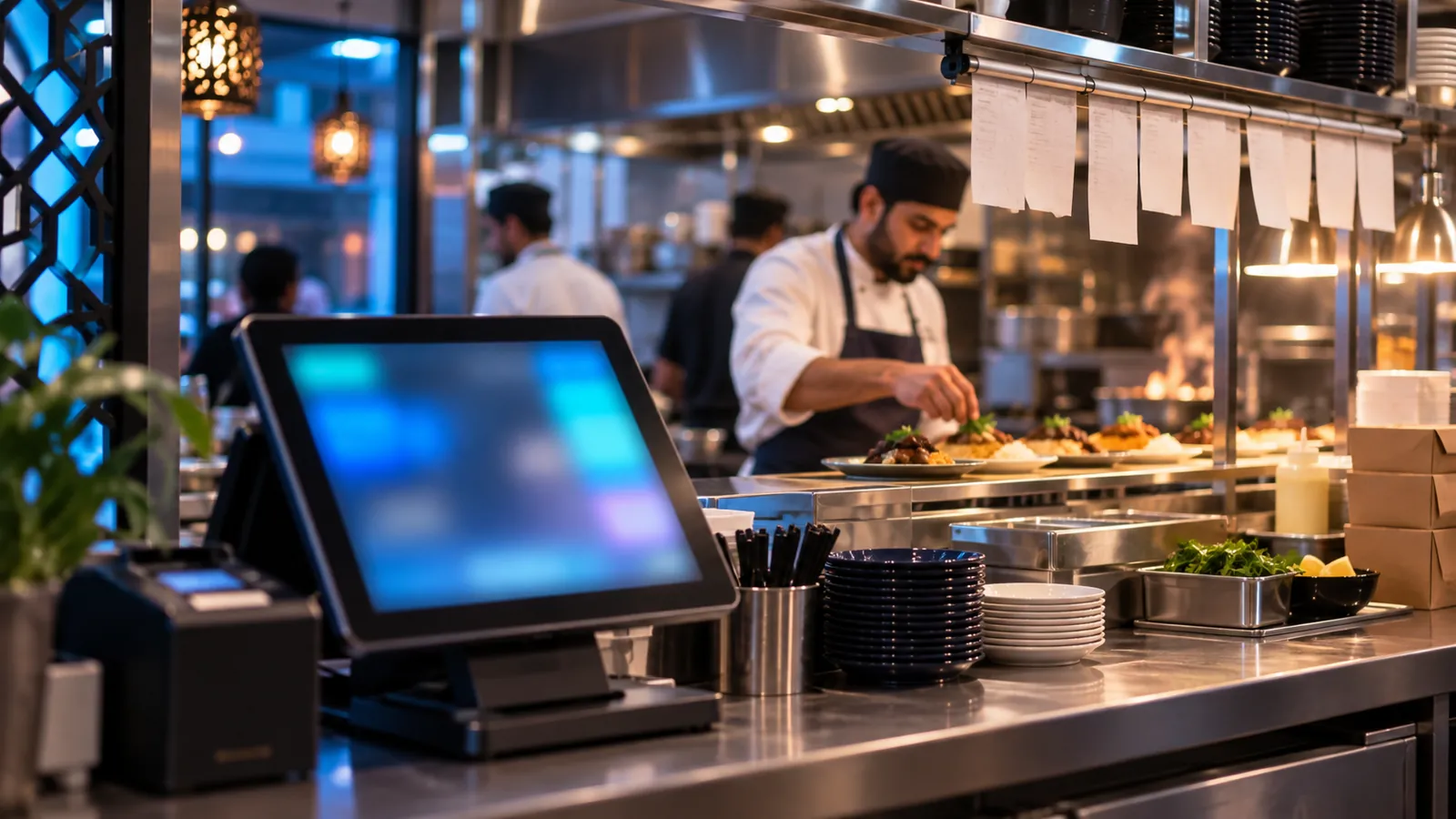
A restaurant's billing counter is busier and messier than a shop's. Orders change after they are placed, the kitchen needs to know what to cook, delivery riders are waiting, and the cash drawer has to match at the end of the night. Here is what to check before you choose a POS. Compare the features alongside POS pricing factors in Pakistan so hardware and support are included in your budget.
The checklist
- Dine-in, takeaway and delivery on one screen, with table numbers for dine-in.
- Kitchen tickets that print by station: grill, pizza, drinks.
- Changes and cancellations that reach the kitchen and are recorded, not deleted.
- Stock deducted by recipe, so selling a pizza reduces cheese, dough and sauce.
- Shift closing: opening float, cash, card and wallet payments, and the expected amount in the drawer.
- Billing that continues when the internet drops, and syncs when it is back.
- Online orders from your own website arriving in the same place as counter orders.
Why online orders belong in the POS
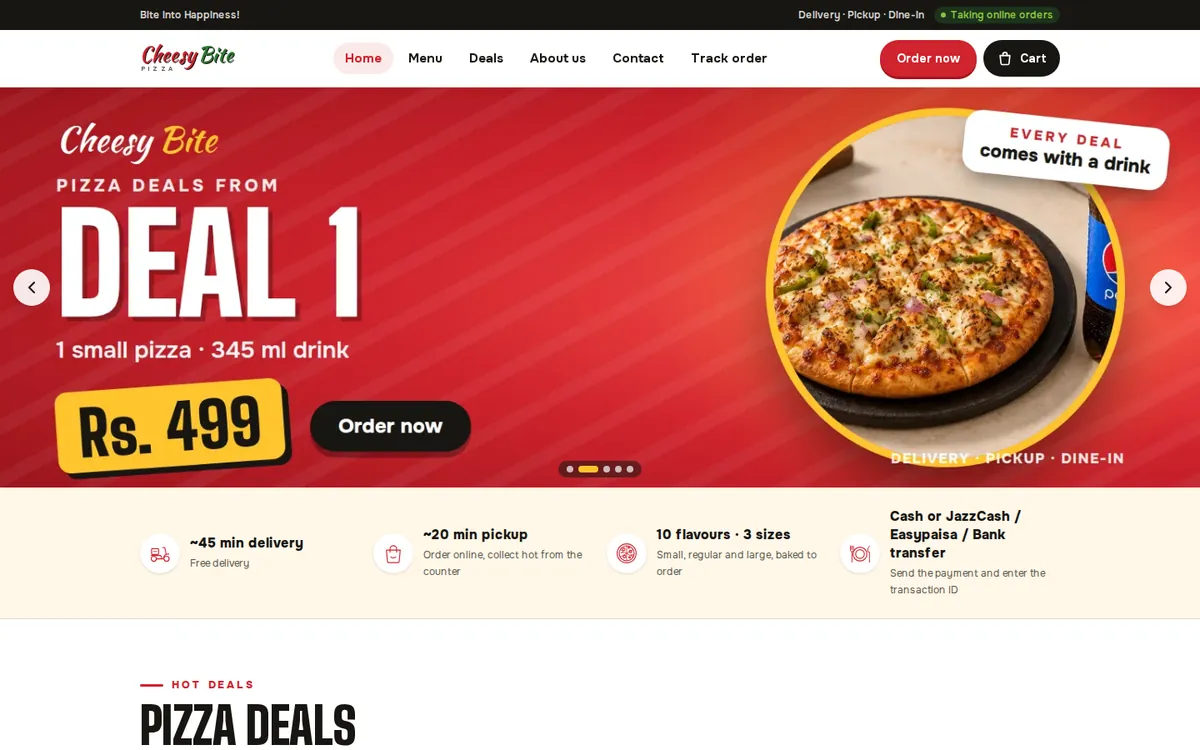
When orders from a website or WhatsApp are written down by hand, they are the ones that get lost on a busy Friday night. At Cheesy Bite, website orders and counter sales land on the same staff dashboard, so the kitchen works from one list.
Questions to ask any POS vendor
- Can I see the closing report for one shift, with cash and card separated?
- What happens to billing if the internet goes down for an hour?
- Can head office see every branch live?
- Does it post daily sales into my accounts, or will someone re-type them?
Operix POS systems are built around these points, and connect to our ERP when you are ready for accounts and purchasing. For the bigger picture, read seven signs you have outgrown Excel, or book a demo.