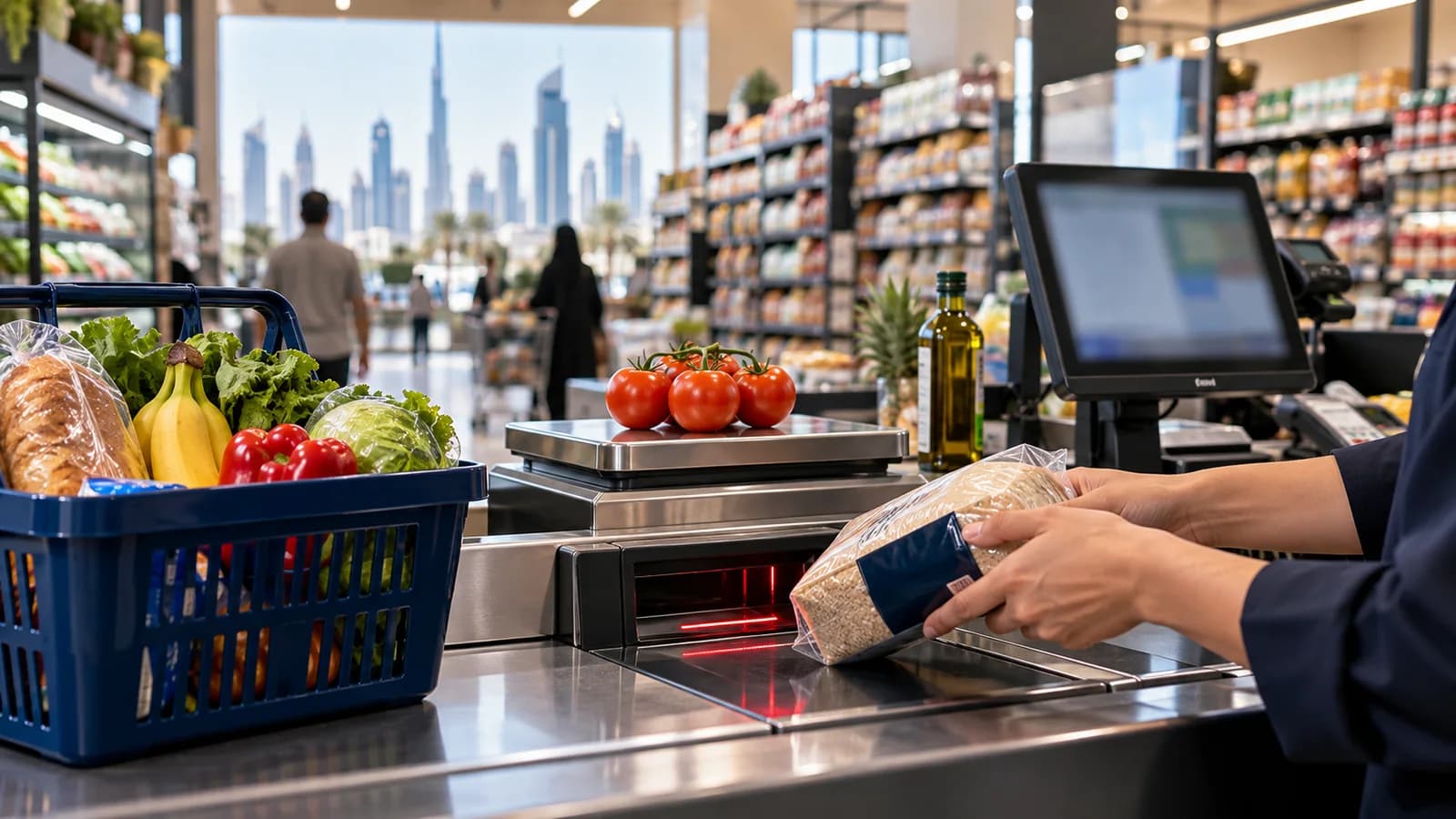
A grocery in Al Nahda at seven in the evening has a queue at each lane, a rider waiting for two delivery orders, a supplier at the back door with an invoice, and a cashier asking the price of an item with no barcode. A supermarket POS is the thing that keeps all four moving at once. Many of the systems sold to minimarts in Dubai are general shop tills, and they are fine until the shop is busy. This is what to look for.
Speed at the lane
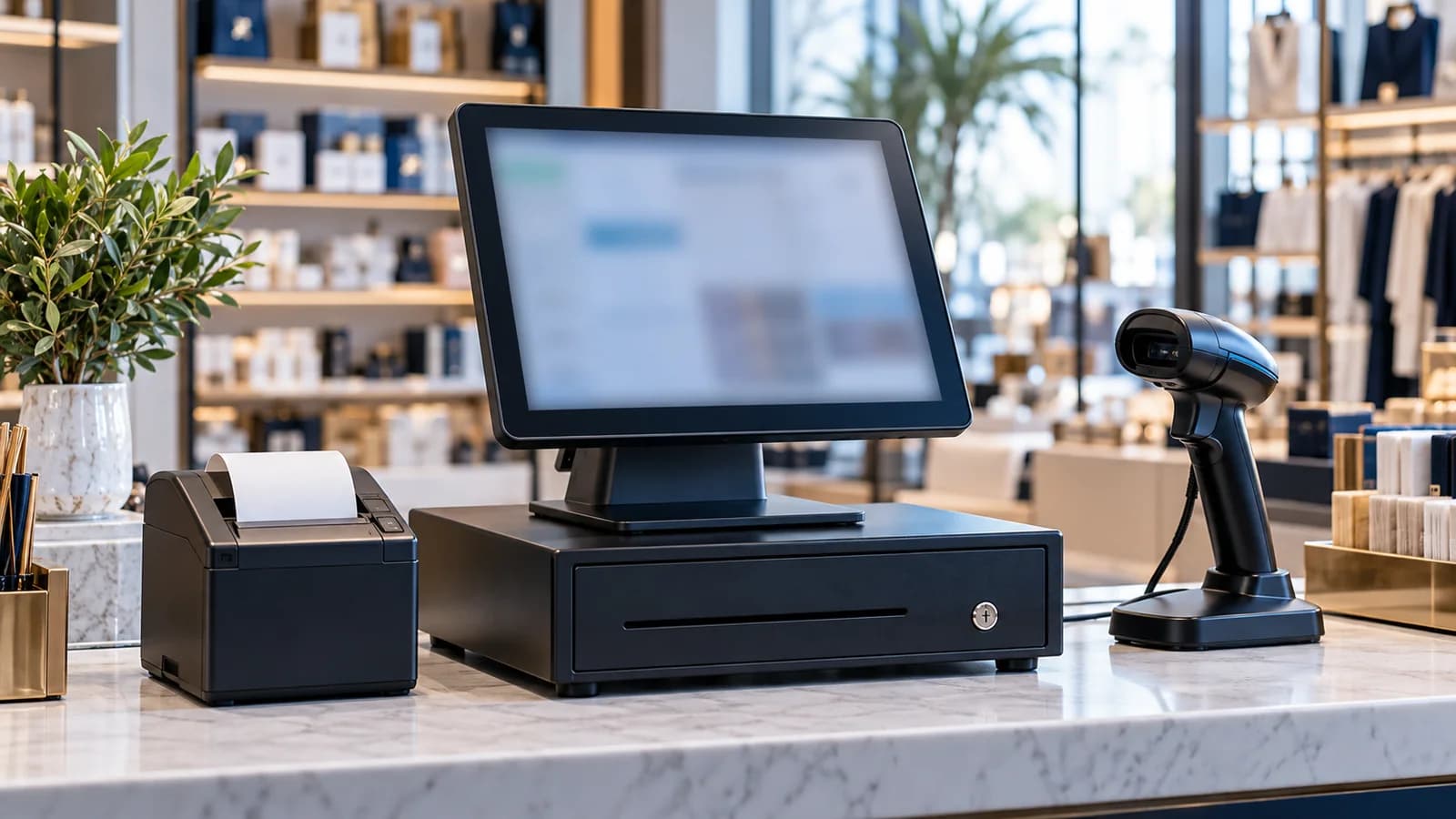
A supermarket till should take a scan and be ready for the next one without the cashier touching the screen. Items without barcodes, such as loose vegetables or bakery goods, need large picture buttons or short codes. A customer who forgot something should be able to step aside while the bill is held and the next customer is served. Every lane works on the same item list, so a price changed in the back office is the same on every till a moment later.
Weighed items and scale labels
Fruit, vegetables, meat, cheese and nuts are sold by weight. The usual arrangement is a scale at the counter that prints a label with a barcode holding the item and its weight or price. The POS has to understand that barcode, or the cashier ends up typing prices from the label by hand. Bring a printed label from your own scale to the demo and scan it. If it does not read, ask whether the label format can be matched before you go further.
Expiry dates and short-dated stock
Dairy, bread, chilled food and many imported goods have a short life. A grocery POS should hold the expiry date of each delivery, show a list of what expires this week, and let you mark those items down before they become a loss. The same batch thinking, taken further, is described in pharmacy software with batch and expiry tracking.
Offers that apply themselves
Buy two get one free, a bundle price, a weekend discount on one brand, a lower price for a loyalty member. If the cashier has to remember these, some customers get them and some do not. The offer should be set once with its start and end date, apply itself at every lane and stop by itself. The report afterwards should show what the offer sold and what it gave away.
Phone and WhatsApp delivery orders
Neighbourhood groceries in the UAE take a large share of their orders by phone and WhatsApp and send them up to the flat with a rider. In a notebook, those orders are invisible: no stock is reduced until someone remembers, and nobody knows which rider is holding how much cash. In the POS, a delivery order is a bill with a customer, a building and flat number, a rider and a payment status, and the rider's cash is settled at the end of the shift. If you add your own ordering website later, its orders can join the same queue.
Suppliers, purchases and shelf labels
- Purchase entry by scan. Scan the delivery in, enter quantity, cost and expiry, and the stock and the supplier's balance are both updated.
- Supplier credit. What you owe each supplier, what is due this week, and returns of damaged or expired goods against their invoice.
- Reorder list. Items below their minimum, grouped by supplier, ready to send.
- Shelf labels. Printed from the system in Arabic and English, so the shelf price and the till price cannot differ.
- Stock count. Count one aisle at a time with a scanner and compare it with the system, without closing the shop.
This is the part most owners skip and regret. A till without purchases knows what was sold but not what should be left. Inventory management software explains what the stock side has to cover.
Control at the counter
Most losses at a grocery counter are small and daily: a voided line after the customer has paid, a discount for a friend, a drawer opened without a sale. Give each cashier a login. Let voids, refunds, price overrides and discounts above a limit ask for a supervisor's code. Read the exceptions report every morning. It lists each of these with the cashier, the time and the supervisor who approved it.
VAT and the receipt
The UAE charges VAT at 5%, administered by the Federal Tax Authority. The receipt should show your TRN, the VAT amount and the total in AED, with item names in Arabic and English. Some goods are treated differently from the standard rate, so each item needs its own tax setting, agreed with your tax agent. The other checks that apply to every counter are in POS system in Dubai and the UAE: seven checks before you buy.
Where Operix stands
Operix Systems builds POS systems for Dubai and the UAE for shops and retail chains, remotely from Karachi, one hour ahead of UAE time. We have no office in the Emirates and no supermarket client there yet. Tills, scanners and scales are bought locally and connected with your staff on a video call. If a technician on site the same afternoon matters to you, a vendor in your city is the safer choice.
If remote setup suits you, book a demo and bring twenty real items, one scale label and one supplier invoice.
Questions people ask
What should a supermarket POS system in Dubai include?
Fast barcode scanning on several lanes, scale labels for weighed items, expiry tracking, automatic offers, delivery orders, purchase entry and VAT receipts in AED with your TRN in Arabic and English.
Can the POS read barcodes printed by our weighing scale?
It should. Scale labels carry the item and its weight or price inside the barcode, and the POS has to be set to read that format. Test it with a label from your own scale.
Can a small grocery or baqala use the same system?
Yes. A single-counter grocery uses the same billing, stock and delivery screens with one till. The extra lanes and branch reports are simply not switched on.
How do delivery orders by WhatsApp fit into a POS?
The order is entered as a delivery bill with the customer's address and a rider. Stock is reduced at once and the rider's cash is settled at the end of the shift.
How much does a supermarket POS cost in Dubai?
It depends on the number of lanes and branches, the hardware, and features such as scales, loyalty and delivery. Starting prices are on the Operix pricing page; ask for a written quote.