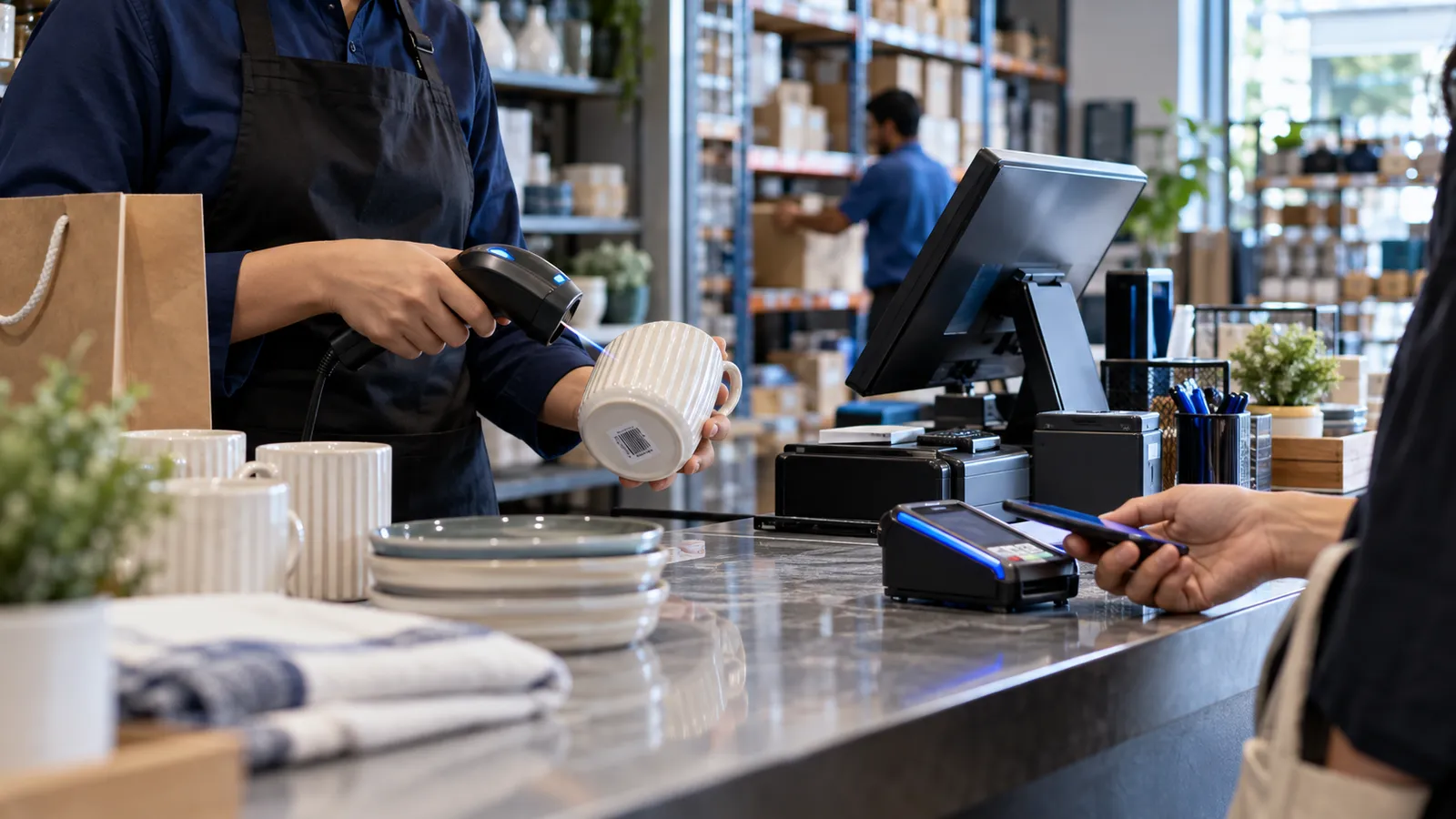
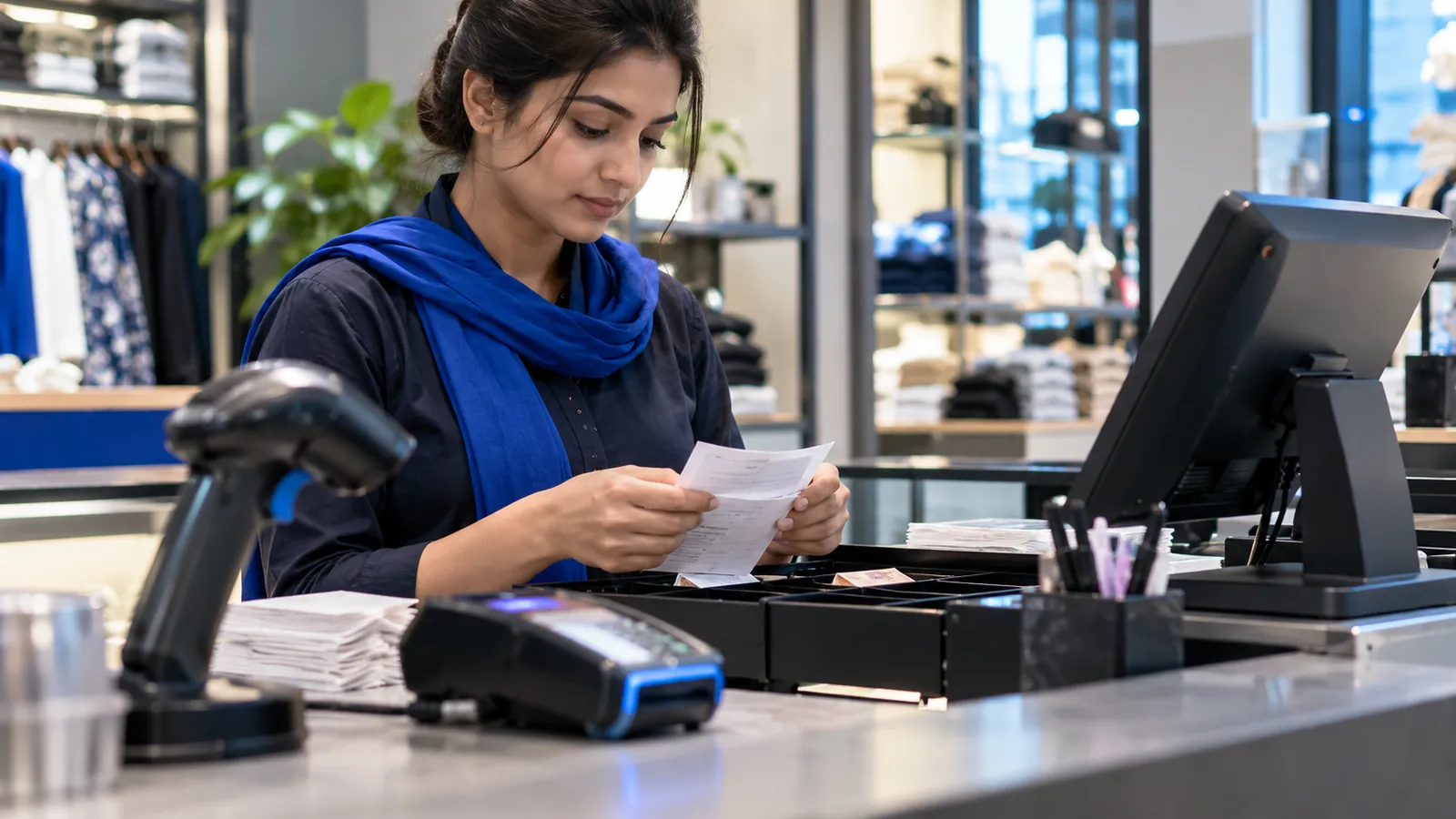
A mobile-accessories shop in Deira, a café in a business tower and a minimart in Sharjah do not look alike, but their counters are asked the same questions every evening. How much did we sell, how much of it was VAT, does the drawer match, and what is left on the shelf. A POS system in Dubai, or anywhere else in the UAE, is doing its job only if it answers those four without a calculator. These are the seven things to check before you sign for one.
1. VAT on every receipt
The UAE charges VAT at 5%, administered by the Federal Tax Authority. At the counter that makes every receipt a tax document. It should show your TRN, the VAT amount and the total in AED, and a refund should create its own document against the original sale, not erase it. At closing, the VAT on the day's report has to equal the VAT on the day's receipts. Some goods are treated differently from the standard rate, so each item needs its own tax setting. Our guide to UAE VAT in your ERP and POS lists what to ask for, and your tax agent should see a printed receipt before the first live sale.
2. Cards, wallets and cash, closed separately
Many counters in the Emirates take more by card and phone than in cash. The card machine usually comes from your bank or payment provider and pays into your account on its own schedule. The POS does not replace it. Its job is to record how each sale was paid, so that at closing the card machine's slip, the wallet total and the counted cash are each compared with their own line on the report. Ask whether your card machine can be linked to the POS, so the amount is sent across and not typed a second time. That depends on the provider, so ask before you buy either.
3. Arabic and English
Customers and cashiers do not all read the same language. Enter each item with an Arabic and an English name from the first day, and both the receipt and the cashier's search can use either. Check the Arabic on a printed slip, not only on the screen: some receipt printers break Arabic letters apart or print them in the wrong direction. The screen language should follow the person who logged in, so two cashiers on one till can each work in their own.
4. Billing through an internet cut
A cloud POS is convenient until the line drops in the middle of a queue. The till should go on scanning, billing and printing, and send its sales to the server once the connection returns. In the demo, ask the vendor to switch the network off, bill three sales, switch it back on and show you those sales in the head-office report. If they will not run that test, you have your answer.
5. Stock that moves with each sale
A till that only adds up prices tells you the day's takings and nothing more. A POS should reduce stock with every sale, raise it with every purchase entered, and show what is running low before the shelf is empty. For a shop this means barcodes, a purchase entry quick enough to be done every time, and a stock count that can be compared with the system. For a café it means recipes, so one cup sold reduces milk, coffee and cups.
6. Branches in more than one emirate
A second outlet in Abu Dhabi or Sharjah changes the job. Set a price or an offer once at head office and every outlet should have it the same minute. Each branch keeps its own stock, and goods sent from one outlet stay marked as in transit until the other outlet confirms them. The owner should be able to open a phone and see each branch's sales for the day, without waiting for a photo of the closing slip.
7. What your kind of business adds
| Business | What the POS must add | Read next |
|---|---|---|
| Shop or minimart | Barcodes, shelf labels, purchase entry, returns against the original bill | POS versus ERP for a growing shop |
| Restaurant or café | Tables, kitchen tickets, delivery app orders, recipes | Restaurant POS system in Dubai |
| Pharmacy | Batch and expiry on every pack, insurance sales, prescription records | Pharmacy POS system in Dubai |
| Several branches | Central prices, transfers between outlets, one head-office view | Multi-branch business software |
Testing a POS in one sitting
Bring twenty real items
With Arabic and English names, barcodes and your own prices, so the demo runs on your shop and not the vendor's.
Sell and print
Read the receipt: TRN, VAT amount, total in AED and both languages, on the paper width your printer uses.
Refund one item
Check that the refund has its own number and points back to the original sale.
Switch off the internet
Bill a few sales offline, reconnect and find them in the head-office report.
Close the shift
Match the card, wallet and cash totals against the closing report.
Show the paperwork to your tax agent
A receipt, a refund and a day's VAT report, before you sign.
Where Operix stands
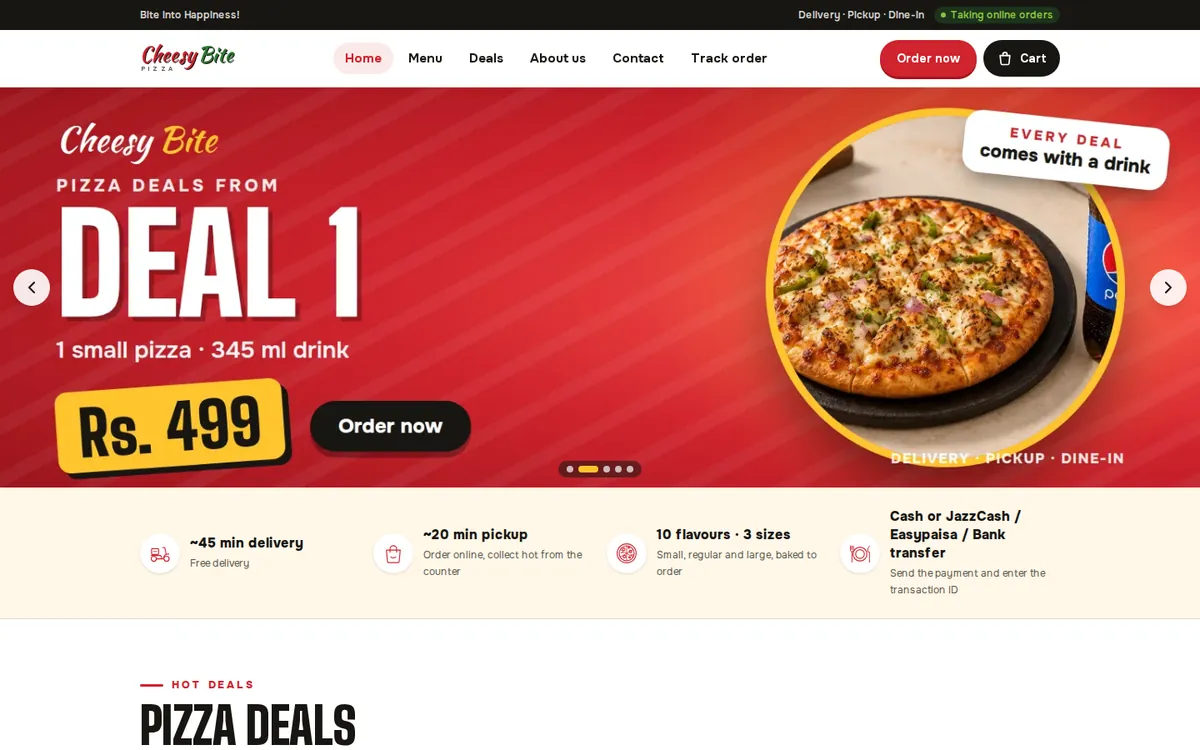
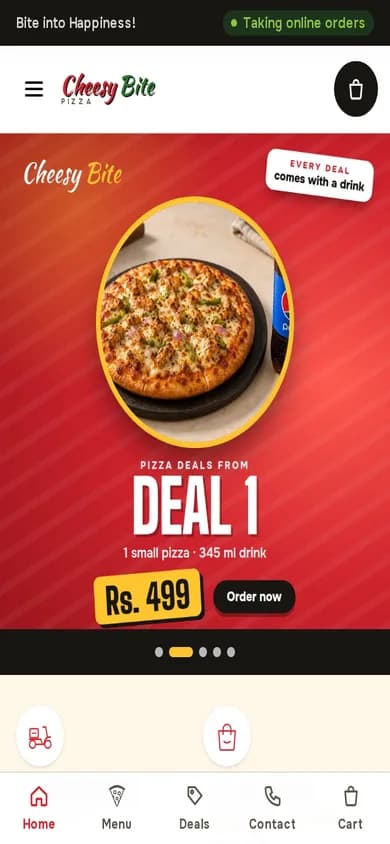
Operix Systems builds POS systems for Dubai and the UAE from its office in Karachi, one hour ahead of UAE time. We have no office in the Emirates. The POS is configured remotely, cashiers are trained over video, and the printer, scanner and cash drawer are plugged in by your staff or a technician you trust, with us guiding on a call. Our UAE projects so far are websites. The POS you can look at is in Pakistan: Cheesy Bite, a pizza restaurant, runs an online ordering website, a staff dashboard and a POS.
If you want a technician who can stand at the counter the same afternoon a printer fails, choose a vendor with staff in your city. If remote setup suits you, book a demo and bring your own item list.
Questions people ask
What should a POS system in Dubai include?
VAT receipts in AED with your TRN, separate closing for card, wallet and cash, Arabic and English item names, offline billing, stock that moves with each sale and a head-office view of every branch.
Does a POS receipt in the UAE have to show VAT?
Receipts should show your TRN and the VAT amount, and the daily report should total the VAT collected. Exactly what a receipt must contain for your business is a question for your tax agent.
Can one POS run branches in different emirates?
Yes. Each branch bills on its own with its own stock, prices are set centrally, and head office sees the sales and stock of every branch in one place.
Will a cloud POS work without internet?
A good one does. The till keeps billing and printing and syncs when the connection returns. Ask for that test during the demo.
How much does a POS system cost in the UAE?
It depends on the number of counters and branches, the hardware, restaurant or pharmacy features and any integrations. Operix does not publish prices; ask for a written quote.