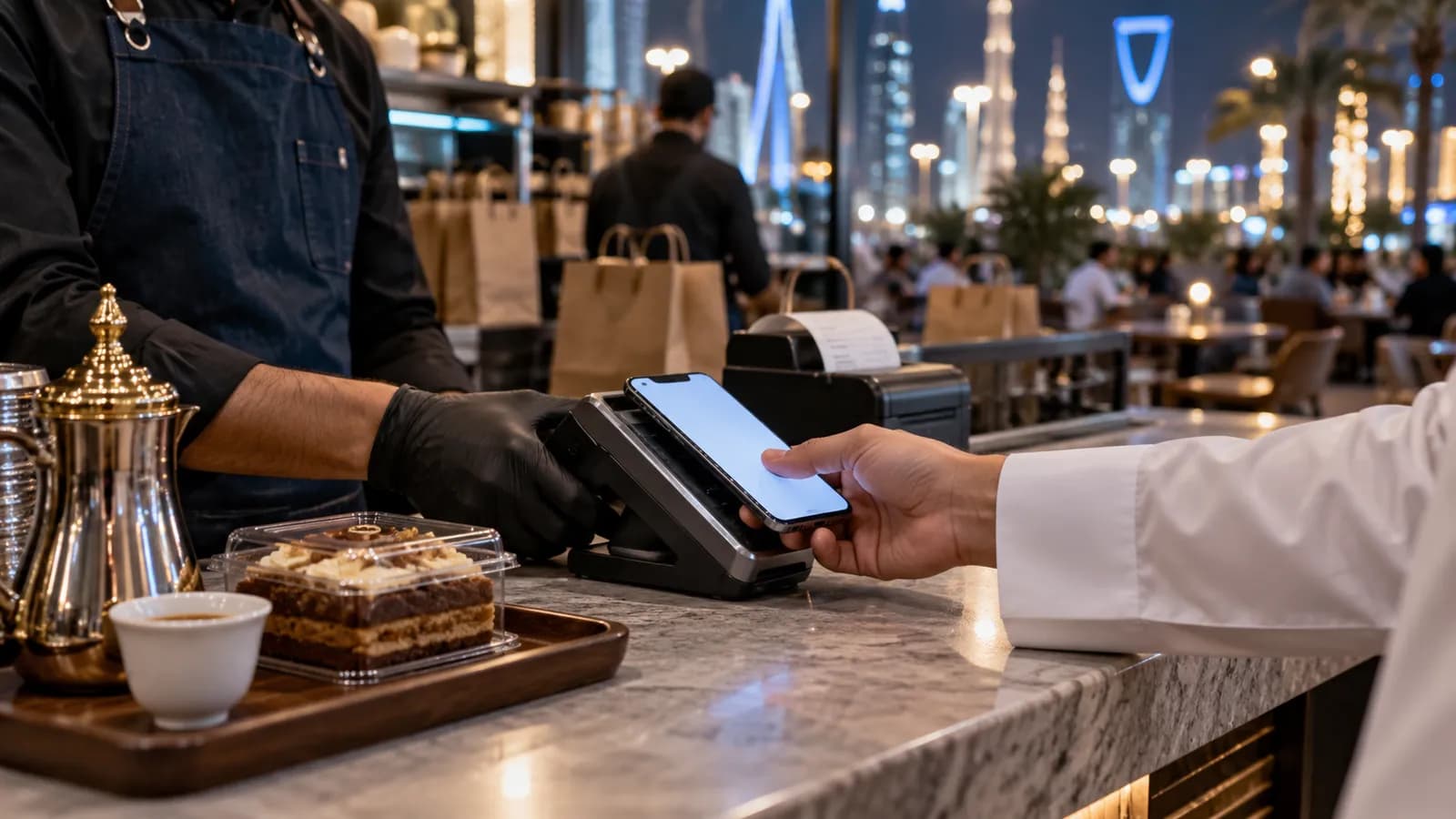
Riyadh's cafés, restaurants and shops trade late into the night, take most payments by card and wallet, and get a large share of orders from delivery apps. Our general guide to POS systems in Saudi Arabia covers the rules; this one is about what a Riyadh counter looks like on a busy evening.
What the Riyadh counter needs
| Business | Must have | Nice to have |
|---|---|---|
| Café | Fast modifiers (size, milk, sugar), mada tap, QR e-invoice | Loyalty stamps |
| Restaurant | Tables and takeaway, kitchen tickets, delivery-app orders in one queue | Waiter tablets |
| Retail shop | Barcode scanning, stock per branch, returns against the original receipt | Online store sync |
| Multi-branch | Head office sees every branch's sales, stock and cash live | Central price changes |
Shifts that cross midnight
Many Riyadh outlets are busiest between 9 pm and 2 am. A POS that closes the day at midnight splits one evening across two reports and confuses the cash count. Set a business-day cut-off (for example 4 am) so the whole night belongs to one day, and close each shift by payment method: cash, mada, card, STC Pay and Apple Pay.
Payments at the counter
Most Riyadh customers tap a mada card or a phone; cash is a small share and wallets such as STC Pay are common for younger customers. The POS should record each method separately and close each one against the terminal's settlement, so the night manager can see at a glance that mada on the terminal matches mada in the system. Tips, split bills and a partial card plus cash payment should all be one step, because a queue at 11 pm does not wait.
E-invoices and VAT
Each sale is a simplified e-invoice with a QR code and 15% VAT. Returns are made against the original receipt, not by deleting it. Which integration phase applies to your business is a question for your tax adviser; the POS should be ready for it from day one. If you want receipts sent by WhatsApp or SMS instead of printed, read our guide to digital receipts in Riyadh.
Delivery apps and the kitchen
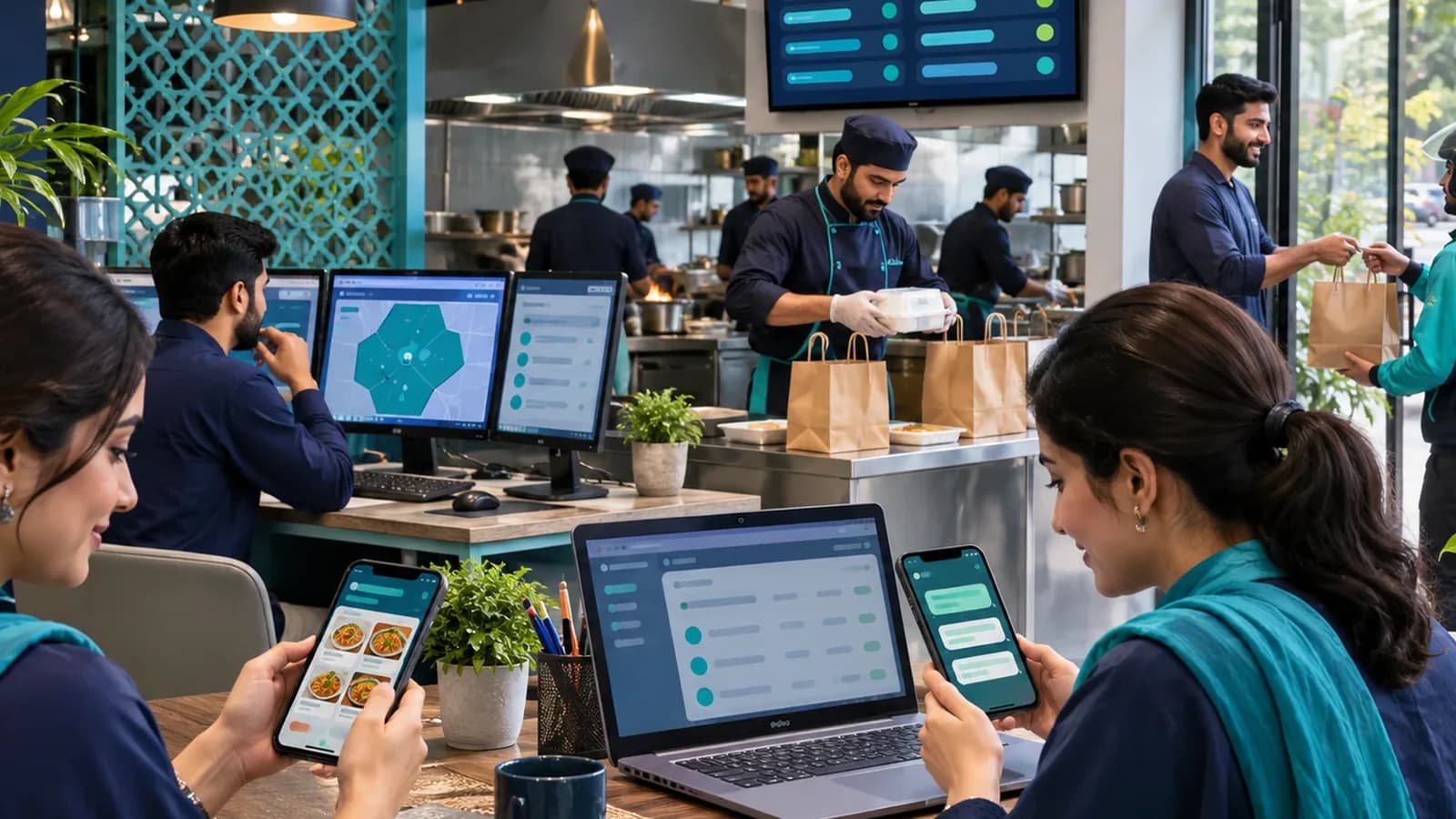
A busy Riyadh restaurant can take more orders from delivery apps than from its own tables. If each app lives on its own tablet, the kitchen reads three screens and the stock count is wrong by closing time. The POS should take app orders into the same queue as counter and table orders, print one kitchen ticket per order, and mark an item out of stock everywhere at once. Menus should be kept in Arabic and English in one place, so a price change reaches the counter, the apps and the online menu together.
Branches across the city
A café that starts in Olaya often opens a second branch in the north of the city and a kiosk in a mall within a year or two. Each branch needs its own stock, cash and users, while head office changes prices once and sees every branch live; our guide to multi-branch business software explains how that is set up. Ramadan changes hours and the mix of products for a month, so opening times and menus should be adjustable per branch without a call to the vendor. Staff move between branches too, so a cashier should log in anywhere with the same permissions, and a transfer of stock from one outlet to another should be recorded at both ends the same day. When purchasing and accounts need to join the picture, the POS should feed the same system as ERP software in Riyadh rather than a separate export.
List payment methods and terminals
Write down every way you take money, which terminal or wallet it uses, and who settles it.
Set the business day
Choose the cut-off hour so a night that ends at 2 am belongs to the evening it started on.
Build the menu or catalogue
Enter items with Arabic and English names, VAT and modifiers once, and let every branch and app read from it.
Configure the e-invoice receipt
Check the QR code, VAT line and your registration details on a printed and a digital receipt.
Train the night shift first
The people who close at 2 am are the ones who find the gaps. Run one closed-door evening before go-live.
Where Operix stands
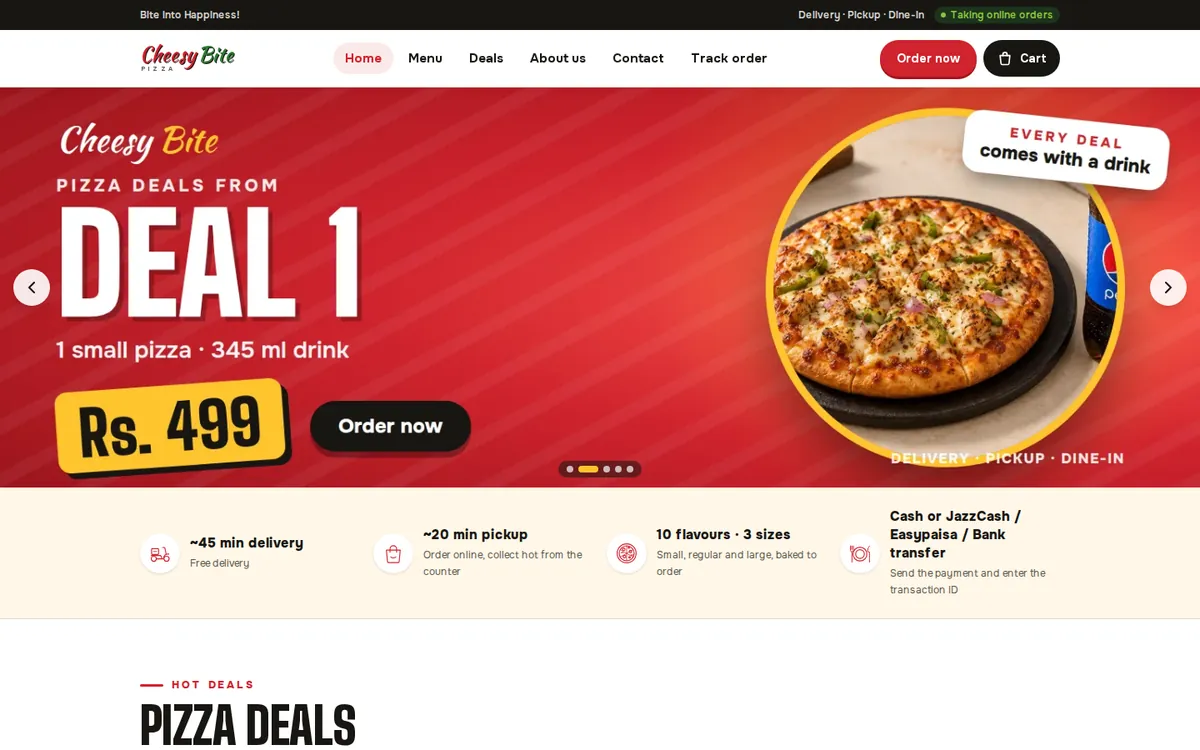
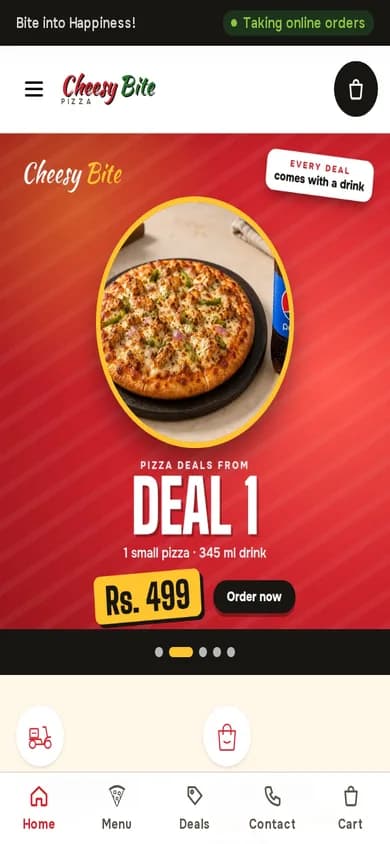
Operix builds the POS system for Saudi Arabia remotely from Karachi; we have no office in Riyadh. The restaurant system you can try is Cheesy Bite, with online ordering, kitchen display and counter billing in one place. Book a demo and tell us your branches and payment methods.
Questions people ask
Does the POS print Arabic receipts?
Yes. Receipts can print in Arabic, or Arabic with English, on standard thermal printers, with the QR code required on e-invoices.
Can delivery-app orders come into the POS?
Where the delivery app offers an integration, orders can arrive in the POS queue and print to the kitchen. Otherwise we plan a fast manual entry screen.
Does it work when the internet drops?
The counter keeps billing offline and syncs when the connection returns.
Do you have an office in Riyadh?
No. Setup and training are done remotely from Karachi, two hours ahead, with WhatsApp support.