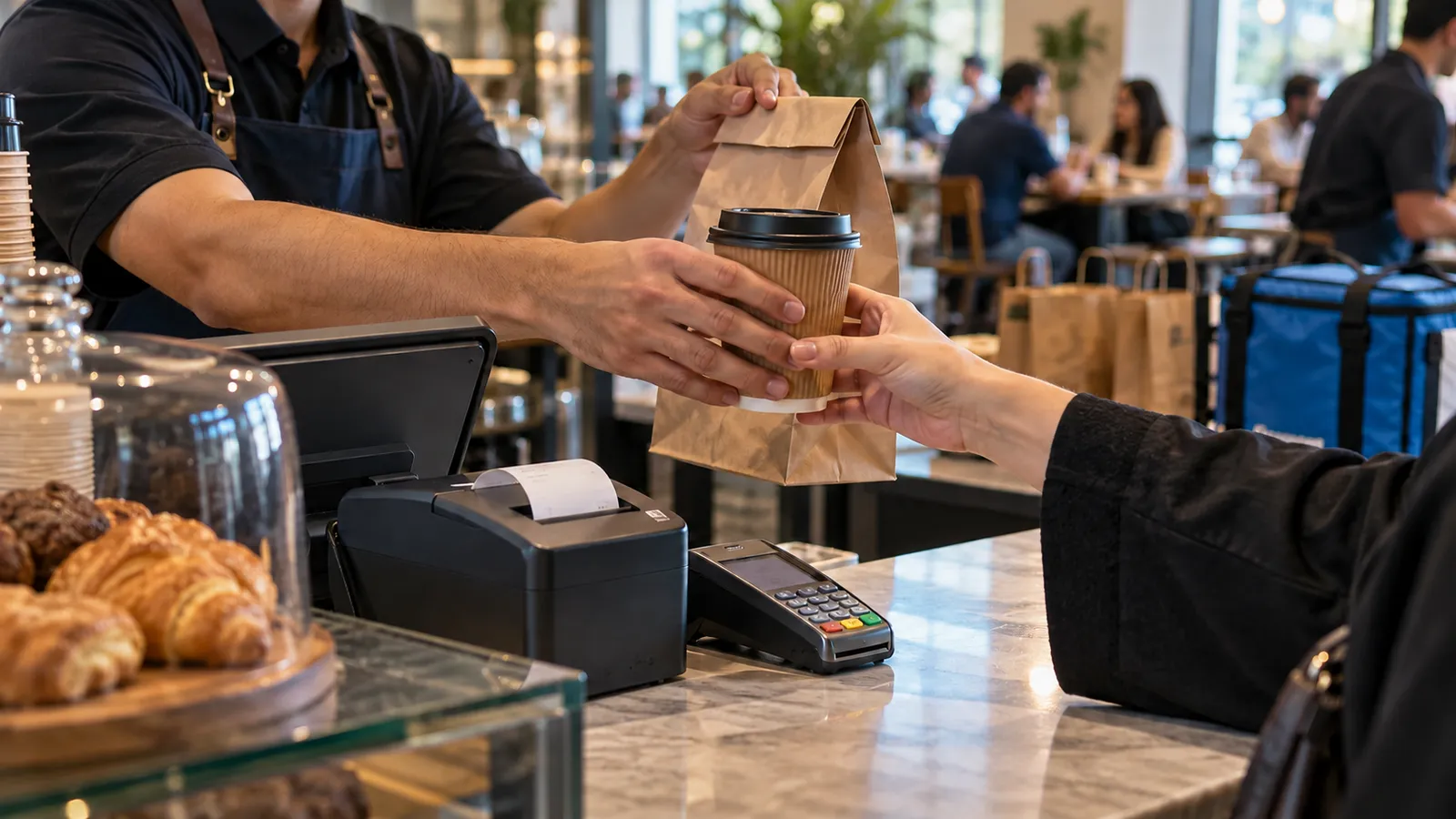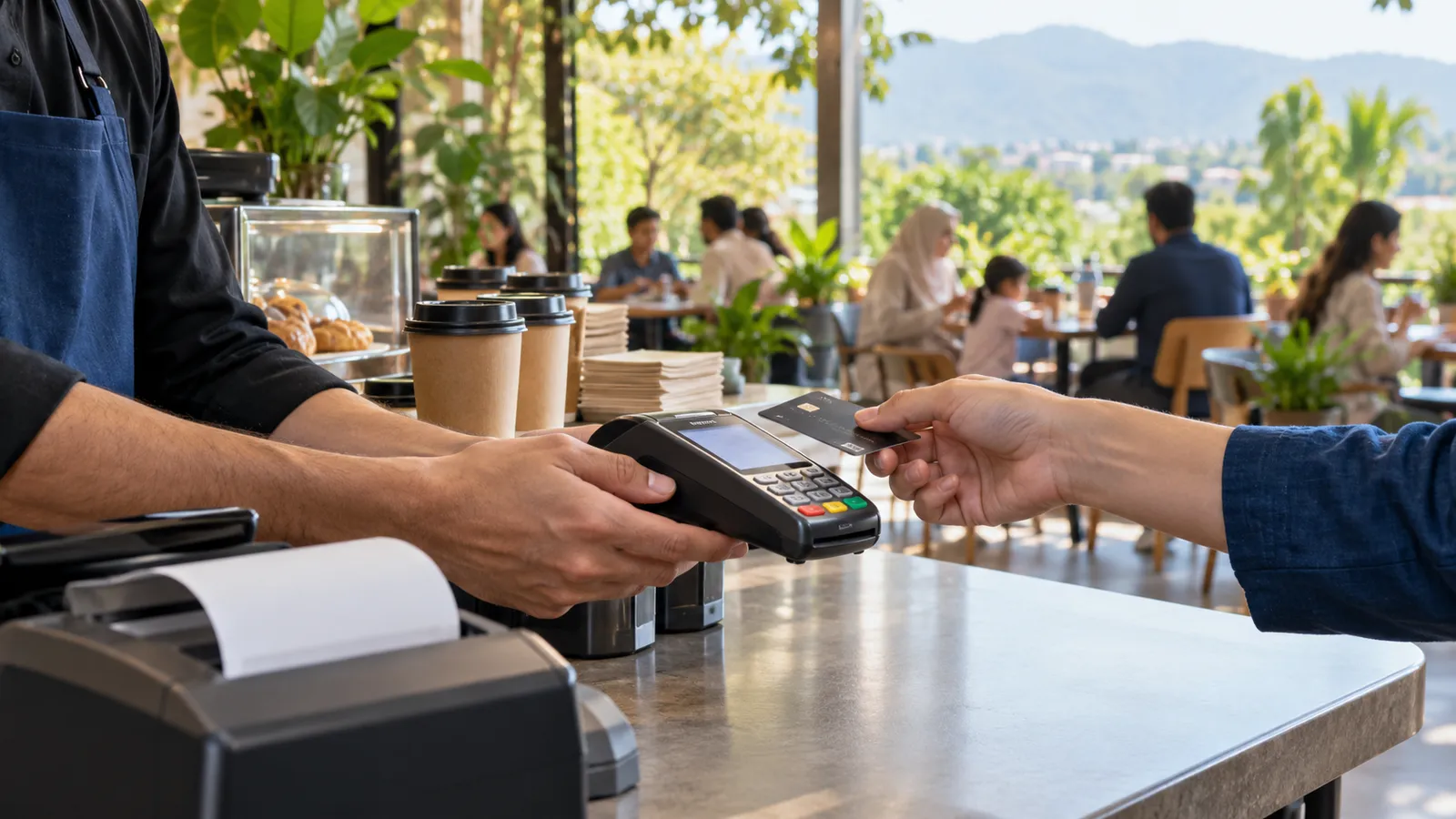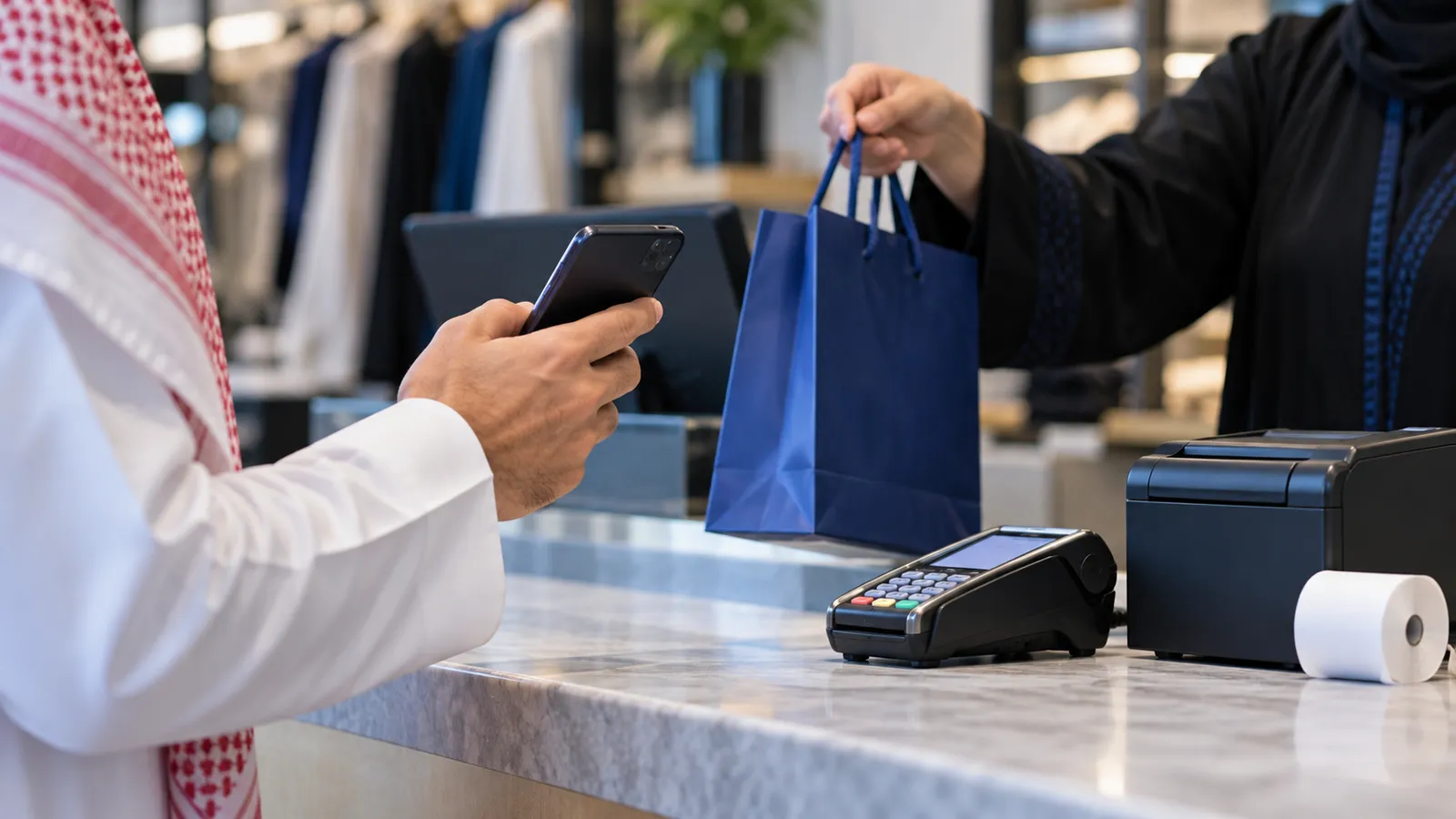
Your Riyadh shop or restaurant prints a receipt for every sale, the customer glances at it and leaves it on the counter, and once a week someone asks whether you can send it on WhatsApp instead. At the same time every receipt has to be an e-invoice with a QR code, so you cannot simply stop printing. Digital receipts software in Riyadh sits between those two facts: it delivers the receipt the rules require in a way the customer will actually keep.
What a digital receipt is, and what it is not
It is the same simplified e-invoice your POS already creates: seller name, VAT number, date and time, items, 15% VAT and the QR code, generated at the moment of sale. The only difference is how it reaches the customer: as a message or an email, or as a QR code on the customer-facing screen that they scan with their phone. It is not a marketing message, and it is not a replacement for keeping the invoice record. Whether your business may stop printing paper altogether, and what the receipt must contain, is something to confirm with your tax adviser; the software should be able to print and send, so you are covered either way.
Ways the receipt can reach the customer
| Channel | What the customer does | Good for | Watch out for |
|---|---|---|---|
| Printed paper | Takes it from the counter | Customers who want nothing stored | Lost receipts, no record for the customer |
| Gives a number once; receives the receipt as a message | Regulars, restaurants, anyone who returns items | Needs consent and a WhatsApp Business number | |
| SMS | Gives a number; receives a link | Customers without WhatsApp | A message cost per receipt; links that expire if you set them to |
| Gives an address | Business customers who need it for expenses | Addresses typed wrong at a busy counter | |
| On-screen QR code | Scans the screen with their phone | Fast counters; no data stored by you | The customer must scan before the next sale starts |
Returns by scanning
The QR code on the receipt is also the fastest way to do a return. The cashier scans it from the customer's phone, the POS finds the original sale, the item is selected, and the refund goes back by the method the customer paid with, mada, Apple Pay, card or cash, with the VAT reversed on a credit note. No search by date, no return without a receipt, and no refund larger than the original. Our Riyadh POS guide covers the rest of the counter.
Consent and the PDPL
To send a receipt by WhatsApp or SMS you store a phone number, and under the Personal Data Protection Law that needs the customer's consent and a stated purpose. In practice the cashier asks once, the POS records the yes with the date, and the customer can ask for the number to be deleted. Use the number only for receipts unless the customer has agreed to offers as well. Keep access to the customer list limited to the people who need it; our guide to security basics for business software covers that side. For the exact wording of your consent notice, confirm with your lawyer.
How it ties into the POS
- The receipt is created by the POS at the moment of sale; the digital copy is the same document with the same number.
- A sending queue holds the message if the internet drops and sends it when the connection returns; the sale itself is never delayed.
- The customer record keeps the consent, the channel and the receipts sent, so a regular's history is in one place.
- Delivery failures show up in a daily report, so a wrong number is fixed at the next visit.
- If you later add offers or loyalty, the same channel carries them, with a separate consent. Our guide to WhatsApp automation for business explains what that involves.
Check the rules with your tax adviser
Confirm what the receipt must contain and whether a printed copy must still be offered.
Decide the channels
Start with WhatsApp and the on-screen QR code; add SMS or email if your customers ask for them.
Add the consent prompt
Put a one-line question on the customer-facing screen or in the cashier's flow, in Arabic and English, and record the answer.
Keep paper as the fallback
The printer stays connected; any customer who declines, or any failed send, gets a printed receipt.
Train cashiers on returns by scan
Practise a return from a phone-screen receipt and a printed one, and the credit note each produces.
Review failures weekly
Read the delivery report, correct numbers and watch how many customers choose each channel.
Where Operix stands
Operix Systems builds digital receipts as part of its POS system for Saudi Arabia, from Karachi, two hours ahead of Riyadh. The work is delivered remotely: discovery on a video call, every screen approved before it is built, weekly releases on your own menu or stock, training in Urdu or English, and support on one WhatsApp number. We have no office in Riyadh and no Saudi client yet. The live system you can try is Cheesy Bite, a pizza restaurant's online ordering, staff dashboard and POS. Book a demo and we will send you a sample receipt on WhatsApp during the call.
Questions people ask
Do you have an office in Riyadh?
No. Operix works from Karachi and serves Riyadh remotely, with video-call discovery, weekly releases and WhatsApp support.
Does a digital receipt replace the printed one?
It carries the same contents, including the QR code and 15% VAT. Whether you may stop printing for every sale is a question for your tax adviser; the POS can print and send, so either answer works.
Does the customer need an app?
No. The receipt arrives as a WhatsApp or SMS message, an email, or a QR code scanned from the counter screen. Nothing is installed.
What if the customer does not want to give a number?
They get a printed receipt or scan the on-screen QR code, and nothing is stored. Consent is recorded only when the customer says yes.
Can digital receipts be added to the POS we already use?
Sometimes, if that POS exposes its sales through an API. Otherwise it comes as part of a new POS, which is how Operix builds it.