UI/UX design for business software and websites
UI/UX design decides what each screen shows and how many clicks a task takes. We watch how your team works, design the screens in clickable prototypes, and change them with your staff before development starts, so the finished software is something people choose to use.
UI/UX design in Pakistan and Dubai & UAE
In this UI/UX design
- Workflow mapping
- Clickable prototypes
- Dashboards that answer questions
- Design systems
- Testing with your staff
UI/UX design
What the design work covers
Workflow mapping
We follow real tasks, like taking an order or closing a month, and remove the steps nobody needs.
Clickable prototypes
You click through the screens on your own phone and laptop before a line of code is written.
Dashboards that answer questions
Each dashboard is built around the questions a manager asks every morning, not every chart the data allows.
Design systems
Colours, type, buttons and forms defined once, so every new screen looks like it belongs.
Testing with your staff
Short sessions with the people who will use it, and changes before development, when they are cheap.
Industries
Who uses our UI/UX design
Retail
Barcode billing, Stock by branch, Returns and exchanges
Retail software →Restaurants
One order screen, Kitchen tickets, Recipes and food cost
Restaurants software →Pharmacy
Batch and expiry, Near-expiry alerts, Fast counter search
Pharmacy software →Distribution
Order booking on phone, Loads and delivery, Recoveries and ageing
Distribution software →Textile
Orders and merchandising, Job work tracking, Stock by stage
Textile software →Manufacturing
Bills of material, Work orders, Raw material stock
Manufacturing software →Logistics
Enquiries to quotations, Purchasing and vendors, Jobs and shipments
Logistics software →Travel agencies
Bookings, Receipts and balances, Suppliers
Travel agencies software →Schools
Admissions and students, Fees, Attendance
Schools software →
How we work
Discovery to support, in five steps.
01
Discovery
We sit with the people who will use the system and write down how work really moves today.
02
Design
You see every screen before we build it, and change it while change is cheap.
03
Build
Weekly releases you can click through, on your own data, not a demo.
04
Train
Your team learns on the live system, branch by branch, in Urdu or English.
05
Support
One WhatsApp number for questions, fixes and the next feature.
Portfolio
Projects that use our UI/UX design
 WebsiteERP
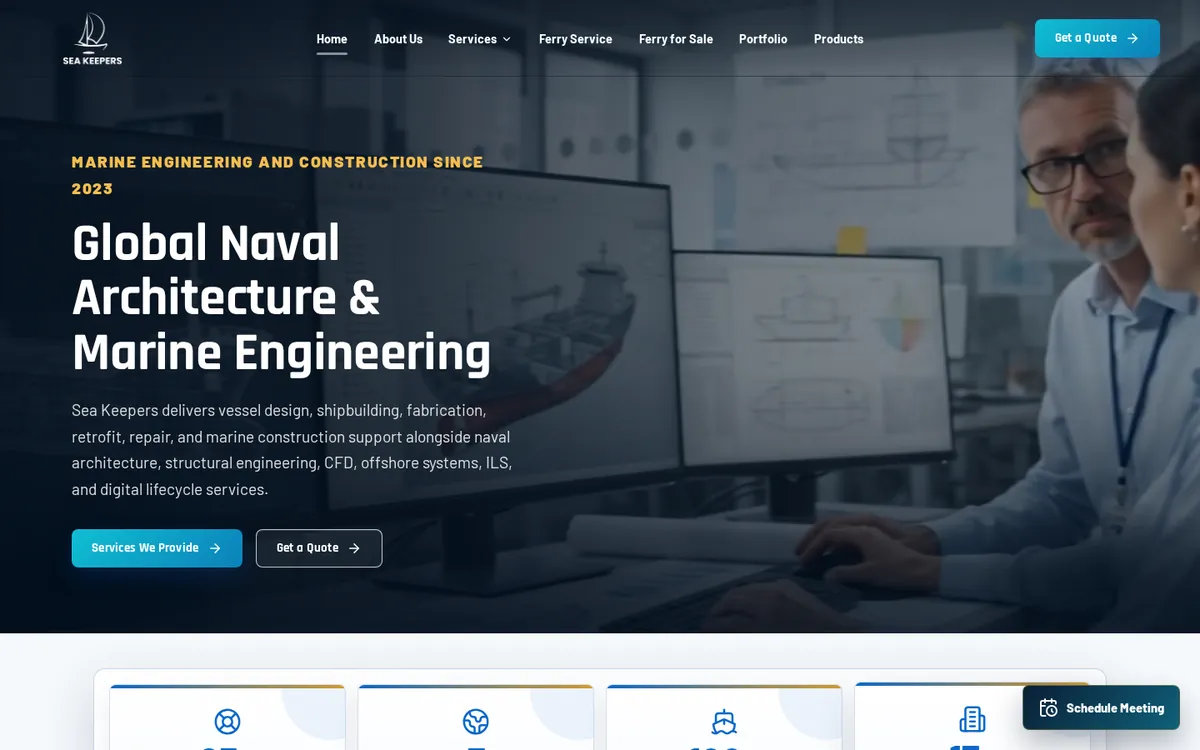
Sea Keepers
Naval architecture and marine engineering · Pakistan
A company website and a full ERP that runs Sea Keepers' work from the first enquiry email to the final delivery documents.
Case study →- ERP
Al Ajmi Travels
Travel agency · Pakistan
An ERP for a travel agency's bookings, customers and accounts.
Case study → 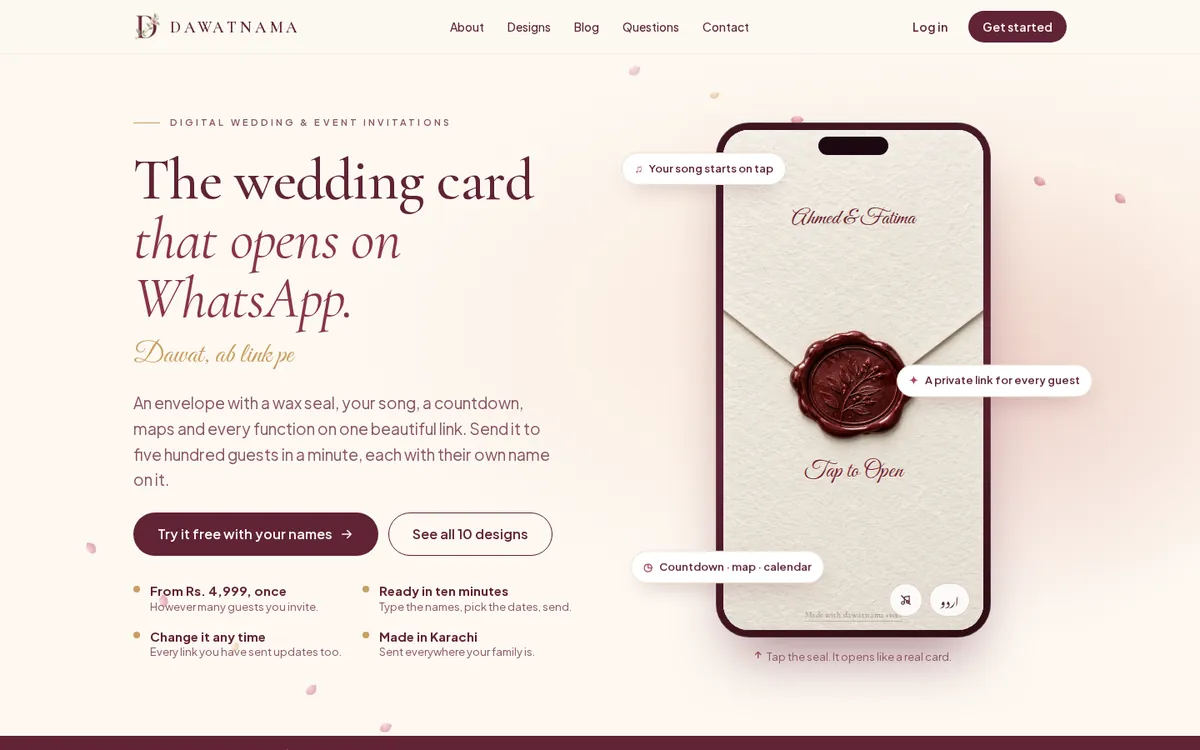 Website
Dawatnama
Digital invitations · Pakistan
A platform for digital wedding and event invitations: customers design a card, add guests and send each one a personal link.
Case study →
Questions
UI/UX design: what people ask
What is the difference between UI and UX?
UX is how a task flows: what comes first, what can be skipped, where people get stuck. UI is how each screen looks. We design both together.
Can you redesign software we already have?
Yes. We can redesign the screens of an existing system and hand the designs to your developers, or build the new version ourselves.
What do we receive at the end?
Clickable prototypes, the final screen designs and a design system your developers can follow.
Do we need UI/UX design if we are buying an ERP from you?
It is included in every system we build. As a separate service it suits companies with their own developers.
References
Read next
News · 29 September 2026 · 3 min
Operix Systems: ERP, POS and CRM for Pakistan and UAE
Operix Systems is a Karachi software company building ERP, POS and CRM systems and business websites for companies in Pakistan and the UAE.
Read →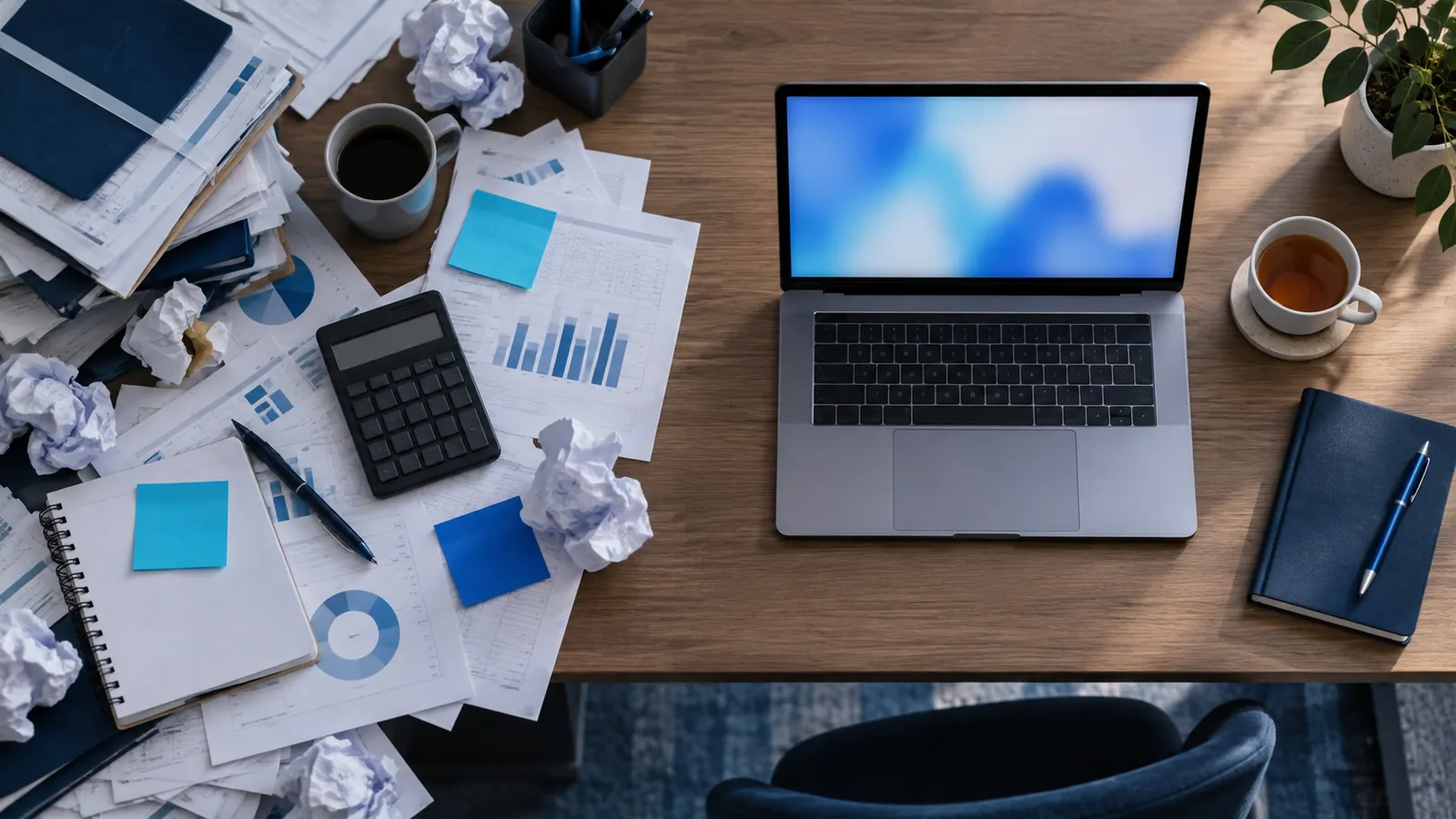
Blog · 29 September 2026 · 5 min
ERP vs Excel: 7 signs you have outgrown spreadsheets
When does a growing business in Pakistan or the UAE need an ERP instead of Excel? Seven signs, what an ERP changes, and how to switch without stopping work.
Read →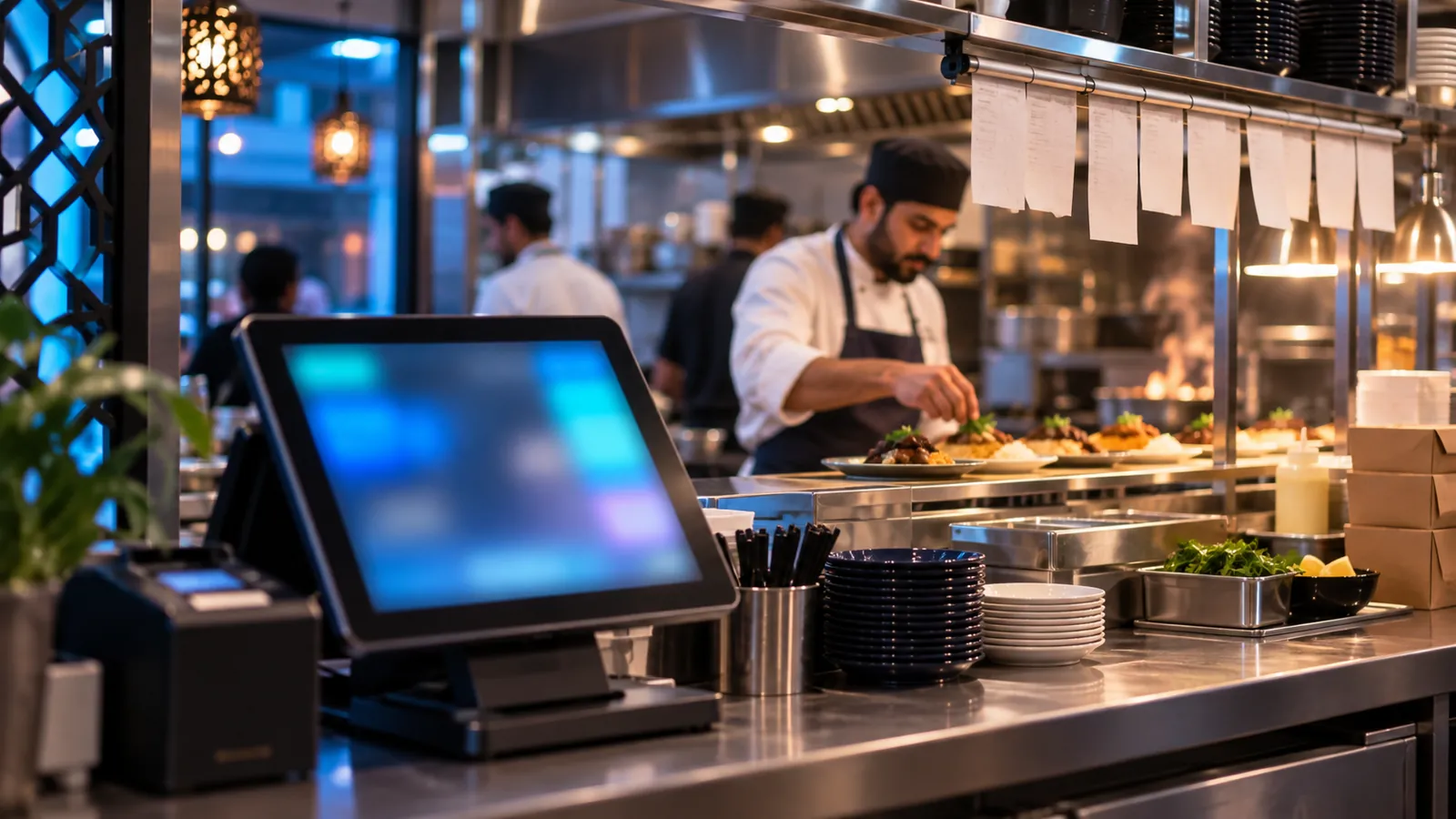
Blog · 29 September 2026 · 4 min
What a restaurant POS system should do in Pakistan
A practical checklist for choosing a restaurant POS in Pakistan: tables, kitchen tickets, delivery, stock by recipe, cash closing and internet outages.
Read →
Services
Works together with
ERP software
Purchasing, stock, sales, accounts and HR in one system, built around how your company already works.
ExplorePOS system
Fast billing for shops and restaurants that updates stock and the day's cash the moment a sale is made.
ExploreCRM software
Every lead, quote and follow-up in one place, so no enquiry sits unanswered in someone's inbox.
ExploreMobile app development
Android and iPhone apps for your customers and your team, connected to the same data as your ERP or website.
ExploreWeb development
Company websites and online stores that load fast, rank on Google and bring in enquiries.
ExploreSEO services
Get found on Google for the searches your customers make, in Pakistan, Dubai or wherever they are.
Explore
See UI/UX design on your own numbers.
We'll show you what it looks like as one system. We don't publish prices: every quote starts with a conversation.