Stand at a café counter in Riyadh at eight in the evening and watch what the system is asked to do. One customer taps a phone, the next hands over a mada card, a delivery driver is waiting for an order, and every slip that prints has a small square code at the bottom. A POS system in Saudi Arabia is judged in that minute, not in a brochure. This guide lists what the counter needs, whether it belongs to a shop, a restaurant or a small chain.
The receipt is an e-invoice
VAT at 15% is administered by ZATCA, and e-invoicing (FATOORA) is mandatory. At a counter, that rules out a handwritten bill or a till that only adds up. The receipt is issued electronically by the POS, numbered in sequence and printed with a QR code. Businesses are also brought into integration with ZATCA's platform in waves, so the POS you choose today should be able to connect when your turn comes.
Check three things. The QR code prints sharply on the paper width your printer uses. A refund produces its own document against the original sale and does not simply delete it. And the VAT total on the closing report equals the VAT on the day's receipts added together. What must appear on the receipt itself is a matter for your tax adviser, so show them a printed sample before the first live sale.
mada, wallets and cash
Customers in the Kingdom pay with a mada card, a credit card, Apple Pay on a phone or a watch, STC Pay, or cash. The card terminal normally comes from your bank or payment provider and settles into your account on its own schedule. The POS has a different job. It records which method was used on every sale, so that when the shift ends the cashier can match the terminal's total, the wallet total and the cash in the drawer, each against its own figure.
Some terminals can be linked to the POS so the amount travels across without being typed again. Whether yours can depends on the provider. Ask early, because an amount keyed twice is where counter mistakes begin.
| Need | Shop | Restaurant or café |
|---|---|---|
| E-invoice receipt | QR code and VAT on every sale and every return | The same on dine-in, takeaway and delivery bills |
| Payments | mada, cards, Apple Pay, STC Pay and cash closed separately | The same, plus one bill split between guests |
| Language | Arabic and English item names on shelf labels and receipts | Arabic kitchen tickets and a bilingual customer bill |
| Offline | Scanning and billing continue through an internet cut | Orders still reach the kitchen printer |
| Branches | Stock held per branch, with transfers between them | Menu and prices set once, sales seen per outlet |
| Closing | Shift report by cashier and by payment method | Shift report plus sales by order type |
Arabic and English on one receipt
A receipt in the Kingdom is read by Arabic speakers and by residents who read English more easily. The practical answer is both languages on the slip: Arabic from the right, English beneath or beside it. That only works if every item was entered with two names from the beginning. Correcting a long item list after go-live is slow work, so make the bilingual list part of the setup, not a job for later.
The cashier's screen matters as well. Staff should be able to look up an item in whichever language they think in, and the screen language should follow the login, not the machine.
Billing when the internet drops
A queue does not wait for a router to restart. The POS should keep scanning, billing and printing at the till, then sync sales and stock when the line comes back. During the demo, ask the vendor to unplug the network and bill a few sales. Then ask what happens to those invoices once you are integrated with ZATCA's platform: how they are held, how they are sent afterwards, and where a failed one shows up. The reporting rule itself is one to confirm with your tax adviser.
Branches and head office
A second outlet changes what you need. Prices and offers should be set once and reach every branch. Stock has to be counted per branch, with a transfer recorded when goods leave one and again when they arrive at the other. The owner should see each outlet's sales for the day on a phone, in SAR, without asking a manager to photograph the closing slip.
When purchasing and accounts outgrow what a POS can hold, read our guide to ERP software in Saudi Arabia. Retail POS versus ERP explains where the line between the two falls.
Bring your own items
Give the vendor a short list of real products or menu items, with Arabic and English names and your prices.
Print a receipt
Check the QR code, the VAT line and both languages on your own printer paper.
Do a return
Refund one item and look at the document it produces.
Cut the internet
Bill several sales offline, reconnect, and confirm they appear at head office.
Close the shift
Match the mada, wallet and cash totals against the closing report.
Show your tax adviser
Hand over the printed receipt and get their confirmation before go-live.
Where Operix stands
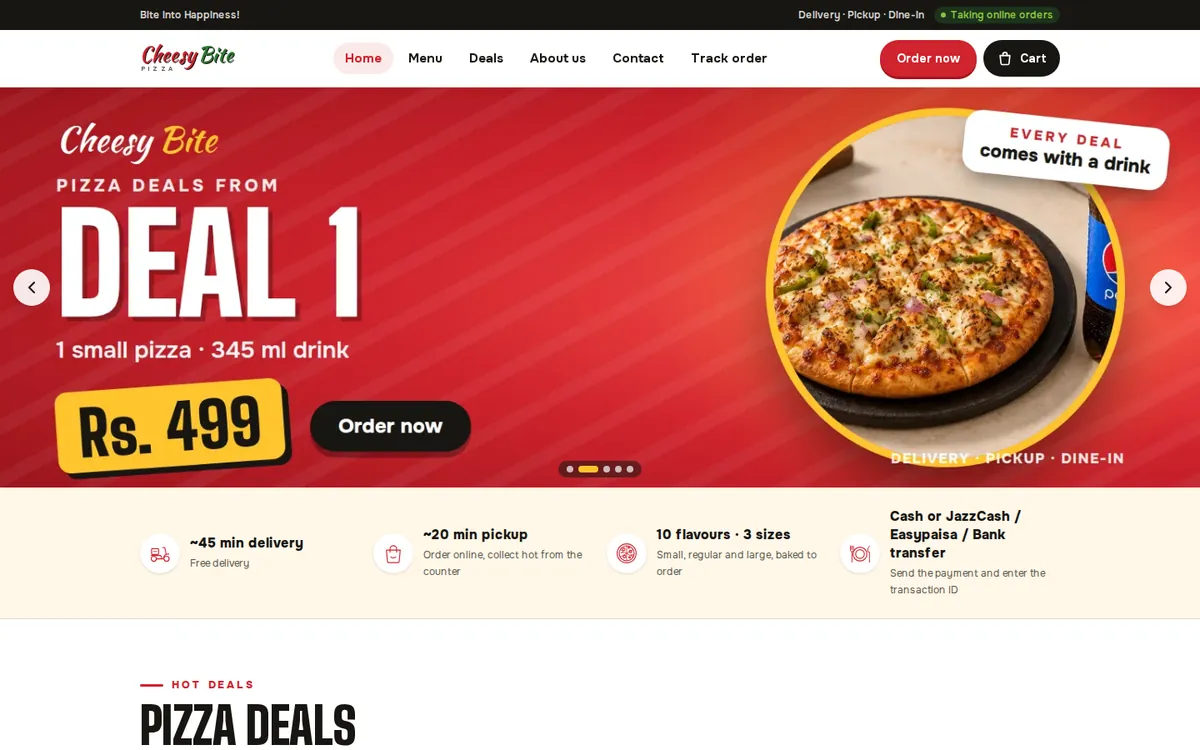
Operix Systems builds POS systems for Saudi Arabia from its office in Karachi, which is two hours ahead of the Kingdom. We have no office in Saudi Arabia and no published Saudi installation yet. Setup and cashier training happen over video, while your own staff or a local technician connect the printer, scanner and drawer with us on the call. The POS work you can look at is in Pakistan: Cheesy Bite, a pizza restaurant, runs an online ordering website, a staff dashboard and a POS. In the Gulf, our projects so far are websites for businesses in the UAE.
If you need a technician at the shop the same day a printer fails, a vendor with staff in your city is the better choice. If remote setup suits you, read how we serve Saudi clients and book a demo with your own item list.
Questions people ask
Does every receipt need a QR code in Saudi Arabia?
E-invoicing is mandatory and invoices are issued electronically with a QR code, which is why receipts in the Kingdom carry one. Ask your tax adviser exactly what your receipts must contain.
Can a POS accept mada?
The mada payment is taken on a card terminal from your bank or payment provider. The POS records the method and the amount on the sale, and some terminals can be linked so the amount is not typed twice.
Will the POS work without internet?
It should. Billing and printing continue at the till and sales sync when the connection is back. Test it in the demo by unplugging the network.
Can one POS run several branches?
Yes. Each branch bills on its own with its own stock, and head office sees the sales, stock and closing reports of every outlet in one place.
How much does a POS system cost in Saudi Arabia?
It depends on the counters, branches, hardware, restaurant features and the e-invoicing integration. Operix does not publish prices; ask for a written quote.