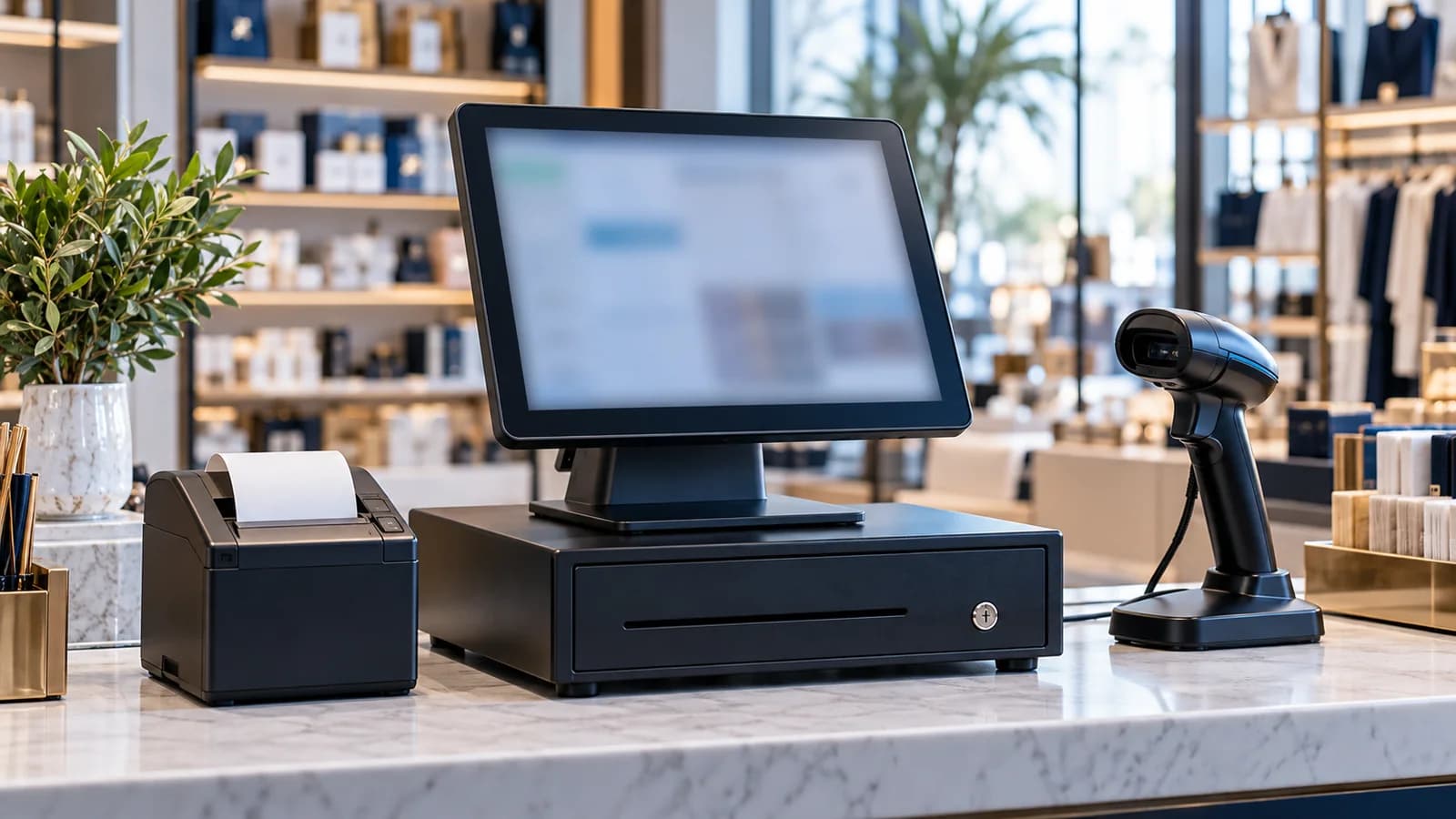
Shop owners who have worked in the UK tend to ask for an EPOS till. Owners who started in the Gulf ask for a POS system. They are asking for the same thing: a till that knows what was sold, to whom, by which cashier and how it was paid, and can tell you all of it at closing time. This guide covers what an EPOS till system is made of, what it has to do at a counter in the UAE and how to choose one without paying twice.
EPOS till, POS system and cash register
| Name | What it is | What it cannot do |
|---|---|---|
| Cash register | A drawer with a keypad that adds up prices and prints a slip | Know your items, your stock or your customers |
| EPOS till system | A touchscreen till with software that records every sale by item, cashier and payment type | Nothing important; this is the full thing |
| POS system | The same as an EPOS till system; the name used more often in the Gulf | Same as above |
A cash register tells you how much money should be in the drawer. An EPOS till tells you which items made that money, what is left on the shelf and how much of the day's total was VAT. If you only need the first, a register is enough. Most shops outgrow it the first time stock goes missing.
What the till is made of
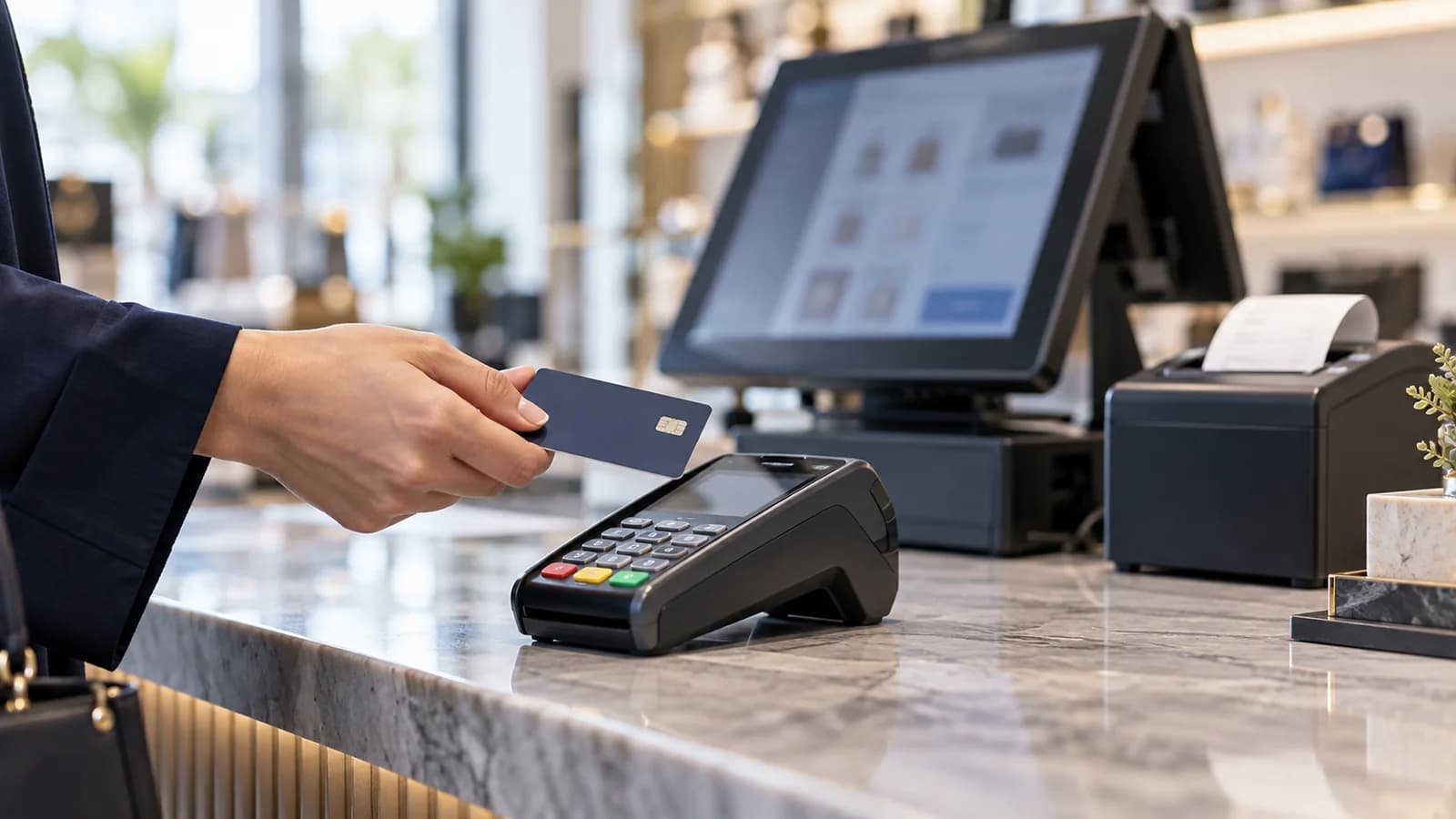
- Touchscreen till or tablet. An all-in-one till suits a busy fixed counter. A tablet on a stand suits a kiosk, a café or a counter with little space.
- Receipt printer. A thermal printer, usually on the wider paper roll. Check that it prints Arabic properly, joined and right to left.
- Barcode scanner. Handheld for a small shop, fixed on the counter for a supermarket lane.
- Cash drawer. Opened by the printer when a cash sale is completed, and never by hand without a record.
- Customer display. Shows the item and total to the customer; optional, but it reduces arguments at the counter.
- Label printer and scale. For shops that sell by weight or print their own shelf labels and barcodes.
Hardware is the easy part. Any of it can be bought in a day. Choose the software first, then buy only the printer and scanner models the software vendor has confirmed.
What the software must do in the UAE
The UAE charges VAT at 5%, administered by the Federal Tax Authority. That makes the receipt a tax document, so the till has to show your TRN, the VAT amount and the total in AED, and the day's VAT report has to match the day's receipts. Our guide to UAE VAT in your ERP and POS covers the detail, and your tax agent should see a printed receipt before you go live.
- Item names in Arabic and English, searchable in either language.
- Card, wallet and cash recorded separately, so each is checked against its own total at closing.
- Billing that carries on when the internet drops and syncs afterwards.
- Stock that falls with each sale and rises with each purchase entry.
- A login for each cashier, with discounts, voids and refunds limited by role.
- Head-office reports for every till and every branch, readable on a phone.
The longer checklist, with a demo test for each point, is in POS system in Dubai and the UAE: seven checks before you buy.
One till or several
A single counter needs one till and a way for the owner to see the day from home. Two or more tills need a shared item list and shared stock, so a price changed on one is changed on all. A second shop adds transfers between outlets and a report per branch, which is where a till system starts to become multi-branch business software. Tell the vendor where you expect to be in two years, not only where you are today.
Choosing an EPOS till system, in order
Write down what you sell and how
Barcoded items, items by weight, tables, deliveries, credit customers. This decides the software.
See the software on your own items
Bring twenty real products with prices and Arabic and English names, and bill them in the demo.
Print a receipt
Check the TRN, VAT amount, AED total and the Arabic on paper, not on the screen.
Confirm the hardware list
Ask the vendor which printer, scanner and drawer models they have already run with their software.
Ask who fixes what
Software support, hardware warranty and the card machine are often three different companies.
Run one counter first
Go live on one till for a week before you roll out the rest.
Where Operix stands
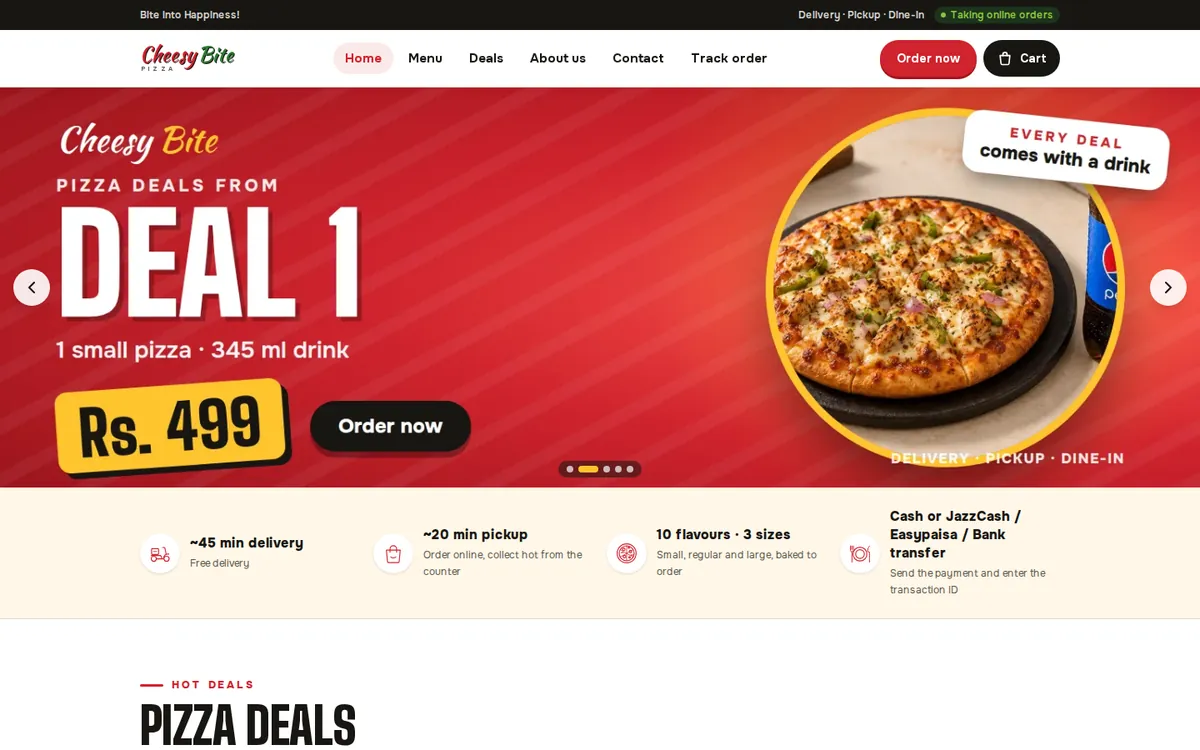
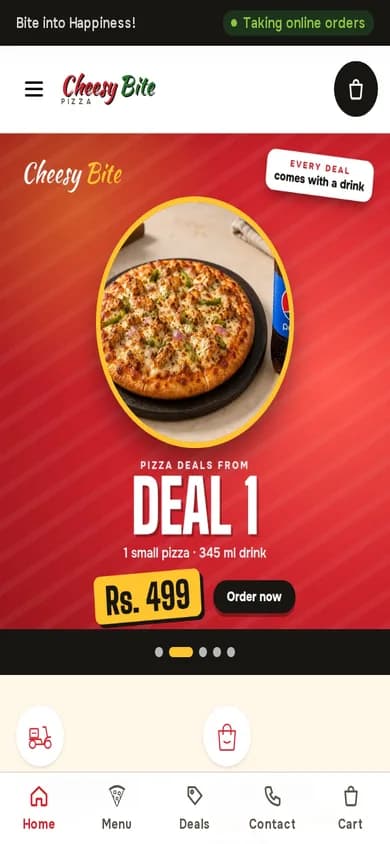
Operix Systems builds the software side: POS systems for Dubai and the UAE, set up remotely from our office in Karachi, one hour ahead of UAE time. We have no office in the Emirates and we do not sell till hardware. We tell you which printer, scanner and drawer to buy locally, then connect them with your staff on a video call. The POS you can look at is in Pakistan: Cheesy Bite, a pizza restaurant, runs an online ordering website, a staff dashboard and a POS.
If you want one supplier to deliver the till, the software and a technician on the same day, choose a local hardware dealer. If the software matters more to you than the box, book a demo and bring your item list.
Questions people ask
What is an EPOS till system?
A touchscreen till with a receipt printer, scanner and cash drawer, run by software that records every sale by item, cashier and payment type. It also moves stock and totals the VAT for the day.
Is EPOS different from POS?
No. EPOS stands for electronic point of sale and is the name common in the UK. In the UAE the same system is usually called a POS system.
Can I use a tablet as a till?
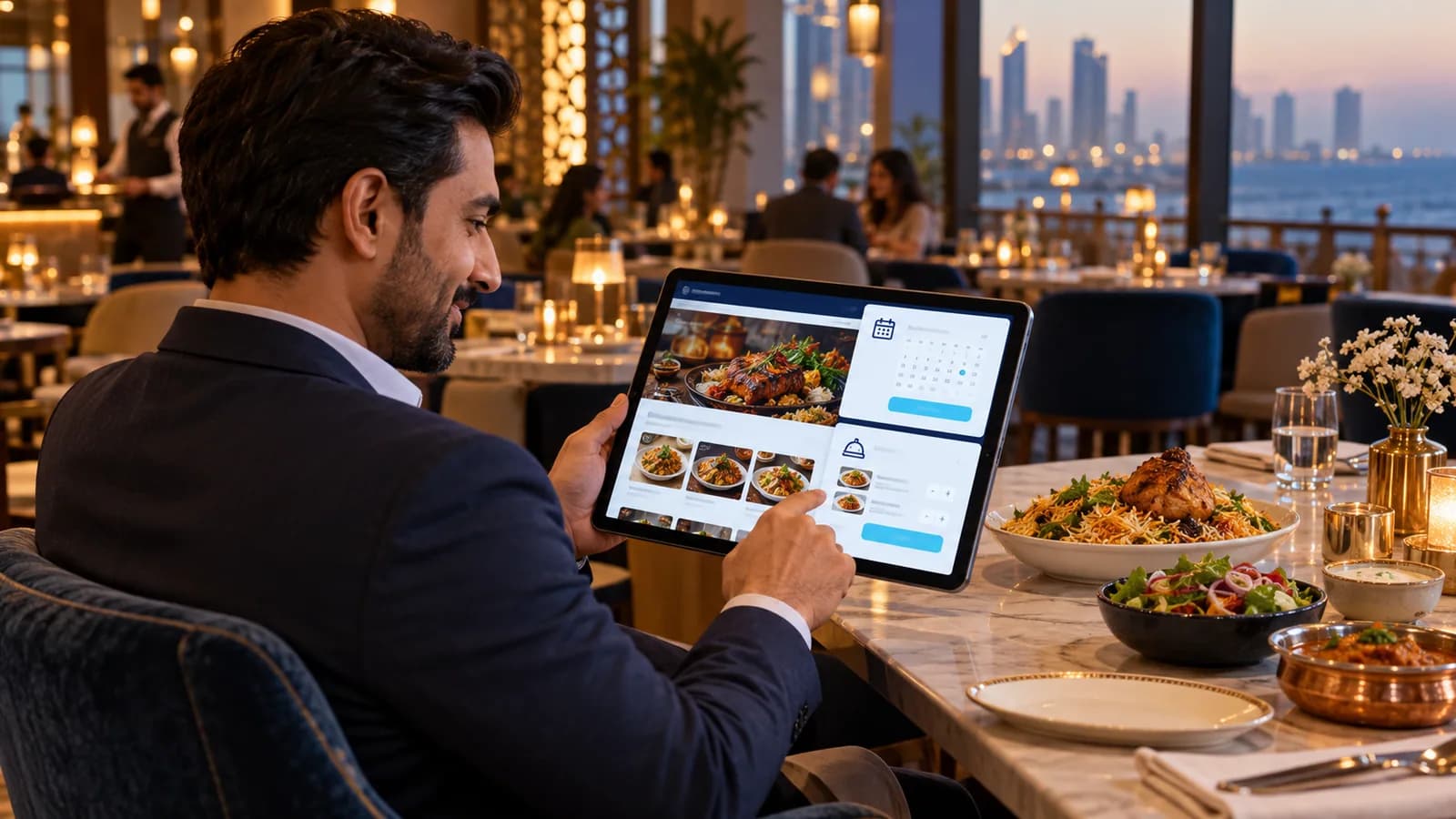
Yes, for a kiosk, café or small counter. A tablet on a stand with a receipt printer and a card machine is a complete till. A busy supermarket lane is better served by a fixed till and a counter scanner.
Do I need internet for an EPOS till?
Not for billing, if the system is built properly. The till should keep selling and printing offline and send its sales to the server when the connection returns.
How much does an EPOS till system cost in the UAE?
It depends on the number of tills and branches, the hardware you choose and the features your trade needs. Starting prices are on the Operix pricing page; ask for a written quote.