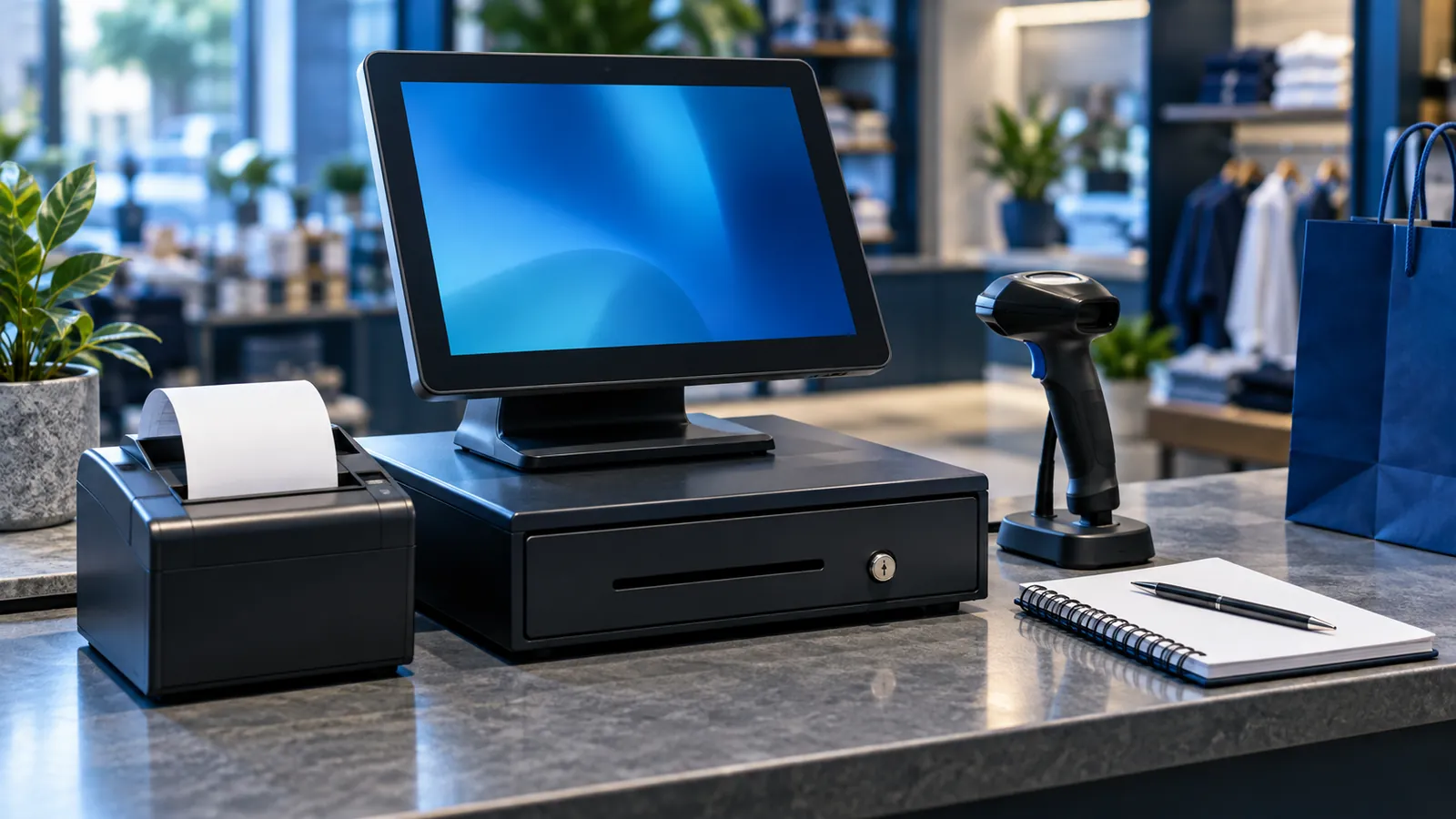
A shop that is doing well reaches a point where the owner can no longer stand at the counter all day. A second cashier is hired, stock starts arriving by the carton, and someone suggests software. One vendor says you need a POS. Another says a POS is a toy and you need an ERP. Both are selling what they have. The honest answer depends on where your problems are today.
What each one is for
A POS, or point of sale, is the screen at the counter. It is built for speed: scan, total, take payment, print, next customer. An ERP is the system behind the shop. It is built for control: what was ordered from which supplier, what arrived, what it cost, what is owed and what the month's profit was. One faces the customer, the other faces the business.
POS vs ERP side by side
| Question | POS | ERP |
|---|---|---|
| Who uses it | Cashiers and the shop manager | Purchaser, storekeeper, accountant and owner |
| Main job | Bill the customer quickly and correctly | Run purchasing, stock and accounts |
| Stock | Reduces shop stock with each sale | Holds stock across shops and godowns, with transfers and purchase receipts |
| Money | Cash, card and wallet per shift, and the drawer total | Supplier and customer balances, expenses, bank and profit |
| Working offline | Essential, because the counter cannot stop | Useful, but a short outage can be lived with |
| Reports | Sales by item, cashier and hour; shift closing | Margin by product, stock value, payables, profit and loss |
| How you feel its absence | Queues, wrong prices, a drawer that does not match | Stock-outs, surprise supplier bills, no clear idea of profit |
Which comes first
For a business that sells across a counter, the POS comes first. Sales are where cash is handled, where prices are applied and where stock leaves, many times a day. Fix that and you already know what sells, what the drawer should hold and roughly what is left on the shelf. Starting with an ERP while cashiers still write bills by hand means building reports on figures nobody trusts.
The exception is a business that is mostly wholesale: a few large invoices a day to credit customers, with a small walk-in counter on the side. There the invoices, ledgers and stock matter more than speed at the till, and an ERP with a simple billing screen is the better start. Our retail software page describes both setups.
Signs the shop now needs the ERP
- You have opened, or are about to open, a second branch.
- Goods are received in a godown and sent on to the shop.
- Suppliers are paid on credit, and you are not sure what falls due this week.
- You sell online as well, and the website and the shop keep selling the same last piece.
- The accountant types the POS totals into another package every day.
A good retail POS already does some back-office work: purchase entry, simple stock and a supplier list. For a single shop, that may be all the ERP you need for a long while.
How the two connect
When a POS and an ERP are joined properly, three things are shared. The item list, with barcodes and prices, is maintained once in the ERP and sent to every counter. Each sale at the POS reduces the same stock the ERP sees. And each shift closing posts its sales, by payment method, into the accounts. Nothing is exported, emailed or typed again. Price changes and promotions are set at head office and reach the counters on the date you choose.
Where that connection is missing, the shop ends up with two stock figures, one in each system, and a daily chore of making them agree. That is the outcome to avoid.
Buying in the right order
Start with the counter
Put in a POS with barcodes, shift closing and offline billing, and run it until the drawer matches every day.
Enter purchases in the same system
Shop stock then becomes a real figure and not sales subtracted from a guess.
Ask the connection question early
Before paying, confirm in writing that the POS can share items, stock and sales with an ERP.
Add purchasing and accounts
Do this when supplier credit or a second location turns the back office into a full-time job.
Bring branches under one item list
New branches join the same system; they do not get a copy of their own.
Operix builds POS systems that connect to its ERP software when you are ready, and installs counters on site through our POS service in Karachi. Before comparing quotes, read what decides the price of a POS and our guide to running several branches on one system. Then book a demo and bring the questions from your busiest hour.
Questions people ask
What is the difference between POS and ERP?
A POS is the billing system at the counter: it records sales, payments and shift closings. An ERP manages purchasing, stock across locations, supplier and customer balances and accounts. Many retailers use both, connected.
Can a small shop run on a POS alone?
Yes. A single shop with one or two counters usually needs only a POS with purchase entry and basic stock. The ERP can wait until there are branches, a godown or supplier credit to manage.
Can a POS be connected to an ERP later?
Only if it was built for it. Ask the vendor before buying how items, stock and daily sales would be shared, and get the answer in writing.
Is ERP software a replacement for a POS?
Not at a busy counter. ERP sales screens are designed for invoices with customer details, not for scanning items while a queue waits. A shop that bills walk-in customers needs a proper POS screen in front.
How much do a POS and an ERP cost together?
It depends on the counters, branches, modules and the hardware you already own. Operix does not publish prices; you receive a written quote after a discovery call.