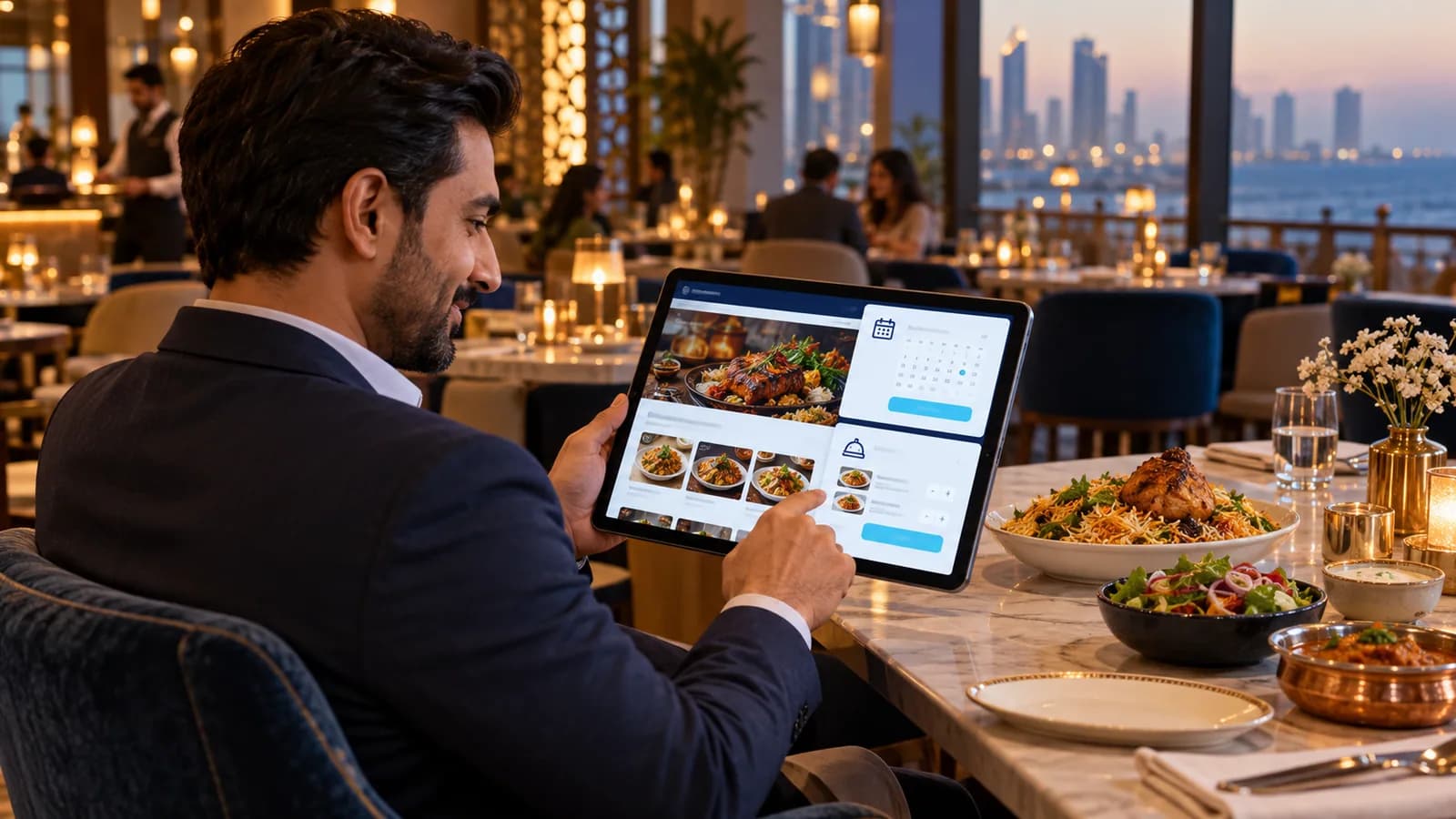
Most restaurants in Pakistan already take delivery orders, usually by phone, WhatsApp and one or two delivery apps. The trouble starts at rush hour: a rider waits while someone reads an order off a phone screen, a WhatsApp message is missed, and the customer calls again to ask where the food is. A food delivery website fixes the order-taking part, if it is built around how your kitchen actually works.
What should a food delivery website do?
- Show the full menu with photos, deals and add-ons, and load quickly on mobile data.
- Ask for the delivery area first, so the customer sees only what you deliver there.
- Take cash on delivery by default, with card or wallet payment as an option.
- Send the order to the kitchen screen or printer, and a confirmation to the customer on WhatsApp or SMS.
- Let you switch items off when they run out, and close ordering outside your timings.
Own website or delivery apps?
| Point | Own ordering website | Delivery app |
|---|---|---|
| Who owns the customer data | You do | The app does |
| Commission on each order | None to a platform | Charged per order |
| New customers who have never heard of you | Needs Google, social media and word of mouth | The app brings them |
| Deals and menu control | Fully yours, changed any time | Within the app's rules |
| Riders | Your own riders or a courier | Often supplied by the app |
The usual answer is both: use the apps to be discovered, and print your website address on every bag and box so the second order comes to you directly.
Why the website and the POS should be one system
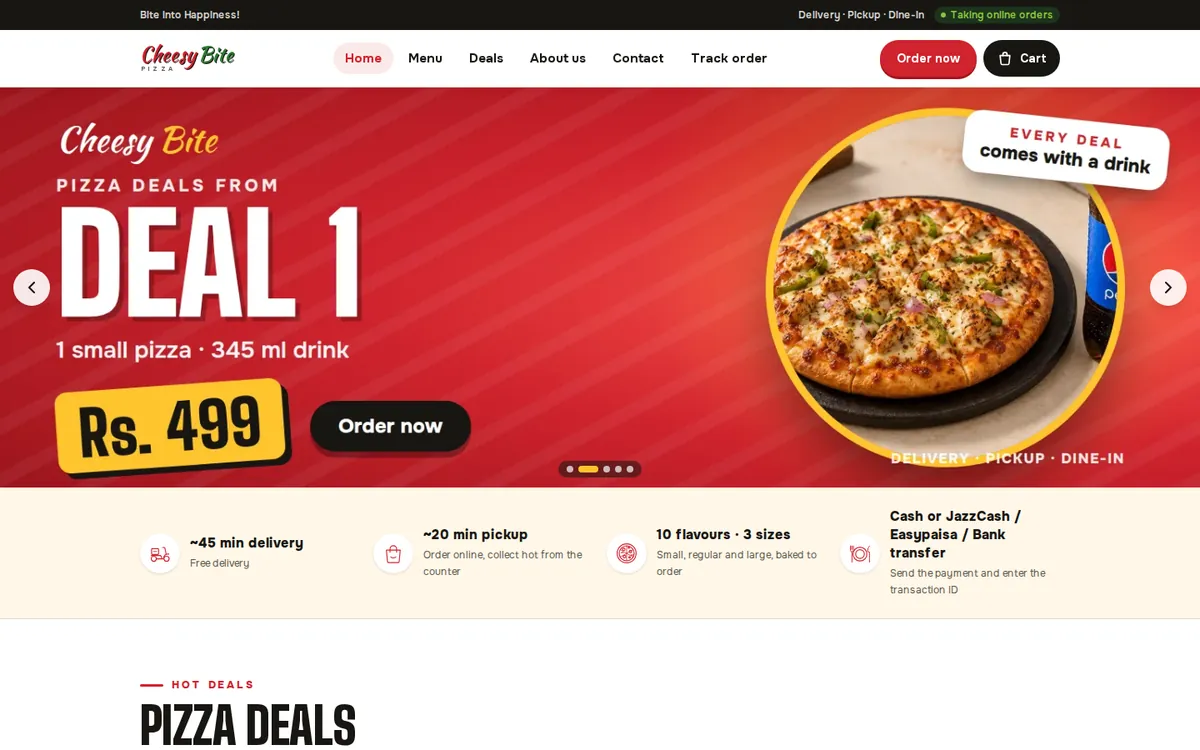
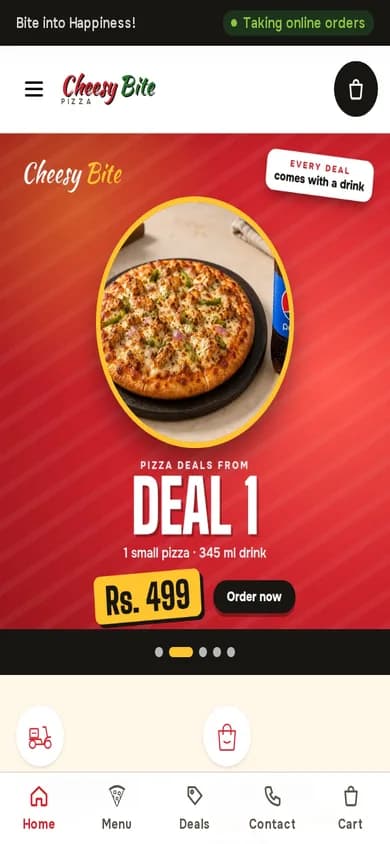
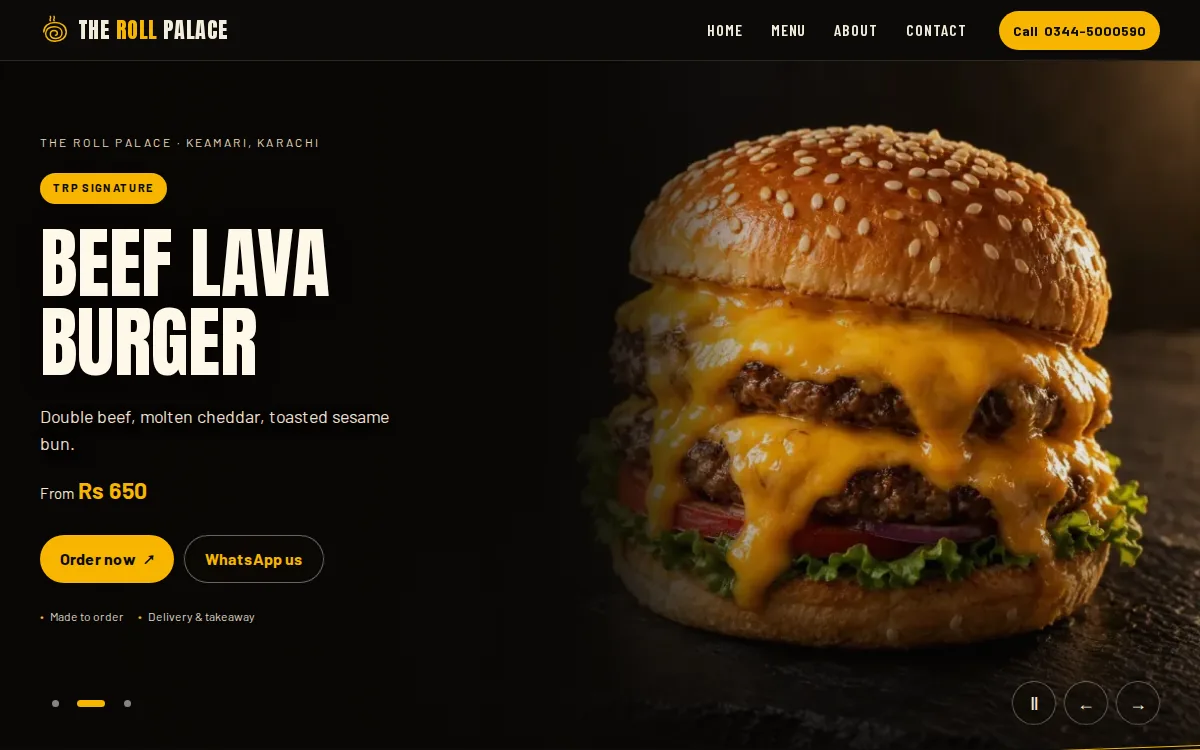
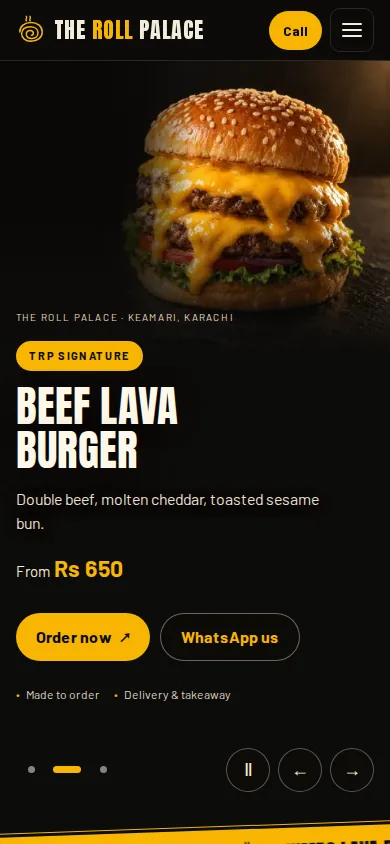
If website orders arrive in a separate inbox, someone has to retype them into the counter system. That is where orders are lost. In our work for The Roll Palace, website orders land on the same order board as counter and table sales. Cheesy Bite runs an online ordering website, a staff dashboard and a POS together. That is the setup we recommend through our restaurant POS and web development work.
List the menu
Write every item, size, add-on and deal, with a clear photo for the best sellers.
Set delivery areas
Mark the areas you deliver to, the delivery charge rule and your timings.
Choose payments
Start with cash on delivery, then add a card or wallet option once orders are steady.
Connect the kitchen
Send orders to the POS, a kitchen screen or a printer, with an alert for new orders.
Test at rush hour
Place real orders from different phones during a busy evening before you announce the site.
Getting found when people search for food
Customers search by dish and area: pizza in Gulshan, rolls near Keamari. A Google Business Profile with your menu link, and menu pages with real dish names and areas, help you show up for those searches. For a broader look at restaurant sites, read restaurant website design in Karachi or see our restaurant industry page.
If you only do a handful of delivery orders a day, a WhatsApp catalogue and a menu page may be enough for now. Build full ordering when the phone starts ringing faster than staff can answer.
Want to see how it would work with your menu? Book a demo and we will walk through an order from phone to kitchen.
Questions people ask
Can customers pay cash on delivery on the website?
Yes. Cash on delivery is the default for most restaurants in Pakistan. Card or wallet payment can be added alongside it.
Will website orders print in the kitchen?
They can. Orders can go to the POS, a kitchen display or a thermal printer, so staff do not read them off a phone.
Do I still need delivery apps?
Often yes, for new customers. Your own website is for repeat customers who already know you and would rather order directly.
Can I change prices and deals myself?
Yes. You get an admin panel to edit items, prices, deals and stock, and to switch ordering on or off.