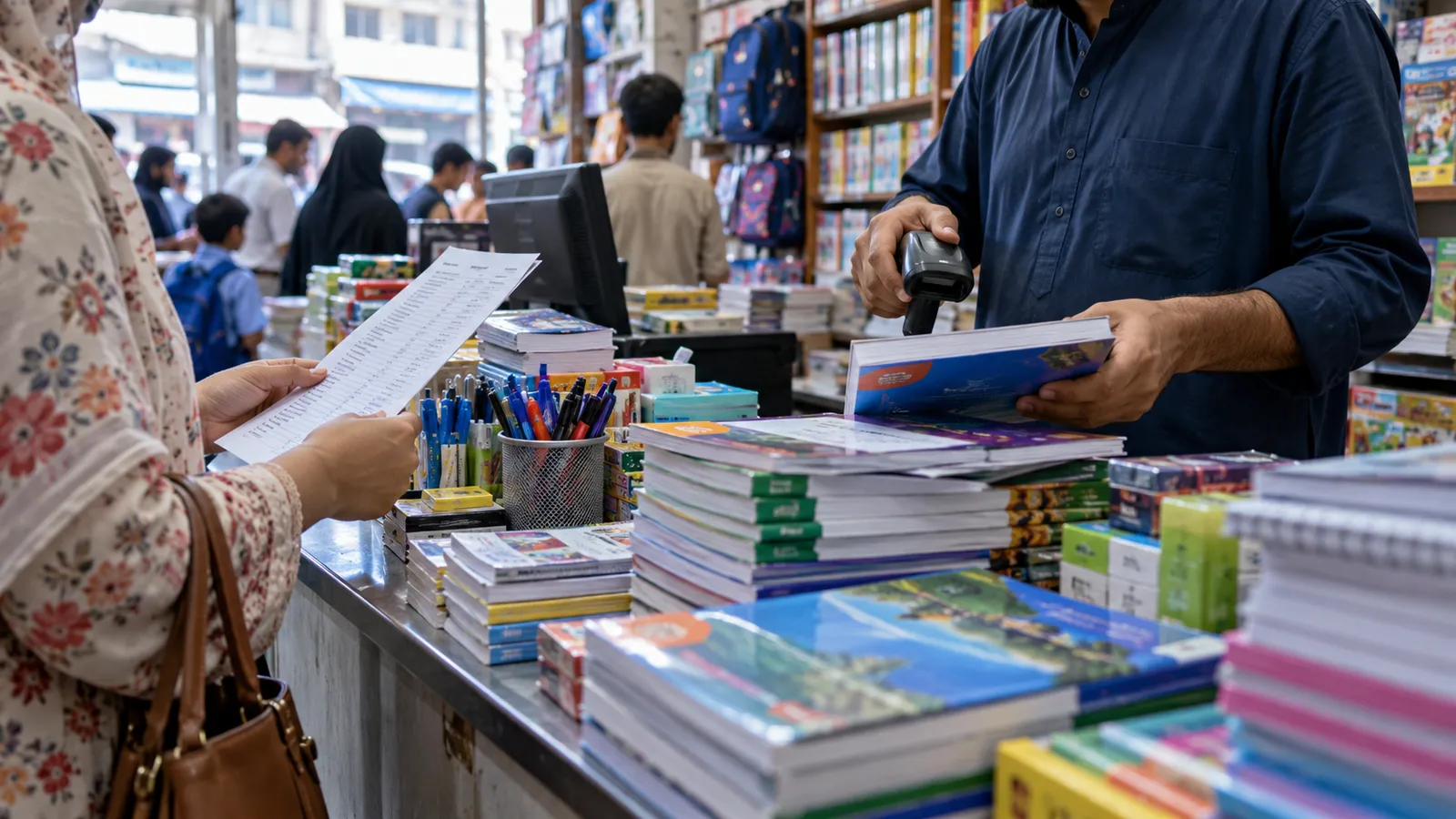
In Urdu Bazaar in Karachi or Lahore, the weeks before schools reopen are chaos. A parent hands over a printed list from a school, thirty titles and notebooks for class four, and the staff run between shelves while the queue grows. After the season, boxes of unsold titles wait to go back to publishers, and nobody is sure which distributor sent which copies.
School lists by class
Load each school's list once: school, class, titles with edition, notebooks and stationery. At the counter, staff pick the school and class, the whole list appears, and they remove what the parent already has. Stock is checked before the bill is printed, so missing titles are noted and booked for later collection. Next year, copy the list and change what the school changed.
| Books | Stationery | Toys | |
|---|---|---|---|
| Identified by | ISBN, title, edition | Barcode or item code | Barcode or item code |
| Busy season | School opening | School opening and exams | Eid and birthdays |
| Returns to supplier | Common, by agreement | Rare | Occasional |
| Main risk | Old editions left unsold | Many small items, shrinkage | Breakage and missing parts |
Editions, publishers and returns
Schools change editions, and a shop can be left with copies nobody will buy. Track each title with its edition and publisher. If you have sale-or-return terms with a distributor, the software should list unsold copies per supplier at the end of the season, prepare a return note, and adjust the supplier's balance when the return is accepted.
Collect the lists
Get book lists from the schools you serve, or from parents early in the season.
Load lists by class
Enter each list once with titles, editions and stationery items.
Check stock against lists
Run a shortage report: list demand against what is on the shelf.
Order the gaps
Send purchase orders to publishers and distributors for missing titles.
Set up pre-orders
Let parents pay an advance for a full set and collect it when ready.
Stationery and toys
Pens, registers, art supplies and office stationery are many small items; barcodes and a rolling count keep shrinkage visible. Some shops also supply offices and schools on credit; give those customers a ledger and send monthly statements. Toy shops add the Eid rush and gift wrapping. Toys with batteries or many parts are worth checking at receiving, so damaged stock goes back to the supplier.
Bundles and online orders
A school bundle is a set price for a full list; the software should take each item out of stock when the bundle sells. Many shops now take list orders on WhatsApp and deliver; record these as orders with an advance and a delivery date. If you supply schools directly, see school management system in Pakistan for what schools run on their side and how book sales can link to it.
For counting and reorder levels, read inventory management software; for a small shop with one counter, kiryana store software shows a lighter setup.
Second-hand books and exchanges
Some shops buy back last year's books from parents and sell them at a lower price. Treat these as used stock with their own price and condition, separate from new copies of the same title. The counter can then offer a parent a used set or a new one from the same list, and the stock count shows both clearly.
Busy-season counter tips
- Keep one counter only for list orders and pre-paid collections, so walk-in buyers of a single pen are not stuck behind a thirty-item bill.
- Print the list with prices for the parent before billing, so they can strike out what they already have.
- Keep billing offline-ready: the school rush often falls in hot months with load shedding.
After the season, compare list demand with what you sold. Titles you ran out of early go on next year's first order; titles left over go on the returns list. That one report is the main reason to load lists into the system at all.
A bookshop also gets special orders: a university text, a novel, an exam guide that is not on the shelf. Book these as customer orders with an advance and the supplier asked, and send a WhatsApp message when the copy arrives.
Office and school supply customers often order by phone or WhatsApp every month. Save their usual list as a template, so a repeat order takes a minute, and deliver it with a challan that the customer signs. At month end, the statement lists every challan, which is exactly what an office accounts clerk asks for before releasing payment.
Operix builds POS systems in Pakistan for retail shops and for schools, from Old Clifton, Karachi. Book a demo and bring one school's book list.
Questions people ask
Can we sell a whole school list in one bill?
Yes. Pick the school and class, the full list appears, and staff remove what is not needed before printing the bill.
Can the POS handle returns to publishers?
Yes. Unsold copies are listed by supplier, a return note is prepared, and the supplier balance is adjusted when the return is accepted.
Does it work for toy shops too?
Yes. Toys are normal stock with barcodes, and the same POS handles gift sales and seasonal discounts.
How much does bookshop POS software cost?
It depends on counters, branches, school lists and online orders. Operix does not publish prices; you get a written quote after a discovery call.