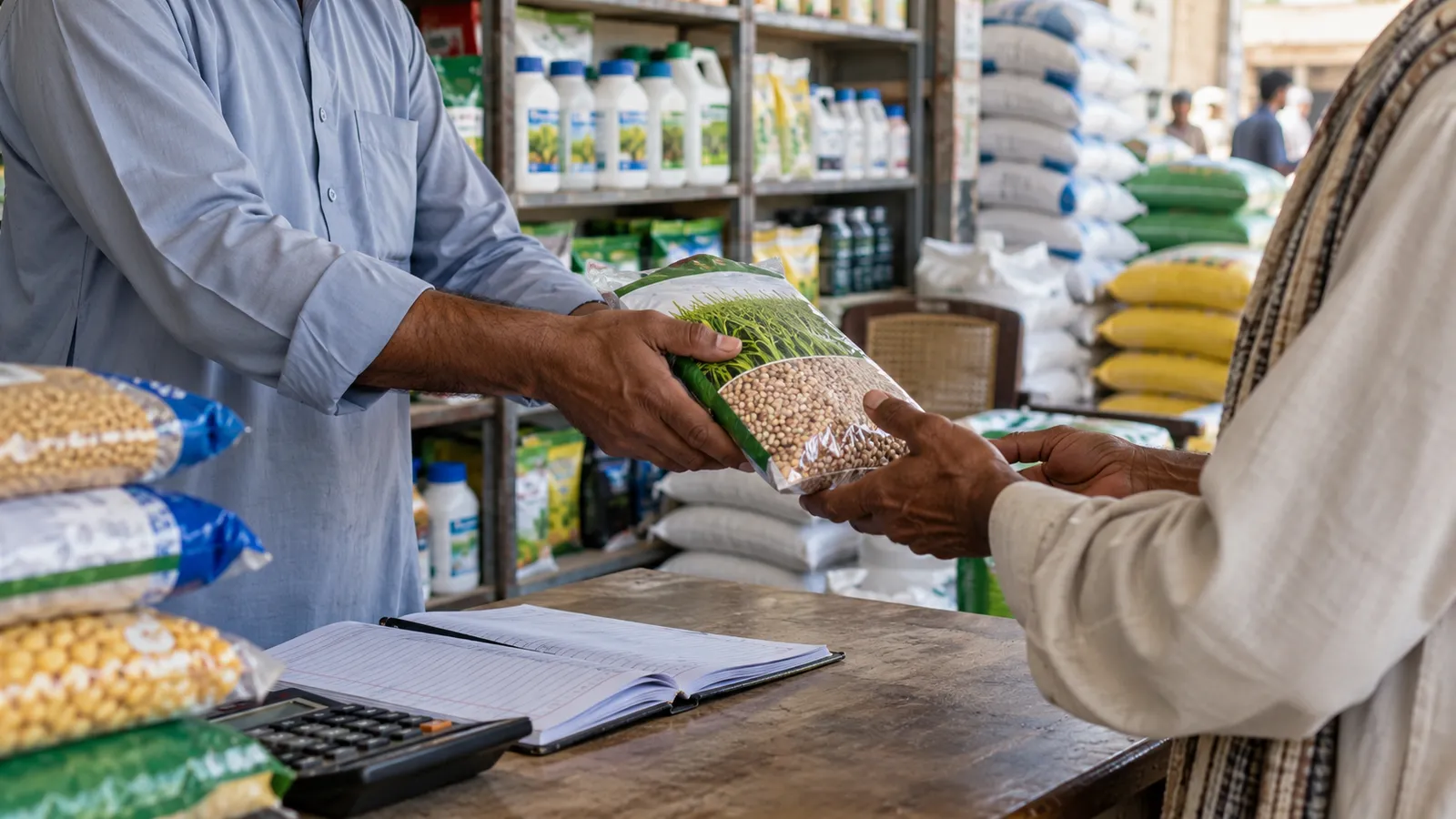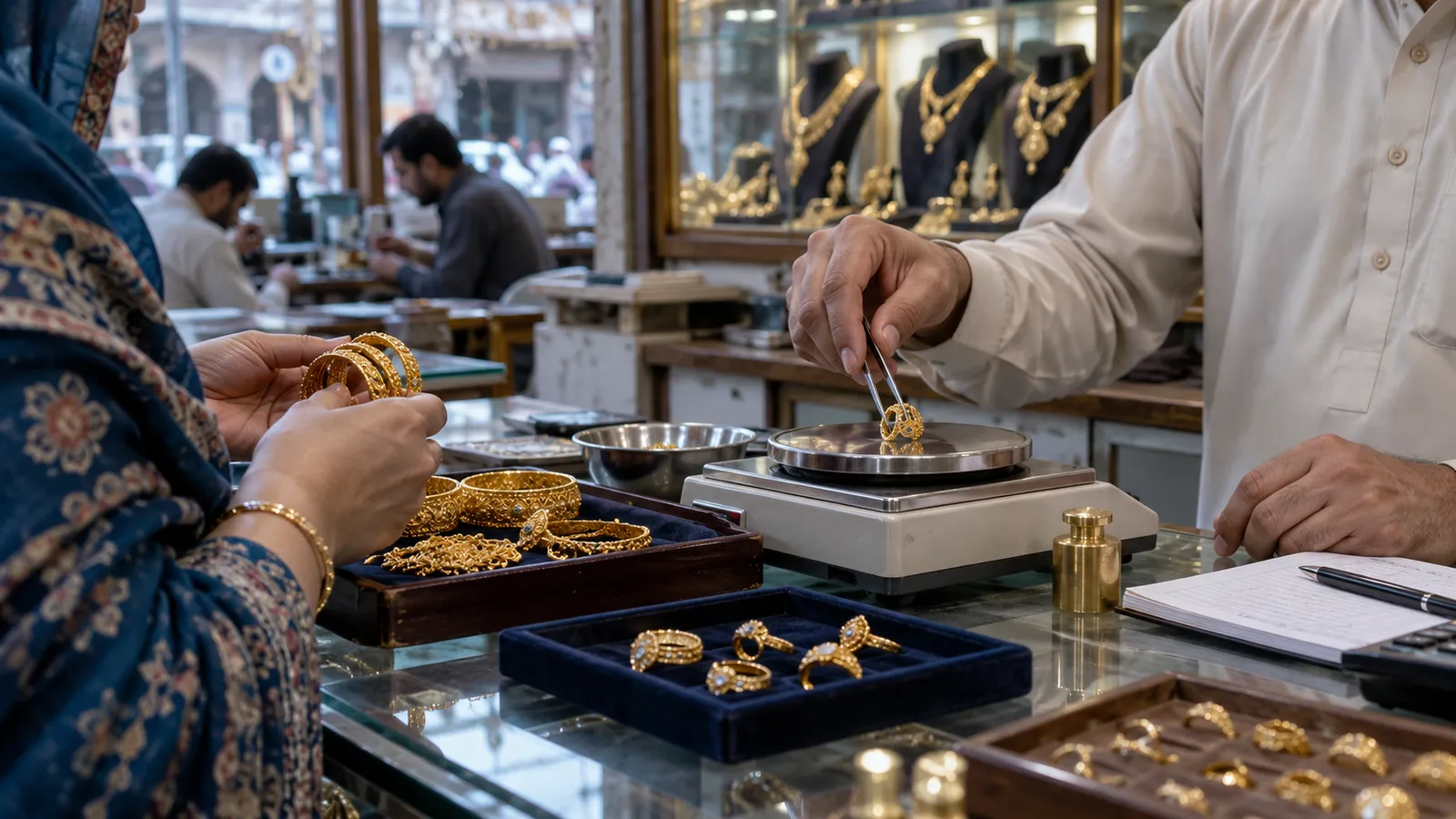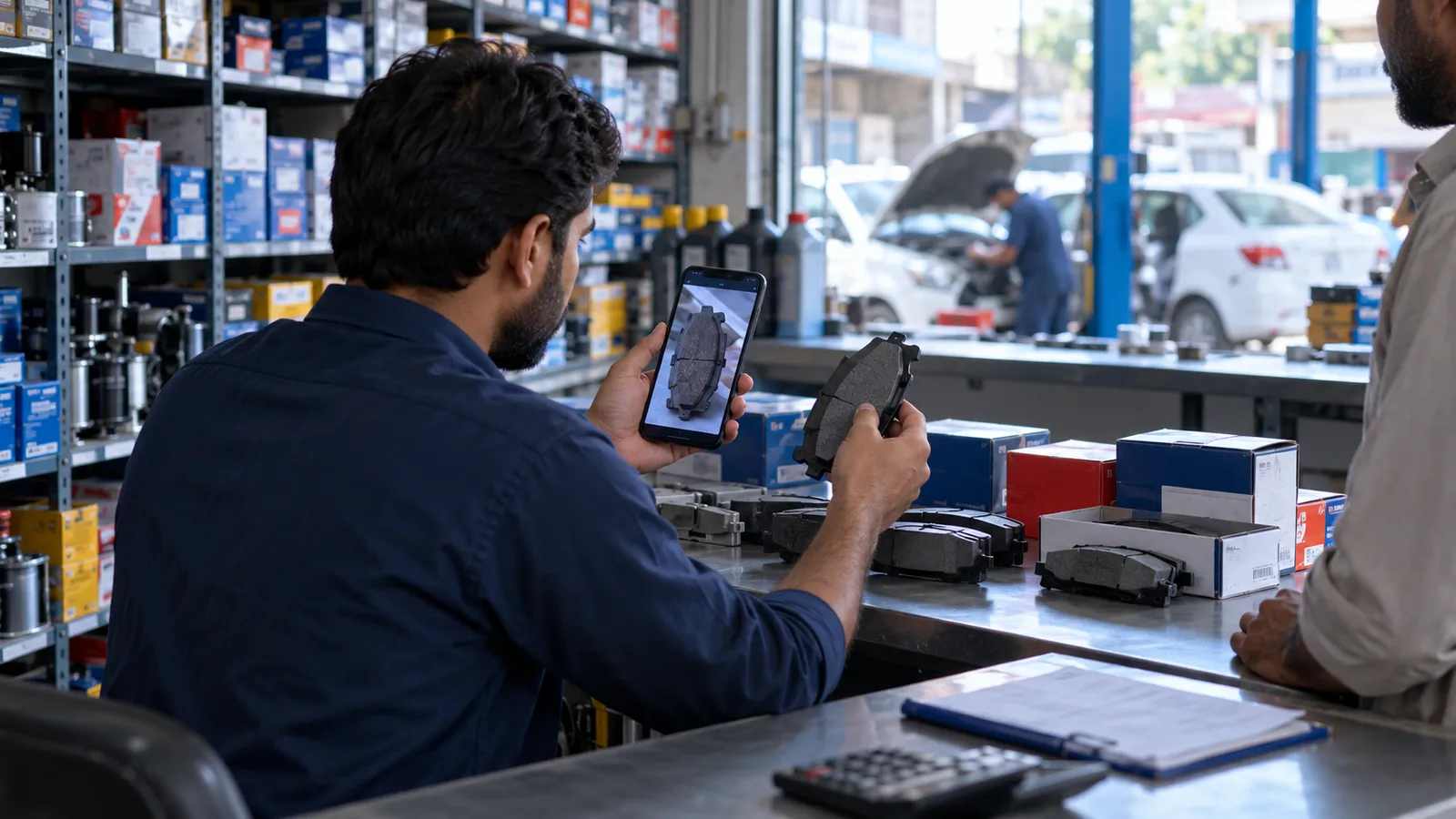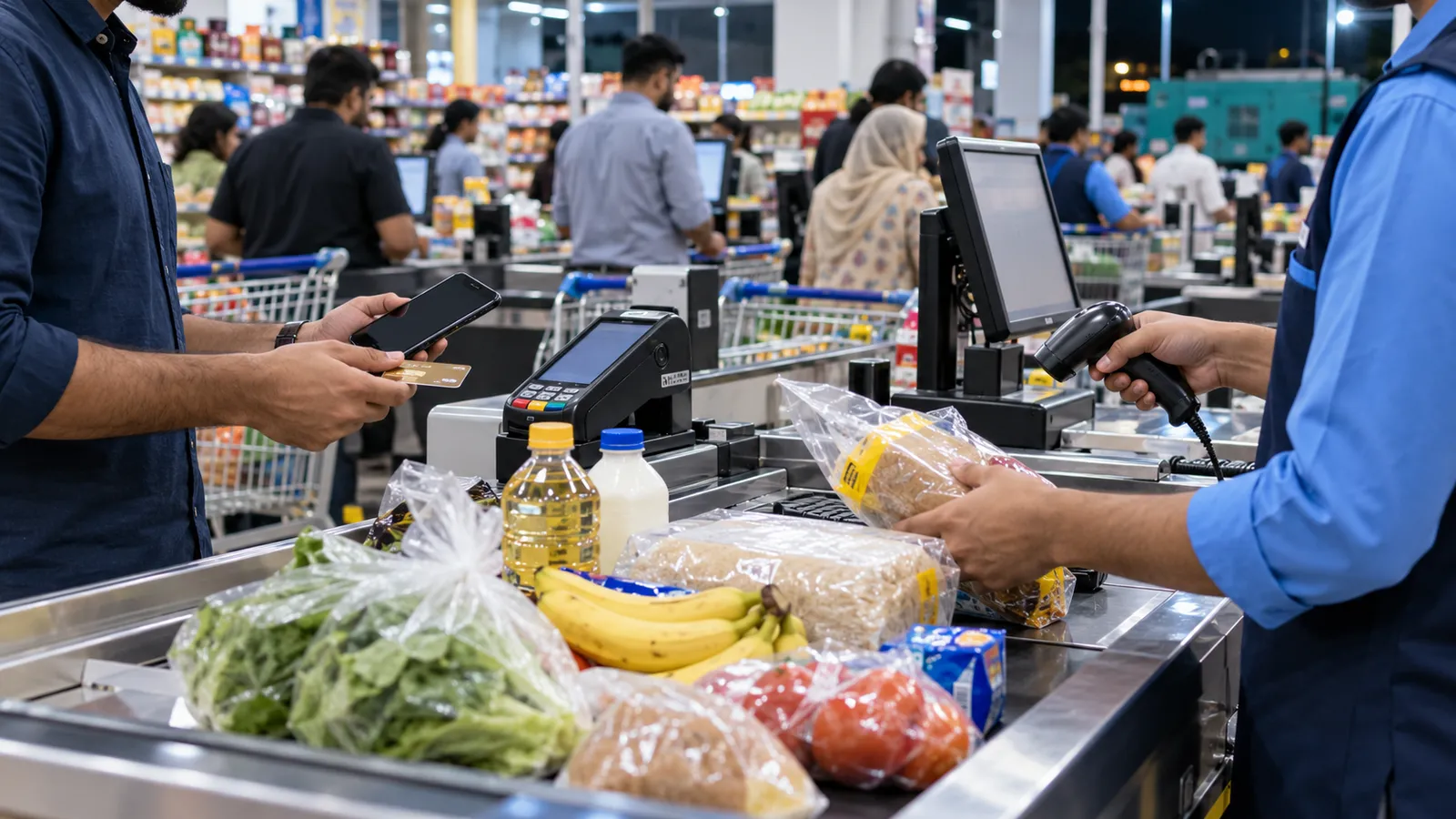
On a Saturday evening in a neighbourhood superstore, every counter has a queue, the generator has just kicked in, and a customer at counter three wants to pay half by card and half by JazzCash. Meanwhile a supplier's salesman is waiting at the back with a bill for detergent that nobody can check against what actually arrived. A mart in Karachi, Lahore or Islamabad lives or dies on these two moments: the counter and the receiving door.
What happens at the counter
Speed is the whole job here. A cashier should scan, total and print without waiting for a server somewhere else to answer. That means the billing screen keeps running when the internet drops, stores the bills locally, and sends them up when the line comes back. If the POS freezes during load shedding, cashiers go back to the calculator and the day's stock is wrong by closing.
- Barcode scanning with a short search by name for items whose label has peeled off.
- Loose items such as rice, sugar, daal and dry fruit sold by weight, either from a scale's printed barcode or a price-per-kilo entry.
- Split payment: cash, card, bank transfer, JazzCash and EasyPaisa on one bill.
- Hold a bill when a customer runs back for one more item, and serve the next person.
- Returns and exchanges that put the item back in stock, with a manager PIN.
- Shift closing per cashier, so the drawer is counted against that cashier's own bills.
What happens at the receiving door
Most stock problems in a mart start at the back, not at the counter. A distributor sends forty cartons and bills for forty-two, a pack size changes, or a promotion item arrives free. The software should let the receiving person enter the supplier's bill against a purchase order, note shortages and damages, and set the cost the moment goods arrive. Supplier balances then build up on their own, so paying distributors is a list, not a search through files.
| Area | One store | Two or more branches |
|---|---|---|
| Item list and prices | Kept in the store's POS | Set once at head office and pushed to every branch |
| Purchasing | Store manager buys from distributors | Central buying, with transfers from a warehouse |
| Stock count | One count per shelf section | Per branch, with transfers in and out tracked |
| Reports | Daily sales and top items | Branch against branch, and stock sitting idle |
| Software | A strong POS is enough | POS at counters, ERP behind them |
If you are at the second branch stage, our guide to multi-branch business software covers transfers and central pricing, and retail POS or ERP explains where one ends and the other begins.
Promotions, expiry and shrinkage
Marts run constant deals: buy two get one, a price drop on cooking oil for a week, a Ramadan package. Set these up in the system with a start and end date, so the price returns on its own and no cashier has to remember. Expiry matters for dairy, bakery and packaged food; record expiry on receiving for those items and run a short list each morning of what is close. Shrinkage, the gap between what the system says and what the shelf holds, only shows up if you count. A rolling count of one section a day is easier than closing the shop for a full count.
Tax and FBR integration
Larger retailers in Pakistan may be required to connect their POS to FBR so each invoice is reported. The tax rules decide which retailers must integrate, so confirm with your tax adviser whether your store is covered. We describe how the connection works in FBR POS integration.
Clean the item list
Export or type every item with barcode, pack size, cost and sale price. Merge duplicates before anything else.
Label the loose goods
Decide which loose items are weighed at the counter and which are pre-packed with a scale barcode.
Count opening stock
Count one section at a time after closing and enter it as opening stock.
Run one counter first
Put one cashier on the new POS for a few days while others carry on, then switch the rest.
Start receiving in the system
From the switch-over day, no supplier bill is paid unless it was received in the software.
When you do not need custom software
A small grocery with one counter and mostly regular customers may be better served by a simple shop app. Our kiryana store software guide covers that end. Custom work makes sense when you have several counters, branches, a warehouse or supplier terms that a packaged product handles badly.
Reports a mart owner actually reads
Keep the daily report short: sales by counter and by payment type, cash expected against cash counted, the top items, and anything sold below cost. Weekly, look at items that did not sell at all and suppliers whose bills do not match receiving. Those few lines tell you more than a thick printout nobody opens.
Operix builds POS systems in Pakistan and the ERP behind them, from Old Clifton, Karachi. Karachi stores get on-site setup and training; other cities are served online. See how we approach retail, or book a demo with a sample of your item list.
Questions people ask
Will the POS keep working when the internet goes down?
Yes. Bills are saved on the counter machine and sent to the main system when the connection returns. Cashiers keep scanning and printing as normal.
Can we sell loose items by weight?
Yes. You can use a scale that prints a barcode with weight and price, or let the cashier enter the weight against a price per kilo. Both reduce stock correctly.
Do we need FBR integration?
It depends on your store and the current tax rules, which decide which retailers must integrate. Confirm with your tax adviser; the POS can be built to support it.
How much does supermarket POS software cost?
It depends on counters, branches, warehouse needs and integrations. Operix does not publish prices; you get a written quote after a discovery call.