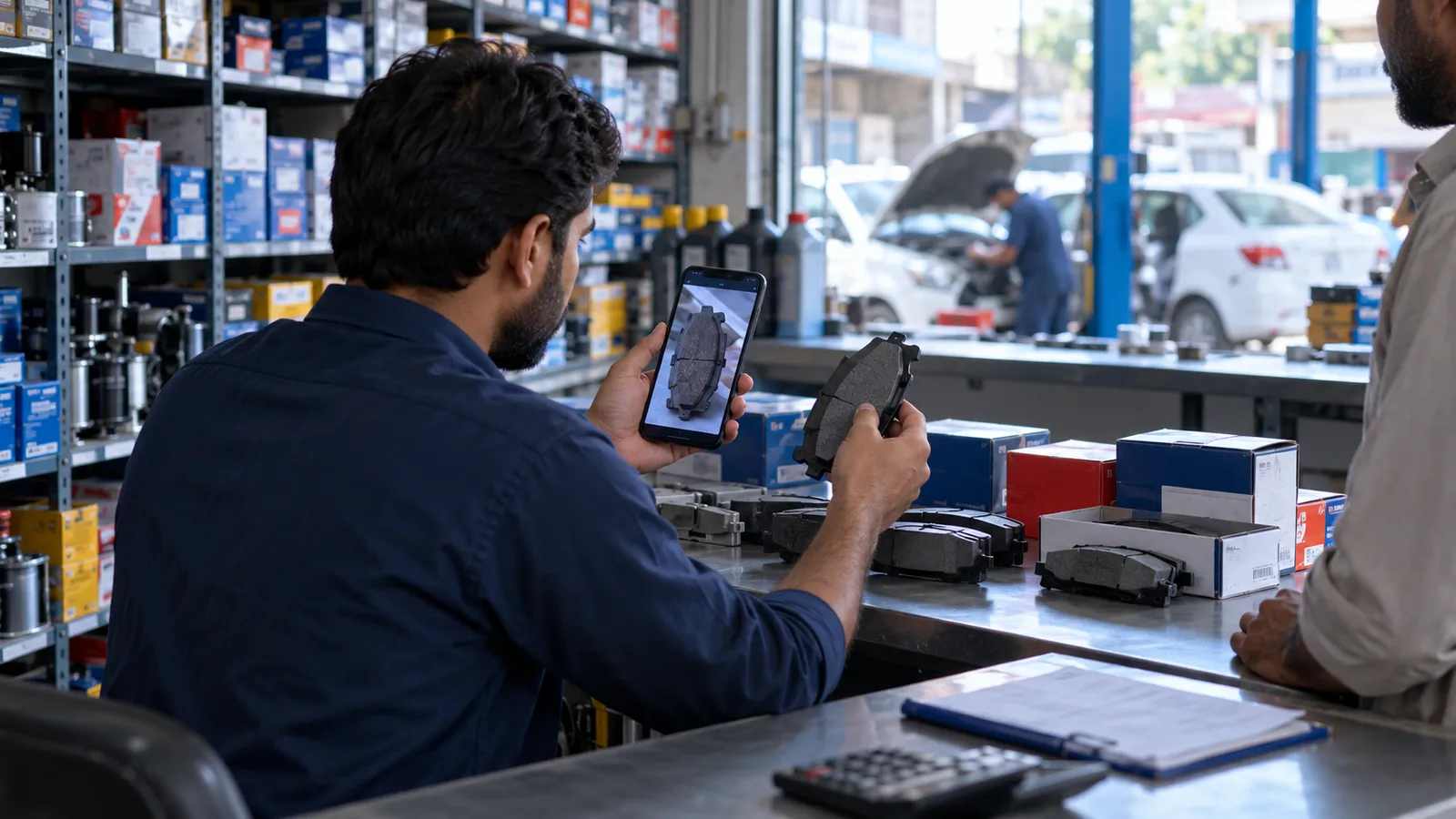
Behind the counter of an auto parts shop, the hard part is not billing. It is finding. A mechanic sends a photo of a worn part on WhatsApp, a customer reads out half a number, someone asks for a brake pad for a particular car and year, and your best salesman is the only one who remembers that a cheaper brand fits too. When he is off, sales are lost or the wrong part goes out and comes back.
The three ways customers ask for a part
- By part number. The mechanic has the old part or its box and reads the number. The system should accept the number with or without dashes and spaces.
- By vehicle. The customer knows the make, model and year. The system should list every part you carry that fits.
- By another number. The customer has a number from a different brand. A cross-reference table should lead to the part you stock.
All three must lead to the same item card, showing the stock, the rate and the rack where it sits. Building that data is the biggest job in the project, and it is worth doing in stages: start with the parts that sell most, then fill in the rest as items come in.
Genuine, imported and local alternates
Most parts come in several versions: genuine, imported aftermarket and local. Customers decide by price and trust, and the salesman needs to show all of them at once. The software should link alternates to one another so a search for one shows the others, each with its own stock and rate.
| Field | Example of what it holds | Why the counter needs it |
|---|---|---|
| Part numbers | Main number plus cross-reference numbers | Customers read different numbers |
| Fitment | Make, model, years, engine where relevant | Answering 'will it fit my car?' |
| Alternates | Genuine, imported and local versions linked | Offering a choice by budget |
| Stock and rack | Quantity per shop or godown, rack and shelf | Finding it in seconds |
| Rates | Retail rate and mechanic or workshop rate | Right price for the right customer |
Mechanics, workshops and credit
A large part of an auto parts shop's sales go to mechanics and workshops, many of them on udhaar. Each should have a ledger with a credit limit and a separate rate list if you give them trade prices. Receipts and statements can go to their WhatsApp. Returns are common in this trade, because a part may not fit after all, so the counter needs a quick return that puts the item back in stock and adjusts the ledger.
Billing at the counter
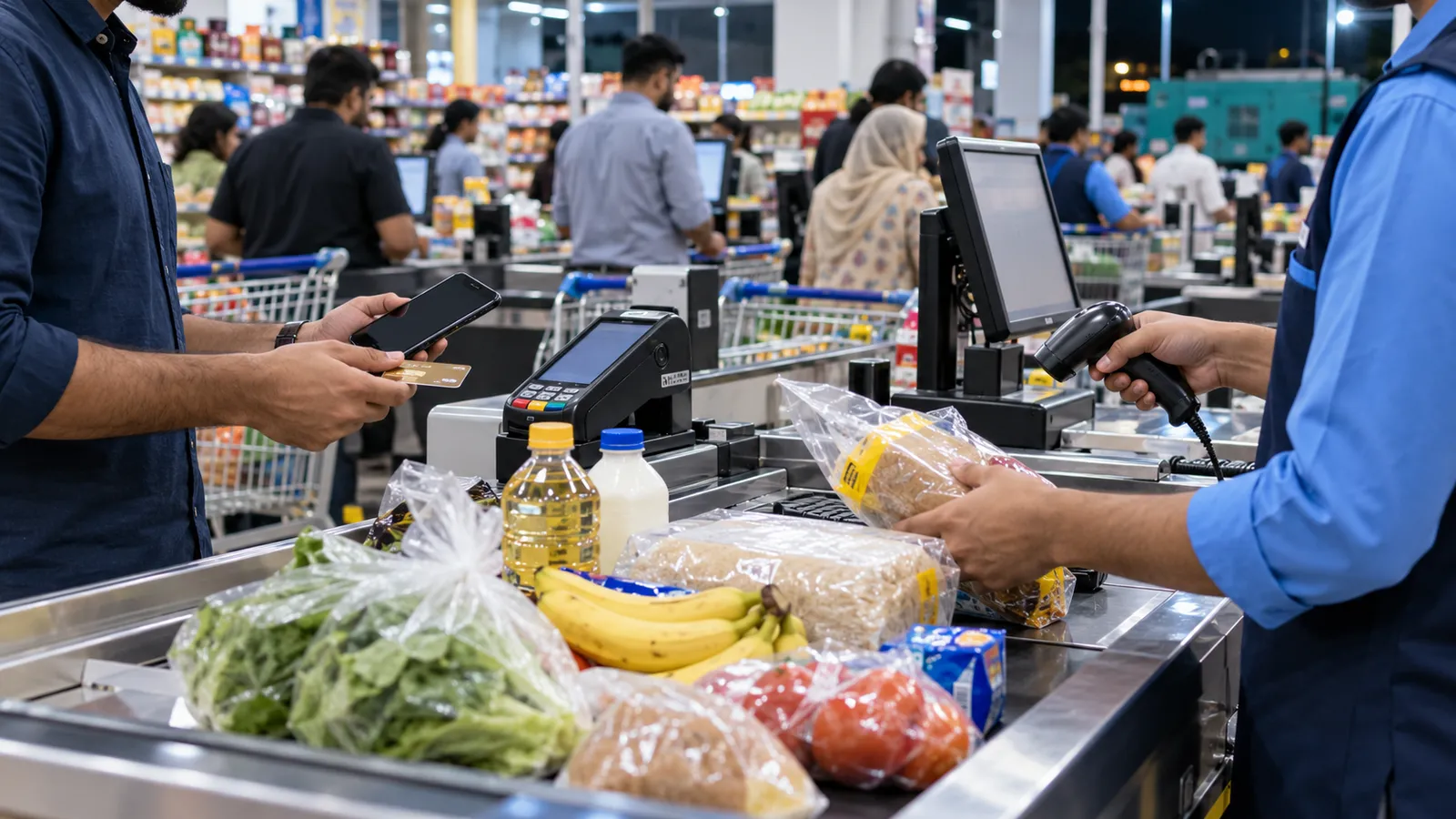
Billing should be fast: scan or search, choose the version, print or send the bill. Payments by cash, card, bank transfer, JazzCash or EasyPaisa should all be recorded. If you are a retailer covered by FBR POS integration, the tax rules decide which retailers must integrate; read our FBR POS integration guide and confirm with your tax adviser.
Pick your top sellers
List the parts that move every week and set them up first, with numbers, fitment and alternates.
Label the racks
Give every rack and shelf a code and record it on the item card as you go.
Enter the rest as stock arrives
Each new purchase adds its items to the system, so the catalogue grows with the shop.
Add cross-references from questions
Whenever a customer asks by an unknown number, add that number to the item once found.
Review dead stock monthly
Run the slow-moving report and decide what to return, discount or stop buying.
Dead stock and buying
An auto parts shop can carry a great many items, and some will sit for years. A monthly report of items that have not moved, with their cost, tells you where your money is stuck. A reorder report based on what actually sold stops you running out of fast movers. Our inventory management software guide explains reorder levels and stock counts.
If you run several shops, for example one in a parts market and one near a workshop area, each should hold its own stock with transfers between them. See multi-branch business software.
POS or ERP?
A single shop selling over the counter needs a POS system with strong search and ledgers. A dealer who imports parts, supplies other shops and runs a godown needs ERP software with purchasing and landed cost. Our retail POS vs ERP guide helps you decide, and dealers who import should also read our guide on import and export software.
Operix Systems works from Old Clifton, Karachi, with on-site setup for Karachi shops and online delivery elsewhere in Pakistan. Every screen is designed with you before it is built. To see part search working on sample data, book a POS demo. Related trades are covered on our retail software page.
Questions people ask
Can I search by vehicle model and year?
Yes, once fitment is entered for each part. We suggest starting with your best sellers and adding fitment as stock arrives, rather than entering the whole catalogue before go-live.
Do you supply a ready parts catalogue?
No. We build the structure and help you enter your own data. Your catalogue reflects what you actually stock and how your customers ask for it.
Can mechanics get a different rate from walk-in customers?
Yes. Each customer or customer group can have its own rate list, and the counter shows the right rate when the customer is selected.
Do you have an office outside Karachi?
No. Operix works from Old Clifton, Karachi. Karachi shops get on-site setup and training; shops in Lahore, Rawalpindi and other cities are served online.