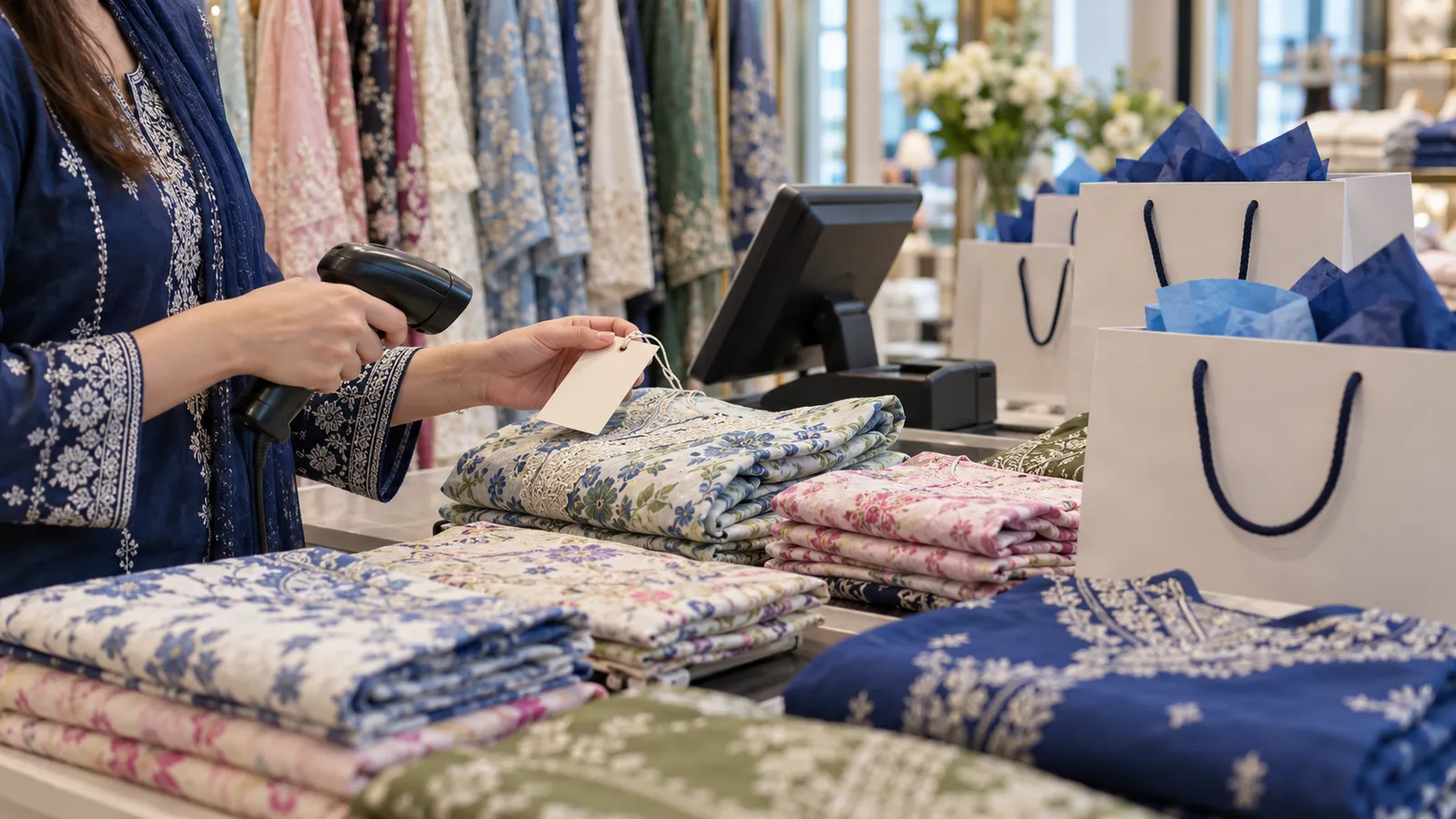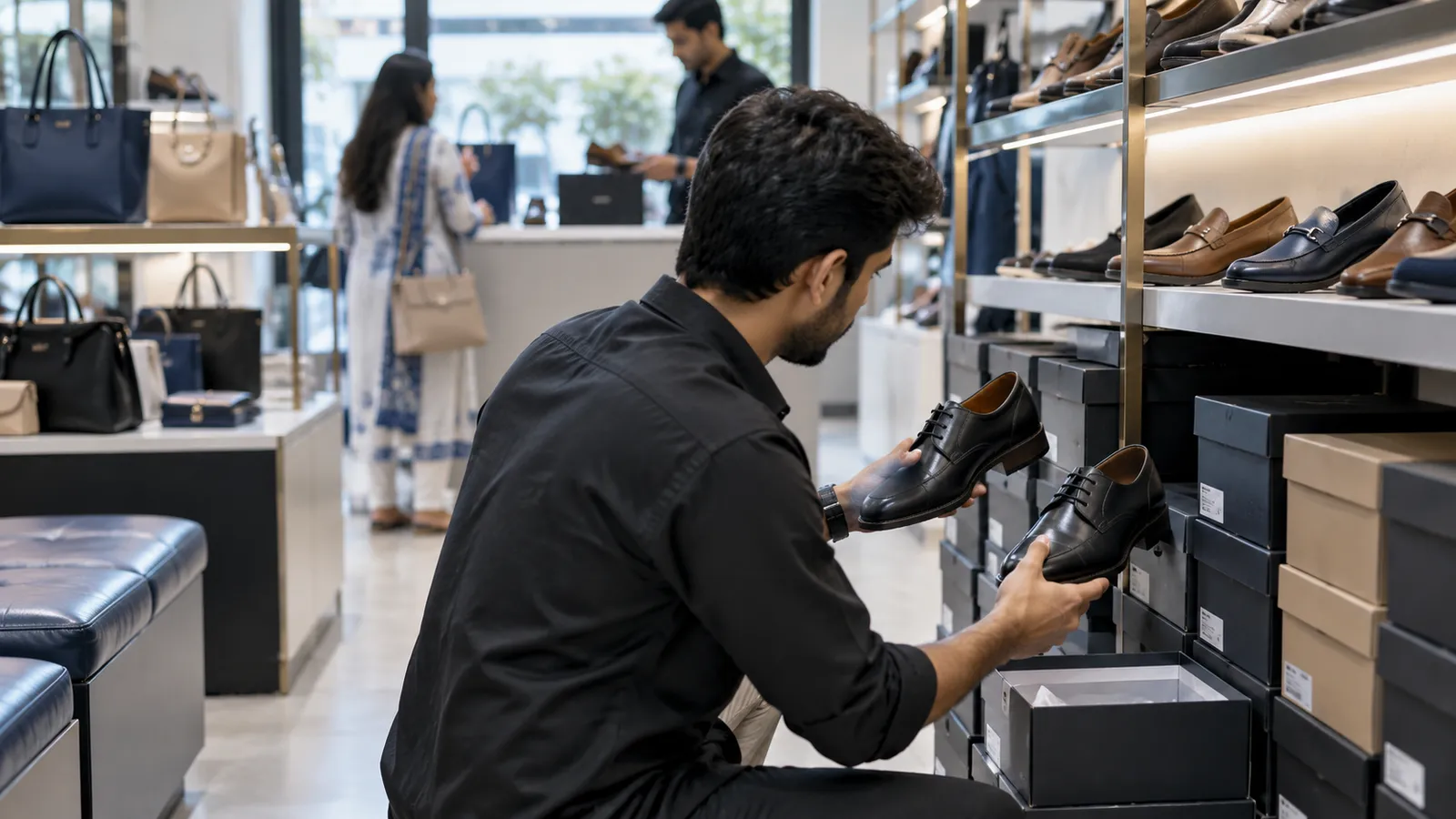
In a shoe shop on Tariq Road or in Liberty Market, the question at the counter is almost always the same: do you have this one in 8? The salesman goes to the back, digs through boxes, and comes back with a 7 and a 9. Meanwhile your other branch has three pairs of the 8 sitting unsold. Good software answers that question in a few seconds, for every branch.
Why size runs change everything
A shoe is bought by the case: one article, one colour, and a set of sizes in fixed numbers. Selling it means breaking that set one pair at a time. So the useful view is not 'Article 2041, 14 pairs' but a row of sizes with the count under each. When the middle sizes sell out, what remains are the ends of the run, which are hard to sell. The software should flag these broken runs so you can move them to another branch, put them on sale, or reorder only the missing sizes.
| Product | Tracked by | Common problem |
|---|---|---|
| Shoes, sandals, chappals | Article, colour, size | Middle sizes sell out, ends stay |
| Handbags and clutches | Article, colour | Same style in many colours, hard to count |
| Belts | Article, colour, length | Lengths mixed up on display |
| Wallets, socks, small accessories | Article, sometimes pack | Many small items, low value each |
Exchanges, not refunds
Most shoes come back because of size. The counter should be able to take the old pair back and sell the new size on one screen, with only the difference to pay or return. If you allow exchanges within a set number of days, the receipt should show that rule and the system should check the date. Bags come back less, but when they do, note the reason: a broken zip from one supplier tells you something.
Seasons and sales
Footwear sells in waves: Eid and wedding season for formal and fancy pairs, winter for closed shoes and boots, school opening for school shoes. End-of-season sales clear what is left. Set discounts by article or collection with start and end dates, and run a report of stock by age, so older pairs go on sale before they look dated.
Labels and barcodes
Print a barcode label per pair that carries article, colour and size. Scanning then sells the exact pair and avoids the classic mistake of billing an 8 when the box held a 7. For bags, one label per article and colour is enough.
List articles and size sets
Write each article with its colours and the size range it comes in.
Count by size, not by total
Open boxes and count pairs per size; enter the run, not a total.
Label every pair
Print and stick a barcode label with article, colour and size on each box.
Separate the broken runs
Mark articles with missing middle sizes so you can decide what to do with them.
Do bags and accessories last
They are simpler: article and colour, counted once.
Branches and online orders
With two or more shops, a transfer screen saves money. Before you reorder a size, check whether another branch has it and move it. Transfers should leave one branch and arrive at the other, so nothing goes missing in the van. Our multi-branch business software guide covers this in detail, and inventory management software explains counting and reorder levels.
If you also sell online, your website should read from the same stock. Raah Fits, a Karachi streetwear brand, has an online store with its own admin for products, orders and customers; a shoe brand would need the same, with size runs shown on the product page.
Reordering only what sold
Suppliers in Pakistan often sell full size sets only, but many will send a few pairs of the missing sizes for a good customer. A report of sizes sold per article over the season shows which sizes your customers actually buy. Use it to ask for a set that matches your shop, rather than taking the standard run and being left with the ends again. The same report helps bags: which colours of a style sold, and which sat on the hook all season.
A word on staff: footwear salesmen often work on commission. If you pay one, record the salesman on each bill, and the software can total each person's sales for the month. That removes the end-of-month argument over who sold what, and shows you which staff are good at closing a sale on the floor.
Operix builds POS systems in Pakistan for retail businesses from Karachi. If you run a boutique beside the shoe section, see boutique POS software. Book a demo and bring one article's size run.
Questions people ask
Can the software show which sizes are missing?
Yes. Each article shows sizes in a row with the count under each, and broken runs can be listed so you see them before they block the shelf.
Can we exchange a pair for another size quickly?
Yes. The exchange screen takes the old pair back into stock and sells the new one, with only the difference to pay.
Does it handle bags and accessories too?
Yes. Bags and accessories are tracked by article and colour, without sizes, in the same system as shoes.
Do you have an office in Lahore?
No. Operix works from Karachi. Lahore and other cities are served online, with visits when the project needs them.