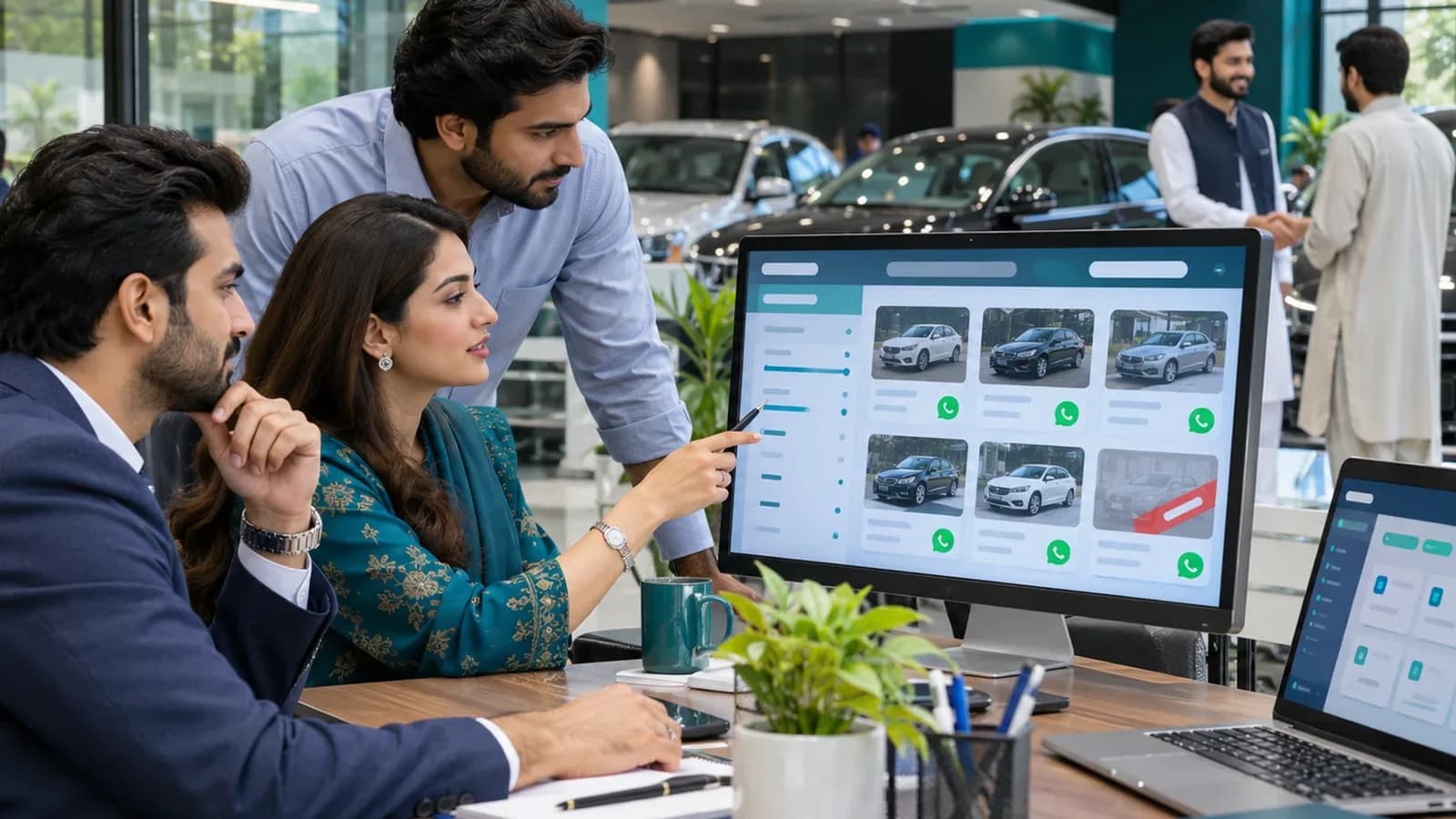
Most car buyers in Pakistan start on a classifieds portal or on Facebook and then call. A showroom's own website does a different job: it shows that the business is real, lists the full stock in one clean place, and gives every advert and every Google search somewhere to land. Here is what makes such a site work.
Pages a showroom website needs
| Page | What it shows | Why it matters |
|---|---|---|
| Stock listing | All cars with photo, year, mileage and price | The page buyers come for |
| Car detail | Gallery, full specs, condition notes, WhatsApp button | Where the enquiry happens |
| Sell your car | Short form with photos upload | Brings stock to you |
| Finance or installment | How leasing or installments work with you | Answers the first question many buyers ask |
| About and location | Showroom photos, map, timings, phone | Proves the business is real |
Features that bring enquiries
- Filters by make, model, year, body type, transmission and budget.
- A WhatsApp button on each car that opens with the car's name and stock number already typed.
- Sold, reserved and just arrived badges.
- Ten or more photos per car, compressed so the page opens fast on mobile data.
- A compare option for two or three cars.
- Registration city, engine size and token status, the details local buyers ask first.
- Its own page address for each car, so one car can be shared or advertised alone.
Connect the website with showroom software
The hardest part of a showroom site is keeping it current. If someone has to add a car in the system and then again on the website, the website falls behind within a month. The fix is one source of stock. AutoHub is a car showroom and workshop system we built, and our guide on car showroom and rent a car software explains what such a system records. When the site reads from it, a car marked sold in the office leaves the listing by itself.
Rent a car and workshop sites
A rent a car website needs daily rates per car, with or without driver, a date picker and a booking request. A workshop site needs services, a booking form and reminders. If you run all three, keep them on one site with clear sections rather than three separate sites. Workshop software is covered in car workshop software.
Mistakes that cost showrooms enquiries
We see the same problems on dealer sites again and again. Each one is easy to avoid when it is planned before the design starts.
- Sold cars left on the listing for weeks, so a buyer calls about a car that is gone and does not call again.
- Photos taken in a dark parking area, or copied from a portal with another company's watermark.
- One general enquiry form for the whole site, so staff must ask which car the buyer means.
- Huge uncompressed photos that take a long time to open on mobile data.
- No stock number, which makes it hard for staff to match an enquiry to a car in the yard.
- A site that looks good on a laptop but has small buttons and sideways scrolling on a phone.
What to ask the web design company
Before you sign, put these questions to whoever is quoting. The answers tell you whether they have built a listing site before.
- Can I add, edit and mark a car sold myself, from my phone?
- How are photos resized and compressed when I upload them?
- Will every car have its own page address that I can share or advertise?
- Can the site read stock from showroom software later without a rebuild?
- Who owns the domain, the hosting account and the code after launch?
- What does support cover after launch, and how fast do you reply?
How to plan the project
List your stock fields
Decide what you record for each car: make, model, year, mileage, colour, registration, price, condition.
Decide on price display
Show the price, or show call for price. Shown prices bring more serious enquiries.
Plan the photos
Fix a routine: same angles, good light, for every car that arrives.
Choose who updates stock
One person, or automatic from showroom software.
Launch with Google Business Profile
Link the site to your map listing so local searches find the showroom.
Operix Systems designs showroom sites and the software behind them from Karachi. See web development, read website development cost in Pakistan for what moves the quote, or check starting prices on the pricing page.
Questions people ask
Do I need a website if my cars are already on classifieds portals?
A portal shows your car beside every competitor. Your own site shows only your stock, carries your brand and gives adverts and Google a place to land. Most showrooms use both.
Can the website update when a car is sold?
Yes, if it is connected to your showroom software or if staff mark the car sold in the admin panel. A connected setup needs no extra step.
Should I show prices on a car showroom website?
Showing prices filters out casual callers and builds trust. If prices change often, an admin panel lets you update them in seconds.
Can one website handle sale, rent a car and workshop?
Yes. They can be sections of one site with separate enquiry forms, which is easier to maintain and stronger for search than three small sites.