
Many businesses reach a point where the phone becomes the bottleneck. Customers call for order status, dealers call for stock and balance, parents call for fee details. A portal lets those people help themselves at any hour. This guide explains the types, what each one needs and how to plan the project so it does not grow out of control.
Types of web portals
| Portal | Users | Typical tasks |
|---|---|---|
| Customer portal | Your buyers | Track orders, download invoices, raise a complaint |
| Dealer or distributor portal | Your dealers | Place orders, see stock, check ledger and schemes |
| Student or parent portal | Students and parents | Fees, attendance, results, notices |
| Employee portal | Your staff | Leave, payslips, attendance, requests |
| Vendor portal | Your suppliers | See purchase orders, submit bills, check payments |
Portal or website: the difference
A website shows the same pages to everyone. A portal shows each person their own data after login and lets them act on it. That means a database, user roles, permissions and audit records. The types of websites are compared in types of websites and static vs dynamic.
Features every portal needs
- Login with password reset, and one time codes for sensitive actions.
- Roles and permissions, so a dealer never sees another dealer's ledger.
- A dashboard that shows the two or three numbers the user cares about.
- Downloadable documents: invoices, statements, challans, payslips.
- Notifications by email, SMS or WhatsApp when something changes.
- A record of who did what and when.
- A layout that works on a phone, because most users will open it there.
- An admin area where your staff manage users and content.
Connecting the portal to your systems
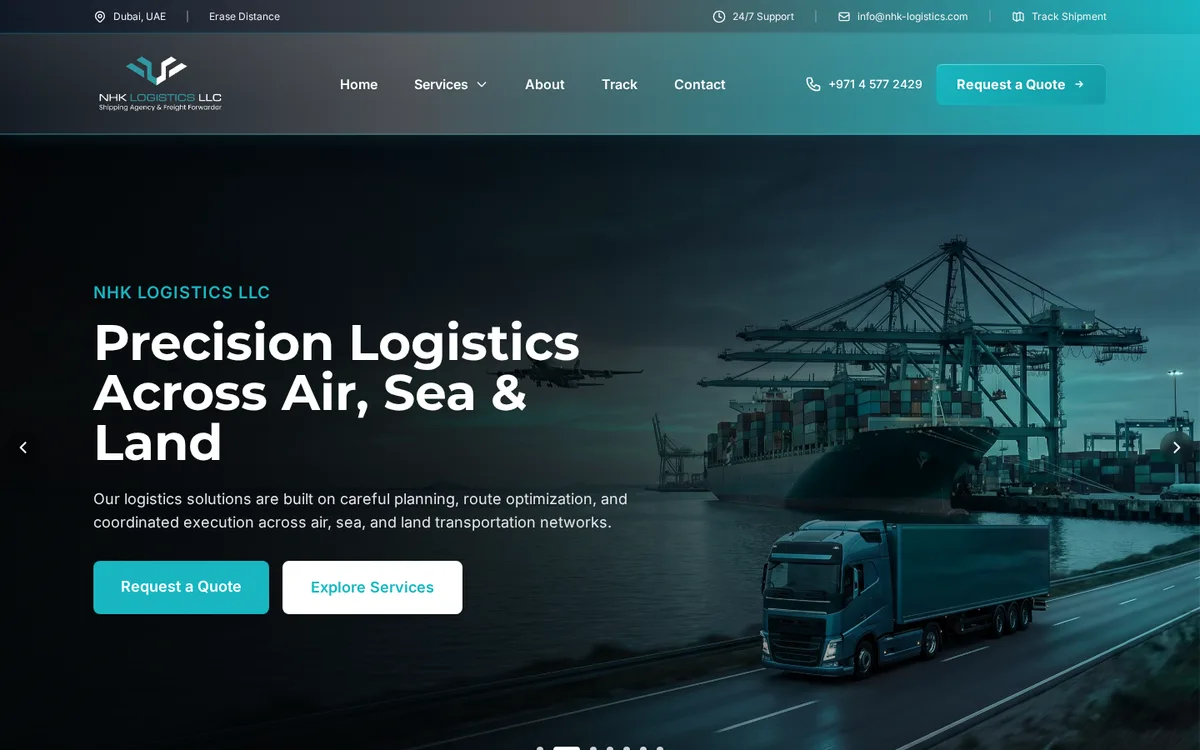
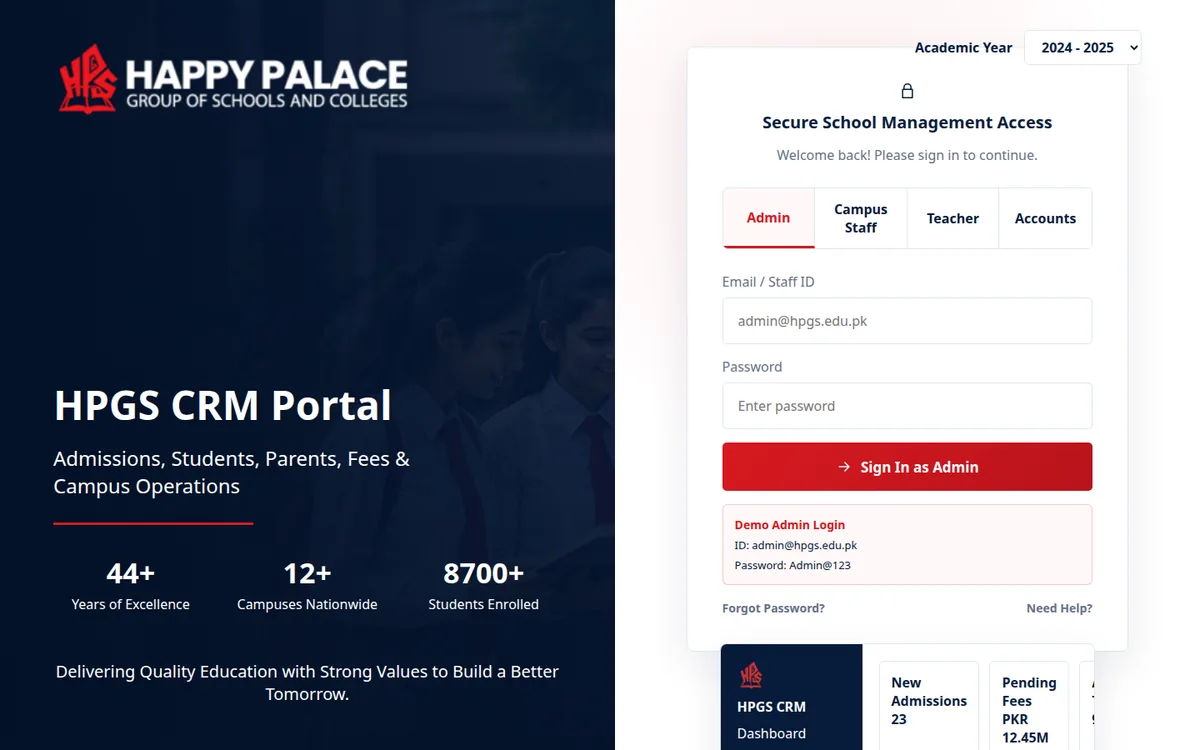
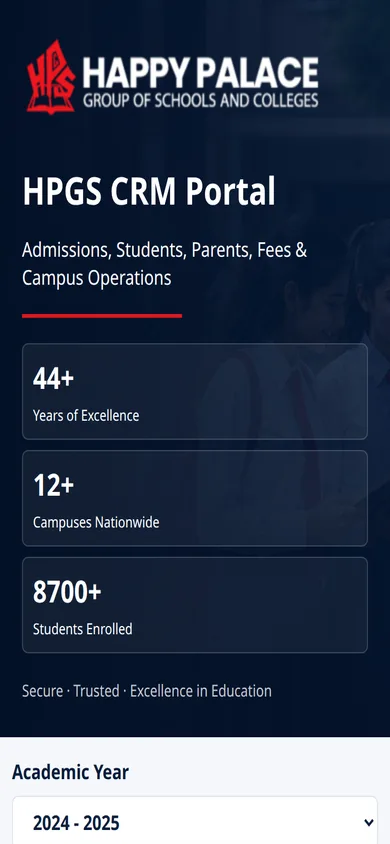
A portal is only as good as the data behind it. If orders and ledgers live in an ERP, the portal should read them from there instead of keeping a second copy. NHK Logistics has a quote system with port search on its site, and Happy Palace School runs a school management system with logins. Our guides on web application development in Pakistan and custom software cost in Pakistan cover how such projects are scoped.
Mistakes to avoid
- Trying to launch every feature at once instead of the few that matter most.
- Copying data by hand between the portal and the accounts system.
- Weak permission checks, which are the most serious risk in any portal.
- No plan for who creates users and resets passwords.
- Designing for a desktop when users are on phones.
How to plan it
List the roles
Who logs in: customers, dealers, staff, admins.
List tasks per role
What each one must see and do, in plain sentences.
Mark the data source
For each item, say which system holds it today.
Pick the first release
Choose the tasks that remove the most calls and paperwork.
Agree security and support
Password rules, backups, hosting and who answers when something breaks.
Operix Systems builds portals and the ERP, CRM and POS systems behind them from Karachi, for clients across Pakistan. See web development and ERP software, with starting prices on the pricing page.
Questions people ask
What is the difference between a website and a web portal?
A website shows public pages to everyone. A web portal has logins and shows each user their own data, such as orders, fees or a ledger, and lets them complete tasks online.
Can a portal connect to our existing ERP or accounting software?
Usually yes, if that software can share data through an API or its database. This is checked during discovery, because it decides how much work the portal needs.
How is the cost of a portal decided?
By the number of roles, the tasks each role can do, the connections to other systems and the level of security needed. A written scope comes first, then a fixed quote.
Do we need a mobile app as well?
Not at first. A portal that works well on a phone browser covers most needs. An app makes sense later for users who log in daily.