
Academies, trainers, coaching centres and companies training their own staff all ask for the same thing: a place where learners log in and study. The right build depends on how you teach and how many learners you expect. Choosing the wrong route is the most expensive mistake, so start there.
Three ways to build it
| Route | Good for | Limits |
|---|---|---|
| Ready course platform | A solo trainer starting out | Monthly fee, little control, limited local payment |
| WordPress with an LMS plugin | Academies with a set of recorded courses | Needs care with speed, plugins and updates |
| Custom LMS | Institutes with their own process, batches or many branches | Higher starting cost, longer build |
Features an LMS needs
- Course catalogue with outline, teacher, duration and fee.
- Enrolment and student login.
- Lessons as video, PDF and text, released all at once or week by week.
- Quizzes and assignments with marks.
- Progress tracking for student and teacher.
- Certificates generated on completion.
- Live class links and a class schedule, if you teach live.
- Fee collection, installments and reminders.
- Admin reports: enrolments, payments, completion.
Video: the part people get wrong
Uploading lessons straight to ordinary website hosting makes the whole site slow and lets anyone download the files. Lessons should sit on a video streaming service that adjusts quality to the student's connection and limits downloading. Ask where videos will be hosted and what it costs as the library grows.
Fees and access
Many students pay by bank transfer or mobile wallet rather than card, so the system should handle online payment and manual approval both. Payment choices are covered in payment gateways in Pakistan. Decide also what happens when a fee is late: lock new lessons, or the whole account.
Schools and colleges
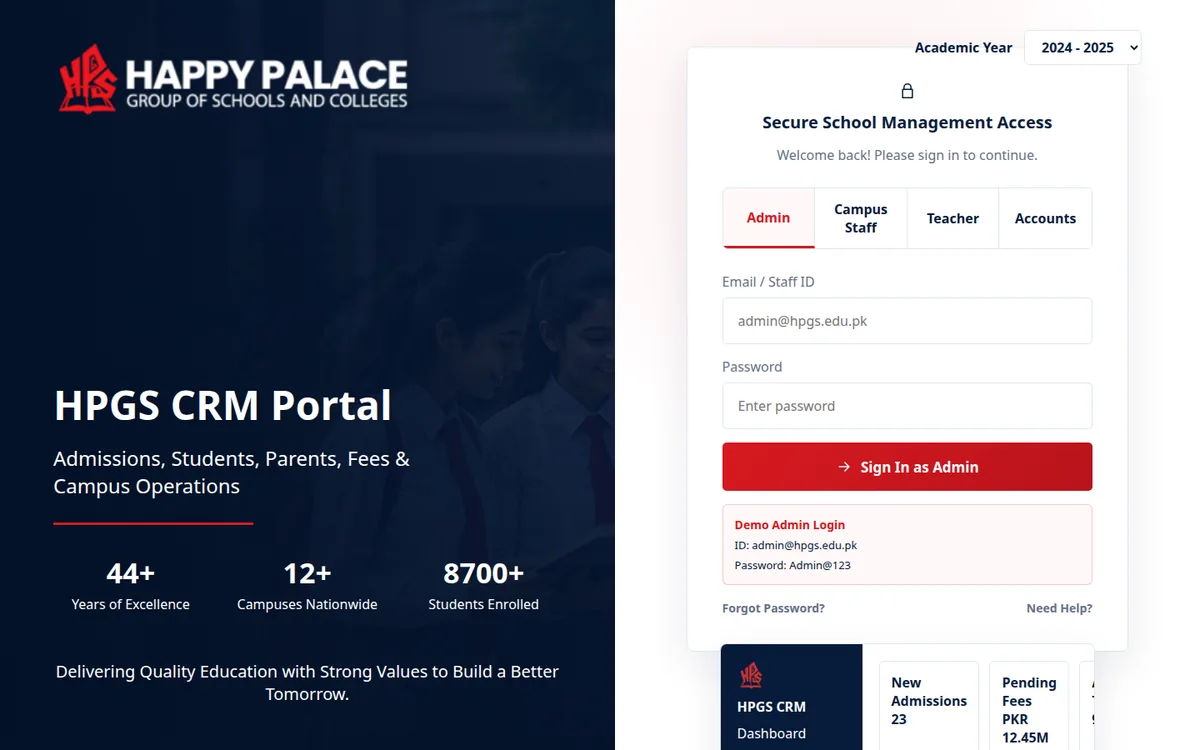
A school usually needs more than courses: admissions, fees, attendance and results. That is a school management system with a learning section inside it. Happy Palace School runs a system of that kind. See also school website design in Karachi, which covers school and university sites, and education app development if students should use a phone app.
Common mistakes
- Building a custom system before testing demand with a simpler setup.
- Hosting video on the website's own server.
- No plan for password sharing between students.
- A lesson page that works on a laptop but is awkward on a phone.
- No way to answer student questions inside the course.
Steps to plan it
Define your teaching model
Recorded, live or mixed; open enrolment or batches.
List courses and content types
Videos, notes, quizzes and assignments for each.
Choose the route
Platform, WordPress LMS or custom, by size and budget.
Decide video hosting and payments
Fix both before design begins.
Pilot with one course
Run a first batch and improve before adding more.
Operix Systems builds course sites and school systems from Karachi. See web development and starting prices on the pricing page.
Questions people ask
What is an LMS?
A learning management system: software where students enrol, study lessons, take quizzes and get certificates, and where teachers upload content and follow progress.
Can I build an LMS on WordPress?
Yes. LMS plugins add courses, lessons, quizzes and certificates to WordPress. It works well for a modest number of recorded courses when the site is kept light and updated.
Where should course videos be hosted?
On a video streaming service connected to the LMS, not on the website's own hosting. That keeps playback smooth on mobile data and makes downloading harder.
Can students pay fees in installments?
Yes. The system can split a fee into installments, send reminders and limit access when a payment is overdue, according to rules you set.