The question tends to arrive after a bad week. A delivery went out twice, a customer was billed at last year's rate, or the owner spent Sunday night joining three sheets to find out what the month earned. Before spending anything, it helps to separate the problems software solves from the ones it does not.
Symptoms worth taking seriously
| Symptom | How it shows up | What sits behind it |
|---|---|---|
| The same order is typed more than once | Sales writes it, the godown writes it again, accounts enters it a third time | No shared record, so every copy can drift |
| Two people, two answers | The stock sheet and the shelf disagree, and so do the two managers | Nobody can say which file is the current one |
| Reports need a person | Monthly figures wait until one employee has time to compile them | The knowledge lives in one head and one laptop |
| Udhaar is tracked from memory | Recoveries depend on who remembers to call | Balances are not tied to invoices |
| The file has become fragile | It opens slowly, formulas break, and only its author dares to edit it | A spreadsheet doing a database's job |
| Growth brings confusion, not only work | A second branch or a new salesman doubles the WhatsApp messages | The process depends on everyone sitting in one room |
One of these on its own is an irritation. Three together, repeating every month, mean the tools have fallen behind the business. ERP versus Excel goes further into where spreadsheets stop coping.
Do I need custom software, or only clearer rules?
Some problems look like software problems and are not. If nobody has decided who approves a discount, a system cannot enforce the approval. If each salesman spells customer names his own way, a new screen will fill with the same duplicates. Settle the rule first. Often a single shared sheet, with agreed names and one person responsible for it, removes a good part of the pain at no cost.
A useful test: can you describe the process on one page, with a name against every step? If not, write that page before you call any software company, including us.
When a spreadsheet is still enough
- One person enters the data and the same person reads it.
- The business runs from one location with a short item list.
- You sell for cash, so there are few balances to chase.
- A mistake takes minutes to find, not days.
- The sheet answers the questions you ask, on the day you ask them.
If that describes you, stay where you are. A tidy sheet beats a system nobody opens, and the money is better spent on stock or on selling.
When packaged software is the better buy
Plenty of needs are the same in every company, and for those a ready product is quicker and safer than building. Bookkeeping is the obvious case: packages such as QuickBooks and Tally exist for exactly that. Standard counter billing, basic payroll and email are others. Custom work earns its place only where your process is unusual enough that a package sends staff back to side sheets. Custom ERP versus off-the-shelf sets out that choice.
A test you can run this week
The checks below need no consultant and no spending. They take one real order and a quiet hour, and they will tell you more than a sales presentation.
Follow one order
Pick a real order and list every place it was written, from the first WhatsApp message to the receipt for the payment.
Count the retyping
Mark each point where someone copied figures by hand from one place to another.
List the unanswered questions
Write down what you wanted to know last month and could not find without phoning someone.
Try a package on that order
Ask for a trial or demo of a ready product and push your real order through it, exceptions included.
Write down the gap
Whatever the package could not do is the true brief for custom work. If the list is short, buy the package.
If the answer is yes
Start small. Build the one part where retyping hurts most and leave the rest alone until that part is in daily use. People accept a new system far more readily when its first job is to remove their own double work.
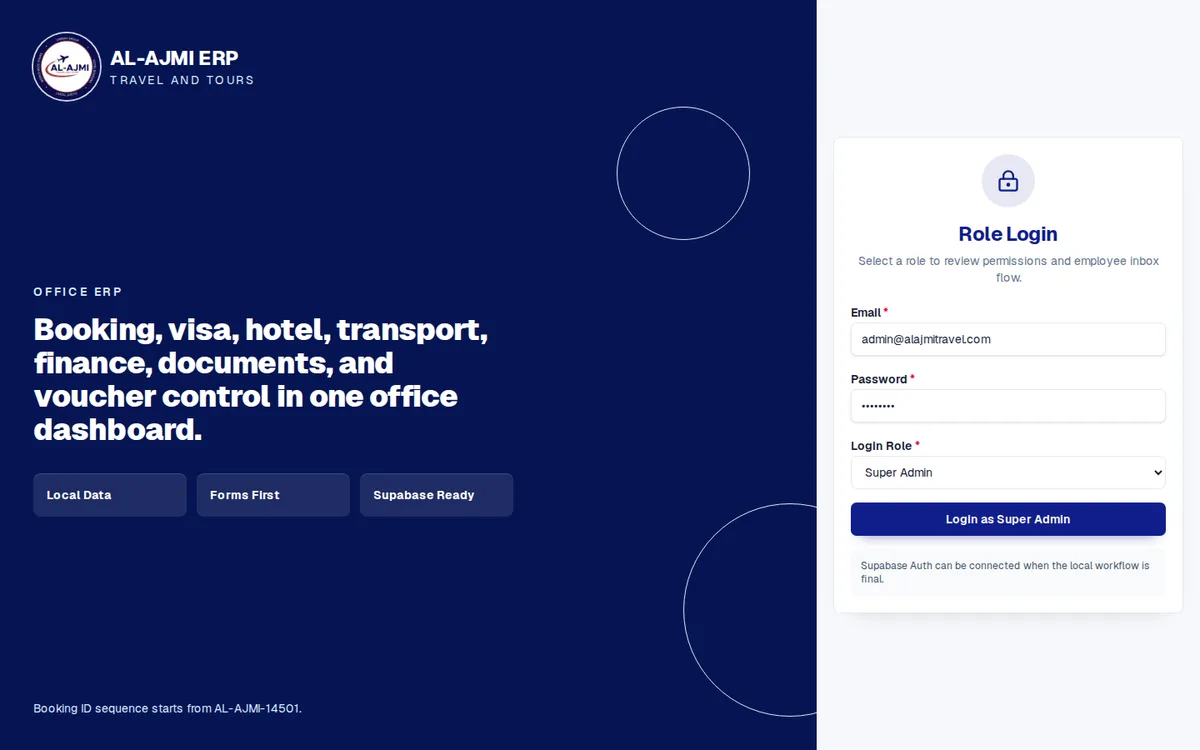
Al Ajmi Travels is an example of a system shaped around one trade: an office ERP that keeps a travel agency's bookings, visas, hotels, transport and finance in one dashboard. For what a project involves, read custom software development in Pakistan, look at our ERP software service, or book a demo and bring the order you followed.
Questions people ask
How do I know if my business has outgrown Excel?
Look for double entry, files that disagree and reports that depend on one person. When those repeat every month, the sheet is doing a job it was not made for.
Is custom software only for large companies?
No. Size matters less than how unusual the process is. A small firm with complex pricing or paperwork can need it sooner than a large one with standard routines.
Should I try packaged software first?
Usually yes. Push one real order through a trial, exceptions included. Whatever it cannot handle becomes a precise brief if you build later.
Can I start with one module?
Yes, and it is the safer way. Build the part where retyping hurts most, use it daily, then add the next part on the same database.
What if my staff resist new software?
Involve them before the design is fixed. People use a system that removes their own retyping, and avoid one that only adds reporting for the owner.