You have already decided the sheets have had their day. If you are still deciding, the signs you have outgrown Excel is the place to start. This guide deals with the next problem: years of items, customers and balances sit in workbooks on several computers, and all of it has to arrive in the new system correct on the first morning.
Decide what moves and what stays
| Data | Move it? | How |
|---|---|---|
| Items, units, pack sizes, prices | Yes | One cleaned list, loaded before anything else |
| Customers and suppliers | Yes | One row per party, with area, contact and credit terms |
| Opening stock | Yes | From a physical count on the cut-off date, godown by godown |
| Receivables and payables | Yes | Unpaid invoices, or one agreed balance per party |
| Cash and bank balances | Yes | From the cash book and bank statement on the cut-off date |
| Open orders | Usually | Re-entered by hand; they are few and worth a second look |
| Past years' invoices | Rarely | Left in the sheets as a read-only archive |
The temptation is to bring everything. Old transactions carry old mistakes, take time to convert and are seldom opened again. What you need on day one is a correct starting position.
Excel to ERP in six steps
Collect every sheet
Find all the workbooks in use, including the private ones salesmen and storekeepers keep. Decide which copy of each list is the true one.
Clean the lists
Remove duplicates, fix spellings, give every item a unit and every customer one name. Agree a simple code for each if you have none.
Fix a cut-off date
Choose a month-end or a quiet day. Count stock that day and close the books to it, so every opening figure refers to the same moment.
Load and match totals
Import the lists and opening figures, then compare totals. Stock value, receivables, payables, cash and bank must equal your books.
Run in parallel
For a short, agreed period, enter transactions in both. Compare the results regularly and trace every difference to its cause.
Cut over
On the agreed date, stop writing in the sheets, make them read-only and file them. From then on the ERP is the only record.
Cleaning the lists
This is most of the work, and none of it is technical. One shop may appear under a full name, an abbreviation and a third spelling with the area added, each row holding its own balance. Only your staff know it is one customer. An item may be sold by the piece and bought by the carton, with the conversion kept in somebody's head. Write it down.
- Every item has one name, one unit and, where it applies, a pack size.
- Every customer and supplier appears once.
- Blank rows, merged cells, subtotals and colour codes are gone; a system reads rows, not formatting.
- Dates are real dates and amounts are numbers, not text.
- Dead items, and parties with no balance and no recent activity, are left behind.
Opening balances
Opening balances are the seam between the old record and the new one, so they must agree with each other as well as with the sheets. Take stock from a physical count, not from the stock sheet; the gap between those two is one reason you are moving. For receivables, loading each unpaid invoice works better than one figure per customer, because recoveries can then be matched to invoices and the ageing is right from the first day. If that is too much, a single agreed balance per party will do. Ask your accountant to sign the opening figures. Arguments long afterwards often trace back to an opening balance nobody checked.
The parallel run
Running both records side by side proves the system on your real work, but it doubles the entry, and staff tire of it quickly. Keep it short and set its end date before it begins. One closing is the usual test: if the ERP's month-end figures match the sheet's, the sheet has done its last job. Where they differ, find out why. Now and then the ERP is right and the sheet held an error nobody had noticed.
Do not let the parallel run drift. A sheet left open just in case becomes the record people trust, and the ERP becomes the copy.
Cut-over day
- Choose a quiet day, well away from your busiest season.
- Check that open orders and undelivered challans have been entered.
- Lock the sheets so they can be read but not changed.
- Have someone from the vendor present or on call for the first full day.
- Tell customers and suppliers if invoice numbers or formats will change.
Who does what
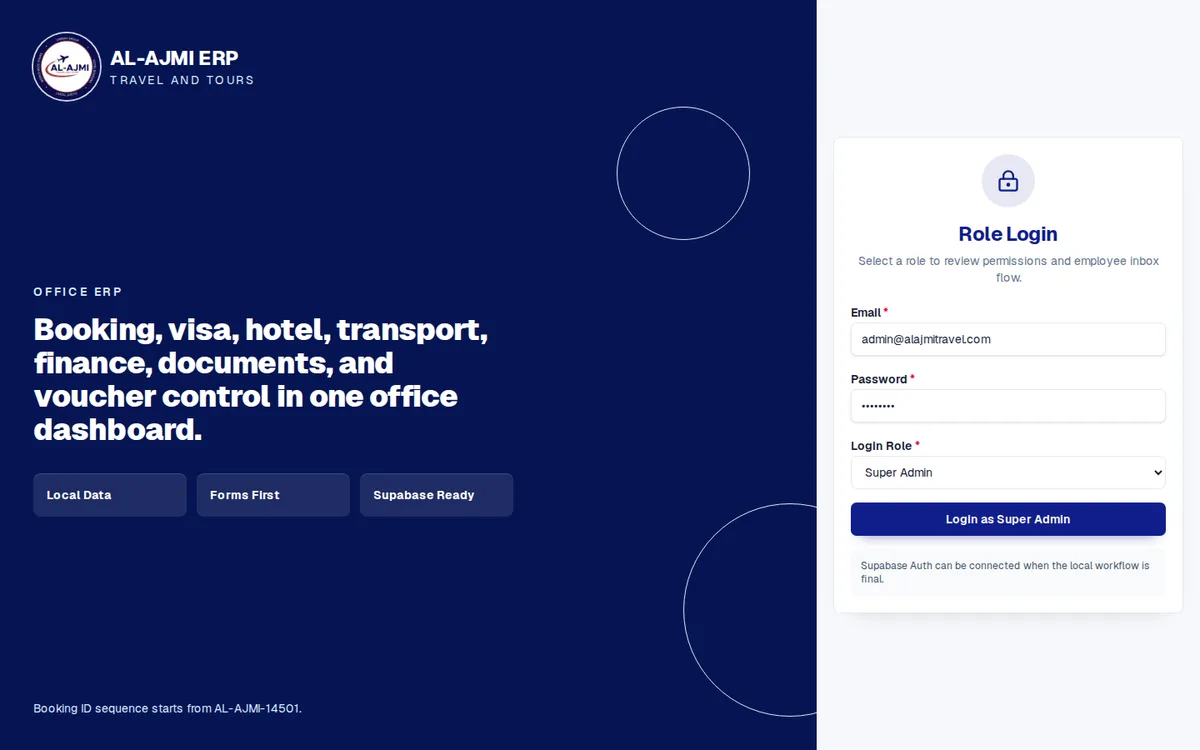
The split is simple. Your team decides what is correct: which names are duplicates, what the stock really is, what each customer owes. The vendor handles the mechanics: a template for each list, the import, and reports for matching totals. In an Operix ERP software project we import item lists, customers, suppliers and opening balances from Excel or your current software, and check the totals with you before go-live. The Al Ajmi Travels ERP shows the destination: bookings, finance, documents and vouchers in one dashboard.
The data move is one phase of a larger plan, set out in the ERP implementation plan. If you would like us to look at your sheets and say how much cleaning they need, book a demo.
Questions people ask
How do I move data from Excel to an ERP?
Clean the item, customer and supplier lists, fix a cut-off date, load opening stock and balances, and match the totals to your books. Then run both for a short period and close the sheets.
Should we migrate old invoices and history?
Usually not. Load opening balances and unpaid invoices, and keep the old workbooks as a read-only archive. History can be imported later if a real need appears.
What are opening balances in an ERP?
The stock, receivables, payables, cash and bank figures on the day you start. They must all refer to the same cut-off date and agree with your books.
How long should the parallel run last?
Long enough to prove one closing, and no longer. Fix the end date in advance, because double entry wears staff down and an open sheet keeps being used.
Who cleans the data, us or the vendor?
You decide what is correct, since only your staff know the customers and the stock. The vendor provides templates, runs the import and helps match the totals.