Search for ERP software in Pakistan and you will find international packages, local products made for a single trade, and software houses offering to build one for you. Every one of them has a demo that looks good. The risk lies in walking into that demo without knowing what you are there to check.
Start from your process, not from the product
Before you call a vendor, take a sheet of paper and follow a single order. Who takes it, where it is written, who checks the stock, who makes the challan, who prepares the invoice, who chases the payment. Mark each point where the same details are written again. Those marks are your requirements. A list made this way is short and specific, and it cannot be answered with a brochure.
Add a few facts about how you trade:
- The documents you issue: quotation, sales order, challan, invoice, sales tax invoice.
- How you sell: cash, credit with limits, through salesmen on routes, from a counter.
- Where stock sits: godowns, branches, on a salesman's vehicle, with a third party.
- Who approves discounts, credit beyond the limit, and payments.
- The reports the owner asks for every week.
What to insist on from ERP software in Pakistan
| Insist on | Why it matters here | How to check in the demo |
|---|---|---|
| Credit customers and recoveries | Wholesale and distribution run on udhaar | Ask for one customer's ledger with ageing, and a recovery list by salesman |
| Sales tax on invoices and reports | Your accountant files from these figures | Ask for a tax invoice and the report for one period, and let your accountant read them |
| Stock by godown and branch | One total figure hides shortages | Transfer an item between two locations and look at both balances |
| Working on a weak connection | Internet and power are not dependable in every area | Ask what the user sees when the link drops in the middle of an invoice |
| Your data, exportable | You may change vendor one day | Export the customer and item lists to Excel during the demo |
| Support you can reach | Problems appear at closing time | Ask who answers, on which number, and in which language |
| Training for your staff | A system nobody was taught is a system nobody opens | Ask whether training is on your own data, and in Urdu if your team needs it |
The rules on who must register for sales tax or integrate with FBR change over time. Treat a vendor's view of your obligations as a starting point and confirm with your tax adviser.
What to ignore in a demo
- The number of modules. You will use a few of them this year.
- Dashboards filled with sample data. Charts are easy; correct stock is hard.
- Features described as coming soon. Buy what runs today.
- The slide of client logos. Ask to speak to one client in your own trade.
- Speed on the presenter's laptop. Ask to try it yourself on an ordinary office computer.
Then ask the presenter to leave the prepared tour and enter one of your own orders, with your item names and a real customer. A few minutes of that will tell you more than an afternoon of slides.
Packaged or custom
A packaged ERP is ready now and suits a business whose process is ordinary for its trade. A custom ERP is built around your process and suits a business whose way of working is the reason customers choose it. Many buyers land in between: a standard core, with the one or two screens that are particular to them built to fit. The trade-offs are set out in custom ERP vs off-the-shelf.
Plan the data move before you sign
Loading the old data is where well-run projects still lose time, so raise it before the contract. Ask who cleans the item and customer lists, who enters opening stock and opening balances, and how the totals will be checked against your current books. Our guide to moving from Excel to an ERP goes through the steps.
Questions for the written quote
- Which modules, how many users and how many branches does this cover?
- What is paid once and what repeats every year?
- Is the data move included, and for which lists?
- Who owns the data and, for a custom system, the code?
- What does support cover after go-live?
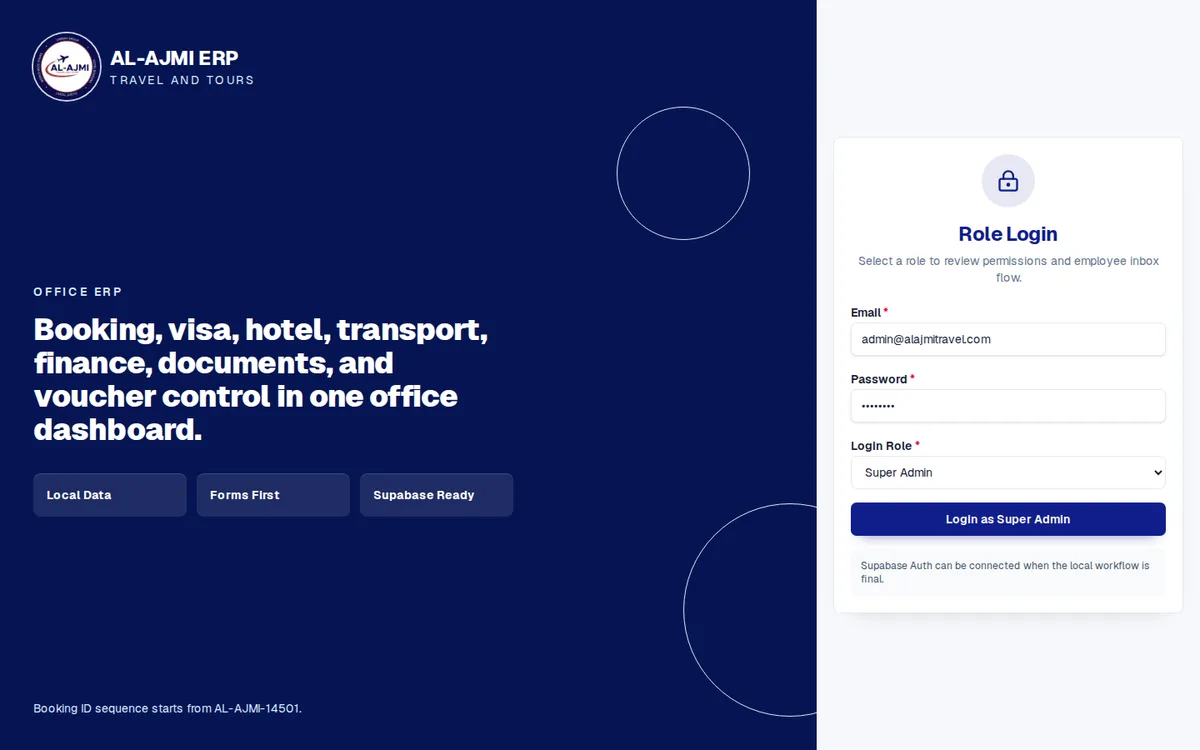
Operix builds ERP software for businesses in Pakistan from an office in Old Clifton, Karachi. Karachi clients get the demo and the training at their own office; other cities work with us online. For a picture of the result, look at the Al Ajmi Travels ERP, which puts a travel agency's bookings, visas, hotels, transport and finance in one dashboard. If you are comparing vendors, take our ten questions for a software company with you, then book a demo and bring your own order.
Questions people ask
Which is the best ERP software in Pakistan?
There is no single best one. The right ERP is the one that can run your own order from booking to recovery in a demo, backed by support you can reach. Judge every option on that, not on its feature list.
How much does ERP software cost in Pakistan?
It depends on the modules, users, branches, customisation and the data move. Operix does not publish prices; you receive a written quote after a discovery call.
Should I see more than one ERP vendor?
Yes. Give each the same written order to demonstrate, so you are comparing like with like. Two or three vendors are enough; beyond that the demos blur together.
Can an ERP handle sales tax in Pakistan?
It should print sales tax on invoices and give your accountant reports for each period. What applies to your business, and whether you need FBR integration, is something to confirm with your tax adviser.
Do I need an ERP if I already have accounting software?
Only if the work before the invoice, such as orders, stock and deliveries, still lives on paper or in Excel. If the books are your only concern, the accounting package is enough.