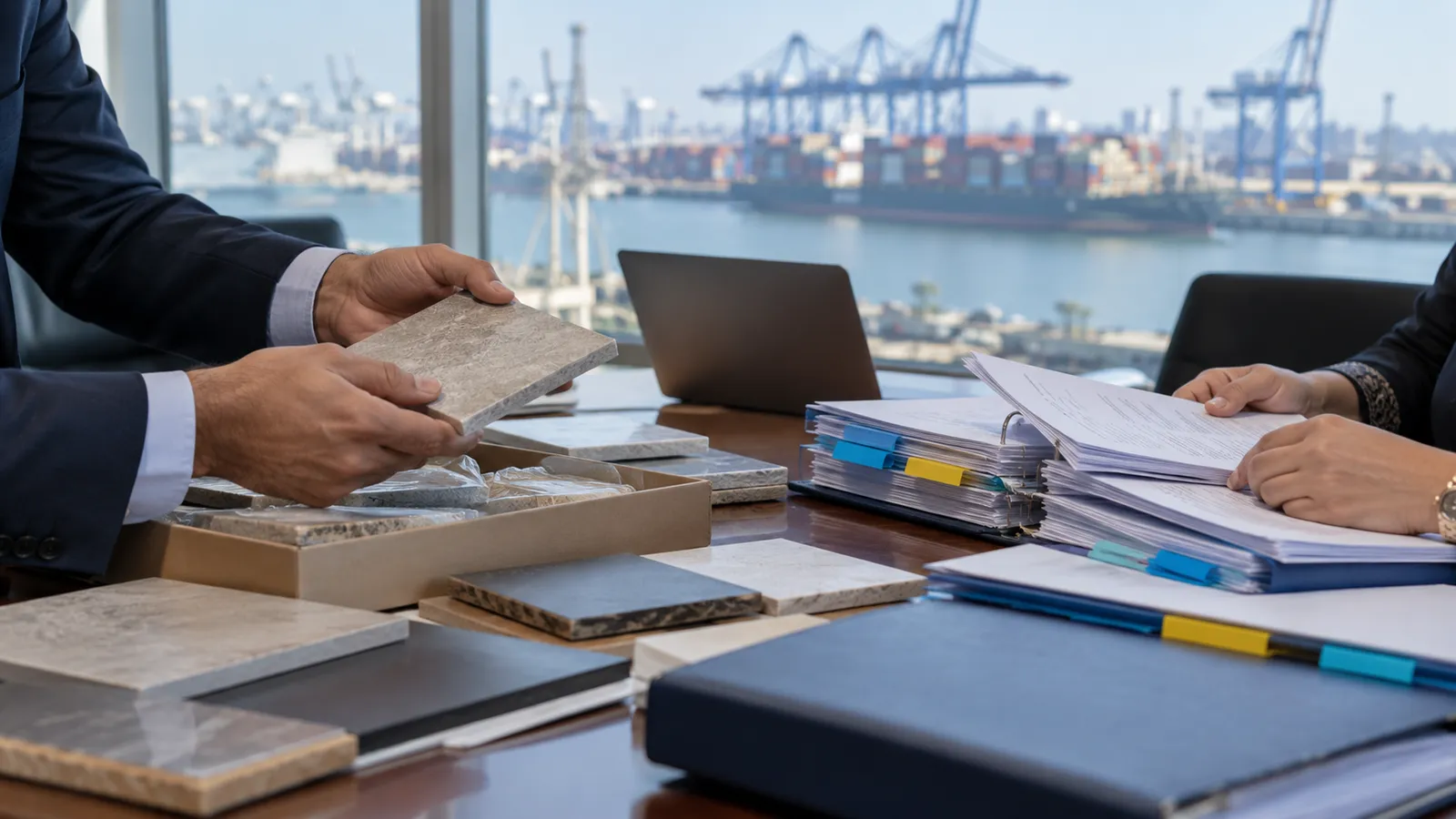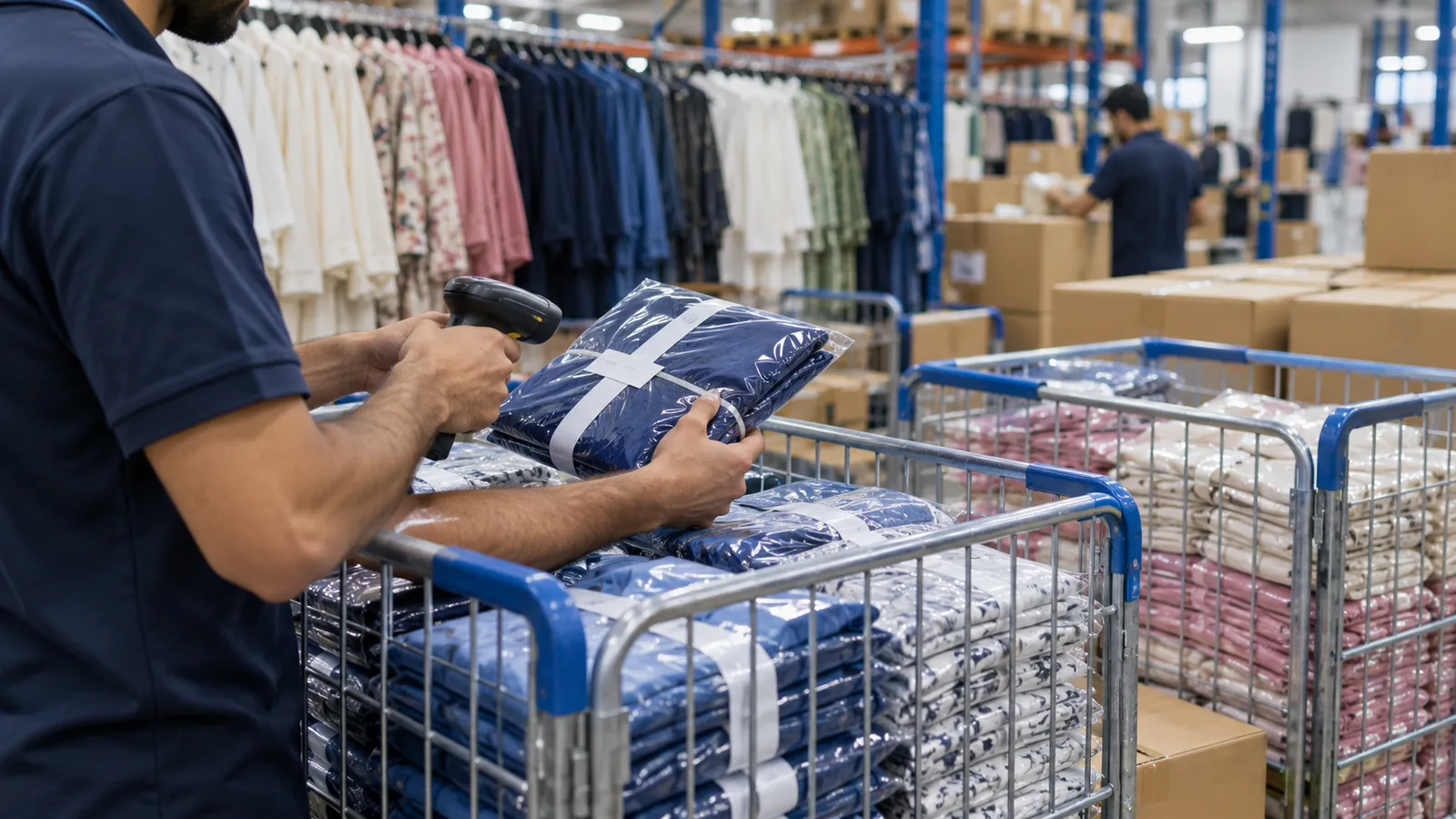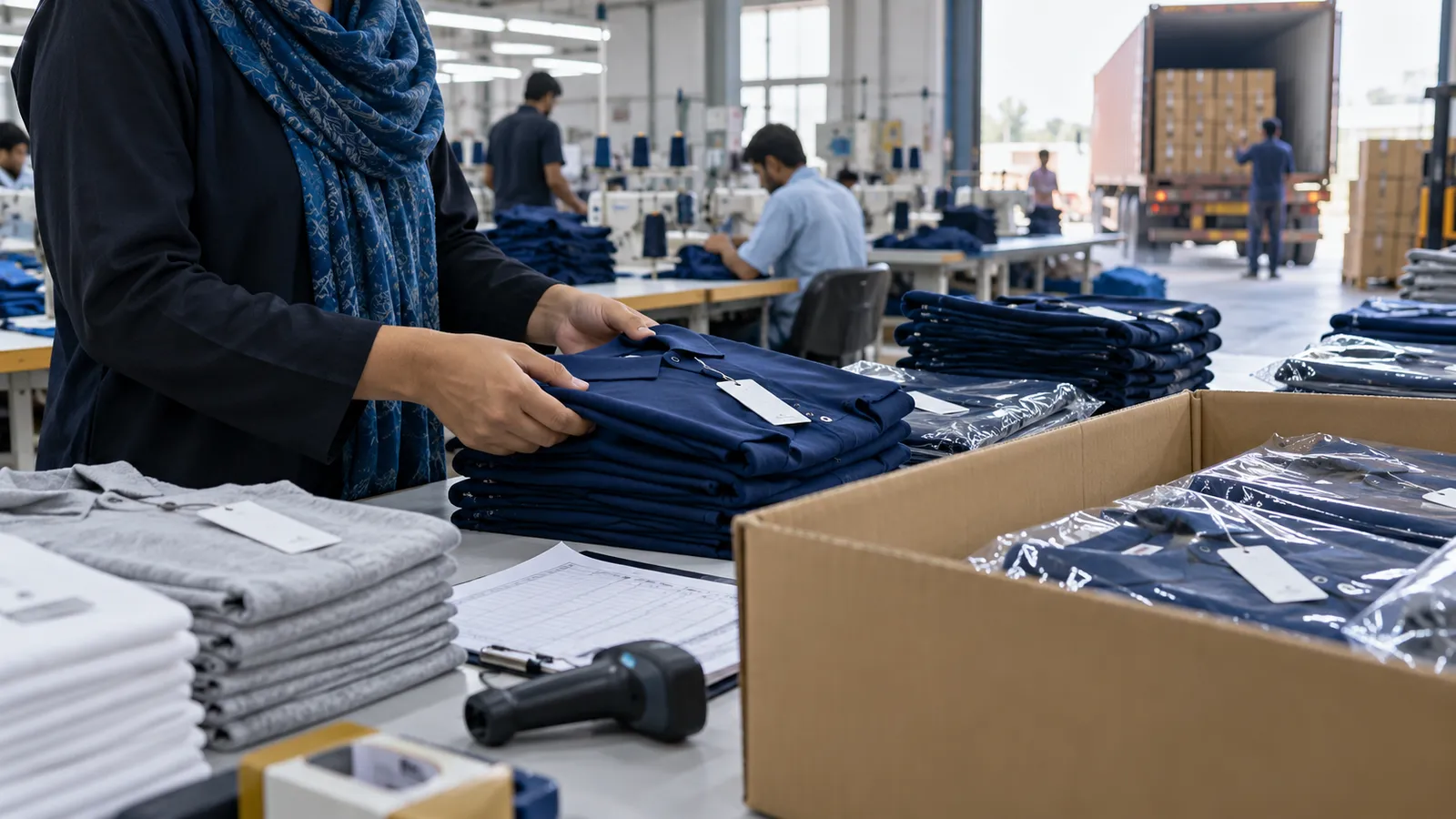
If you run a stitching or knitwear unit in Korangi, Landhi, SITE, Faisalabad or along Lahore's Multan Road, your week is shaped by buyer purchase orders. A merchandiser holds the tech pack, someone else orders fabric, the cutting master keeps his own register, and the shipment date does not move. When a buyer emails asking how far along their order is, the answer usually needs three phone calls. A garment export ERP exists to make that answer one screen.
Spinning and weaving mills have different needs, which we cover in textile ERP in Pakistan. This guide is for the made-up garment side: tops, bottoms, knitwear, hosiery and workwear sold against buyer POs.
Why the order file stops working
A single PO can carry several styles, each in many colours and sizes, with different delivery dates per destination. Fabric is bought in kilos or metres, trims in pieces and gross, and the buyer changes a label or a carton mark halfway through. Excel copes until two merchandisers edit two copies. Then fabric is over-ordered for one colour and short for another, and the shortfall appears on the cutting table, not on paper.
What the ERP holds for each buyer PO
| Stage | What is recorded | Who enters it |
|---|---|---|
| Costing | Fabric consumption, trims, CMT cost, washing or printing, overheads, quoted price | Merchandiser |
| PO and size breakdown | Styles, colours, sizes, quantities, ship dates per destination | Merchandiser |
| Bill of materials | Fabric per piece by size, trims per piece, wastage allowance | Merchandiser or production planner |
| Purchasing | Fabric, yarn, trims and accessories ordered against the PO, received against GRN | Purchase and store |
| Cut-make-trim | Cut bundles, stitched, finished and checked quantities by size and colour | Cutting, line supervisors, finishing |
| Inspection and packing | Inspection results, carton numbers, pieces per carton, packing list | QA and packing |
| Export documents | Commercial invoice, packing list and shipment details from the same data | Shipping and accounts |
Bill of materials and consumption
The bill of materials is where most money leaks. If a style needs a set amount of fabric per dozen and the cutting room uses more, you want to know on the first day, not when the last colour comes up short. The ERP compares fabric issued to cutting against what the BOM says the cut quantity needed, and shows the difference per style. Trims work the same way: labels, buttons, zips, polybags and cartons are issued against the PO so the store knows what is left for the next lot.
Cut, make and trim on the floor
Floor entry has to be simple or it will not happen. Bundles are cut and numbered, line supervisors enter stitched pieces at the end of a shift, and finishing enters checked and pressed pieces. Many units in Karachi and Faisalabad also send work to outside fabricators for stitching, embroidery or printing. The ERP records what went out on a gate pass, what came back, and what is still with the fabricator, which is often where a delay hides.
- Daily output by line, style and size, entered from a phone or a floor terminal.
- Rejections and rework recorded with a reason, so repeat problems show up.
- Outside work tracked by gate pass and returned quantity.
- A WIP view per PO: cut, stitched, finished, packed, still to make.
Export documents without retyping
Once cartons are packed, the packing list should come from the packing entries, and the commercial invoice from the PO price and shipped quantities. Your clearing agent and bank still need what they need; the point is that your own documents agree with each other. Customs and export scheme rules are for your clearing agent and tax adviser to confirm. If you sell through Sialkot or deal with many small buyers, our guide to software for Sialkot exporters covers the trading side.
Pick one live PO
Choose an order now in production and write down every document and register it passes through.
Agree style and size codes
Fix one way of naming styles, colours and sizes before any data is loaded.
Load BOMs for current styles
Enter fabric and trim consumption for styles in production, not the whole archive.
Start floor entry on one line
Let one line and the cutting room enter daily output for a fortnight and fix what is awkward.
Print documents from the system
Produce the next packing list and invoice from the ERP and check them against your old method.
Where Operix fits
Operix builds ERP software for Pakistani businesses from Old Clifton, Karachi, with on-site discovery and training for Karachi units and online work for Faisalabad and Lahore. We design every screen with you before it is built and release weekly on your own data. For the wider factory picture see manufacturing ERP in Pakistan and our textile industry page. If leather or furniture is part of your group, see leather goods ERP. To walk through one of your POs with us, book a demo.
Questions people ask
Is a garment ERP different from a textile mill ERP?
Yes. A mill tracks yarn counts, looms and greige fabric, while a garment unit tracks styles, sizes, bundles and cartons against buyer POs. Some groups need both, joined at the fabric store.
Can the ERP handle outside fabricators?
Yes. Work sent out for stitching, embroidery or printing is recorded on a gate pass and closed when the pieces come back, so the balance with each fabricator is always visible.
Will merchandisers have to stop using Excel?
For the PO itself, yes, because two copies of an order are where mistakes start. Excel can still be used for exports and buyer-specific reports pulled from the ERP.
Do you have an office in Faisalabad or Lahore?
No. Operix works from Karachi, where clients get on-site visits. Faisalabad and Lahore units are served online, with visits when a project needs them.
How much does a garment export ERP cost?
It depends on the modules, the number of users and units, and any integrations. Operix does not publish prices; you get a written quote with milestones after discovery.