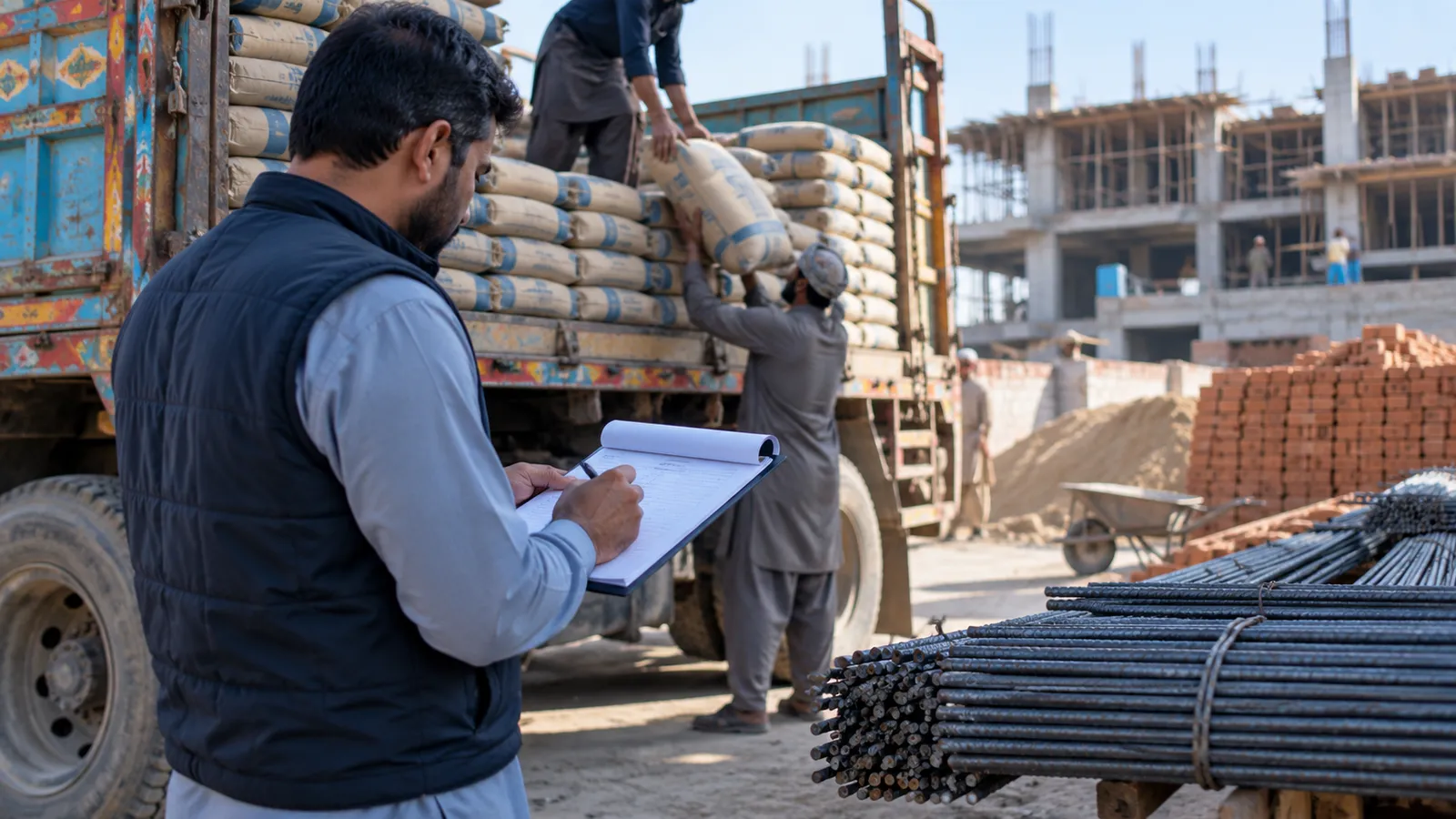
A building material supplier does not sell over a counter. Orders come by phone from contractors at a site, a truck goes out with cement bags, steel bars, bricks or a trolley of sand, and the money comes weeks later, often after the contractor is paid by the owner. Rates move with the market. When orders, trucks and payments sit in a diary and a few WhatsApp chats, the questions start: which site got the extra load, and who still owes for it?
Follow the site, not only the customer
A contractor may run three or four sites at once, each with a different owner and payment schedule. If you record sales only against the contractor, you cannot tell which site the balance belongs to. A good system keeps a contractor ledger and, inside it, a breakdown by site. Statements can then be sent per site, which is what the contractor needs to recover from his own client.
| Material | Sold in | What to watch |
|---|---|---|
| Cement | Bags | Brand, rate on the day, bags short at the site |
| Steel bars | Tonnes or by weight per bar size | Weighbridge slip, cut lengths, grade |
| Bricks and blocks | Per thousand or per piece | Breakage on delivery |
| Sand and crush | Trolley, truck or cubic feet | Measured load against what was billed |
Trucks, challans and proof of delivery
Every dispatch should produce a delivery challan with the site address, the truck number, the driver, the material and quantity. The person at the site signs it, and a photo of the signed challan on WhatsApp is often enough proof. The challan then becomes part of the invoice. If you run your own trucks, the same record shows trips per truck and helps with diesel and driver hisaab; our guide to goods transport software covers that side in depth.
Daily rates
Cement and steel rates change often. The system should hold a dated rate list, so an order booked yesterday at yesterday's rate keeps it, while today's orders take today's. Contractors with an agreed rate for a site can have that rate fixed on the site record.
Contractor credit and recoveries
Credit is where this trade earns and loses. Each contractor should have a limit, and the order screen should warn when a new load would cross it. A weekly recovery list, sorted by how long each balance has been open, gives your recovery man his day. Payments by cheque need their own status: received, deposited, cleared or returned. A returned cheque should go straight back onto the ledger.
Take the order against the site
Select the contractor and the site, the material, quantity and today's rate.
Check the credit
The system shows the contractor's balance and limit before the truck is loaded.
Load and print the challan
Record the truck, driver and loaded quantity, and print or send the challan.
Get the challan signed
The site signs, and the driver sends a photo of the signed challan on WhatsApp.
Invoice and follow up
Turn the signed challan into an invoice and add the amount to the site's recovery date.
Stock in the yard
Cement is counted in bags, steel by size and weight, bricks roughly, and sand by eye. The system will never be more exact than your yard, so be practical: count bags and steel properly, and check bricks and sand against purchases and deliveries every month. Damaged and returned bags should be recorded, not quietly written off, with the reason noted. Our inventory management software guide explains stock counts and adjustments.
If you supply a handful of regular contractors and keep good books in an accounting package, you may not need a full system yet. It becomes worth it when sites, trucks and credit grow faster than one person can track.
Tax and paperwork
FBR collects sales tax on goods. Whether and how it applies to each of your sales depends on your registration and your customers: confirm with your tax adviser. The software should print invoices that carry the tax details your adviser asks for.
How Operix builds it
Operix Systems builds ERP software in Pakistan from Old Clifton, Karachi. We start with a discovery call, design every screen for your approval, release weekly on your own data and train your staff in Urdu or English. The distribution industry page shows how we handle credit-driven trade, and why ERP projects fail explains what we avoid. To talk about your yard and trucks, book an ERP demo.
Questions people ask
Can one contractor have several sites?
Yes. The contractor has one ledger with a breakdown per site. Statements can be sent for one site or for all of them.
Can rates change every day?
Yes. Rates are kept with a date, so each order uses the rate on the day it was booked, or a fixed rate agreed for that site.
Can drivers use a phone app?
They can, for marking a load delivered and sending a photo of the signed challan. Many suppliers start with WhatsApp photos and add an app later.
Do you have an office in Lahore or Islamabad?
No. Operix works from Old Clifton, Karachi. Karachi suppliers get on-site setup; suppliers in other cities are served online, with visits when the project needs them.
What does the software cost?
It depends on users, yards, trucks and the modules you need. We do not publish prices; you get a written quote with milestone payments.