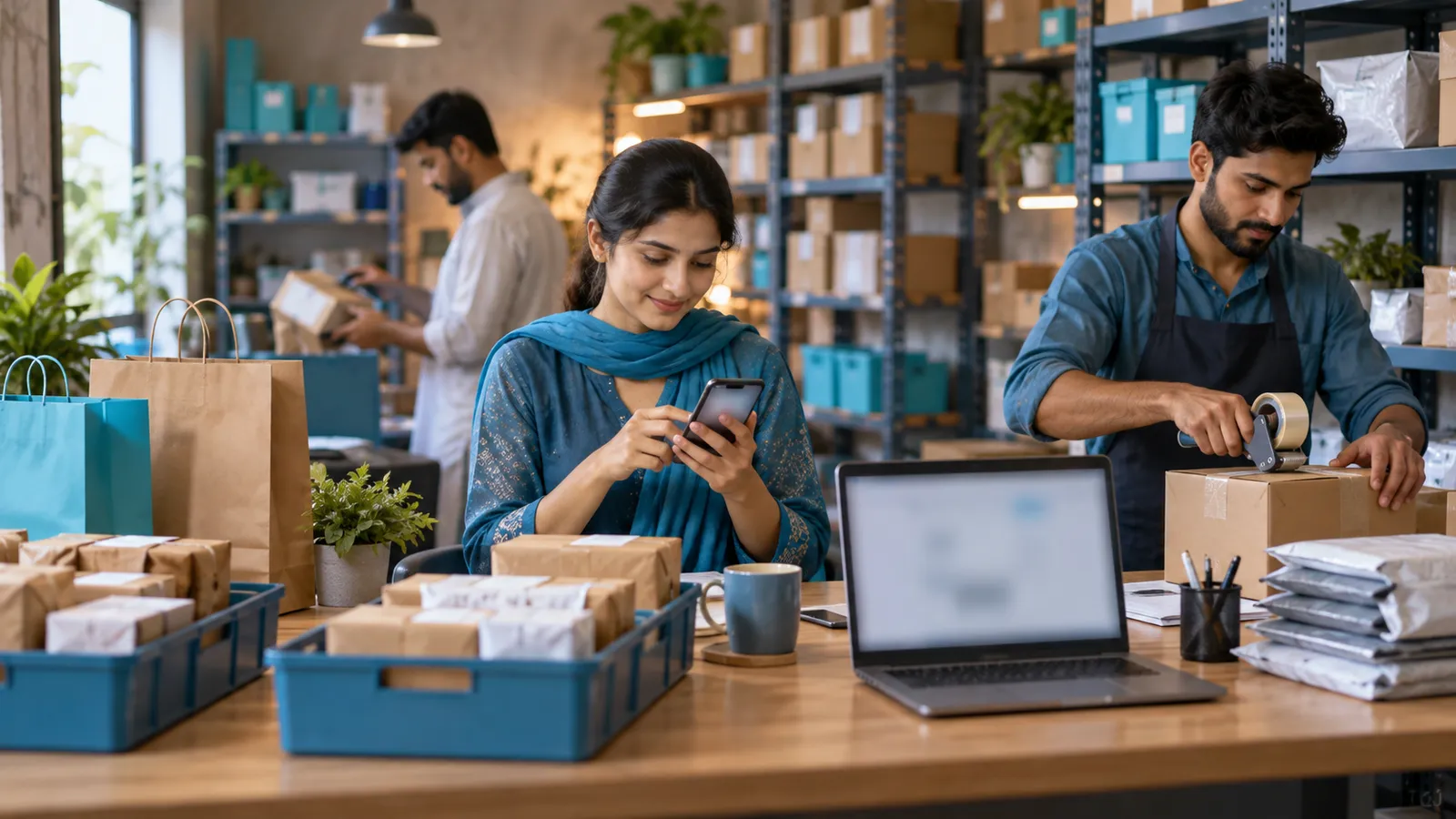
The salesman writes the order in a pad, photographs the page and sends it to the office WhatsApp group. In the evening an operator types it into the system, guessing at the handwriting. Next morning the van leaves with what the operator could read. The shopkeeper gets fewer cartons than he asked for, and a scheme he was promised is missing from the bill. Everyone in distribution knows this day. An order booking app exists to end it.
What the salesman sees at the shop
- Today's route. The shops to visit, in order, with those already covered ticked off.
- The shop's account. Outstanding balance, the last few orders and the last payment, before the conversation starts.
- Stock and prices. What the godown can actually supply, at the price list that applies to this shop.
- Schemes. The current offers, applied by the app, so every salesman gives the same deal.
- A quick order screen. The shop's usual items first, quantities entered in a few taps.
Order pad and order booking app compared
| Order pad and WhatsApp | Order booking app | |
|---|---|---|
| Customer list | In the salesman's head | By route and day, set in the office |
| Prices and schemes | From memory or a printed sheet | From the ERP, applied on the order |
| Stock | A phone call to the godown | Shown on the item as he books |
| Credit | Found out after delivery | Warned about before the order is saved |
| Reaching the office | Photographed and re-typed in the evening | Arrives as an order, ready to load |
| Proof of visit | The salesman's word | Time and place recorded with each order or no-order visit |
The credit limit warning
Salesmen are paid to sell, and a shop that already owes too much is the easiest sale of the day. The app should know each shop's limit and its overdue amount, and say so before the order is saved. What happens next is your policy, not the software's. Some distributors block the order outright. Others let it through to the office, where it waits for a manager's approval. Either is better than finding out when the recovery list is printed.
Offline first, then sync
Wholesale markets are crowded, basements have no signal and rural routes have long gaps. If the app needs a live connection to open a shop's page, the salesman will go back to his pad within days. A proper booking app downloads the route, customers, prices, schemes and stock in the morning, saves each order on the phone, and sends them when the signal returns. Stock may have moved in the meantime, so the office should see any shortfall and settle it before the load is made, not at the shop's door.
Where the order goes next
The app is the front of a longer chain. In the ERP, booked orders are grouped into loads for each vehicle, delivery challans and invoices are printed, stock comes off the godown, and the shop's balance goes up. Returns are recorded at delivery, and the next day's recovery list reflects them. If drivers carry phones too, delivery and logistics apps add proof of delivery and cash collected to the same record. Without that chain, a booking app is a tidier way of sending a list.
The app shows whatever the ERP holds. If the customer list has duplicates or the price list is out of date, salesmen will see that on the first morning and stop trusting it. Clean the data before the launch.
When you do not need one
A distributor with two salesmen and a short list of shops, whose orders are typed once by someone who knows every customer, can carry on. The app earns its place when orders are entered twice, when schemes are applied differently by each salesman, or when credit goes over the limit before anyone notices. If you recognise those, the wider picture is in distribution software in Pakistan.
Rolling it out to the sales team
Clean the customer list
One entry per shop, each assigned to a route and a visiting day.
Set prices, schemes and limits in the ERP
The app reads them from there, so they must be right at the source.
Pilot with one salesman on one route
Choose someone willing, and sit with him at the end of each day.
Compare booked orders with the loads
Check that what was booked is what was loaded and invoiced, and fix the gaps.
Train the rest on their own phones
In Urdu, on their real routes, with the pilot salesman helping.
Retire the order pad
Once every route is on the app, stop accepting photographed orders.
Operix builds sales and order booking apps that read prices, schemes and credit limits from the ERP and save orders on the phone when the signal is weak. Our distribution page shows how booking, loads and recoveries fit together, and Siratim, a bottled water company, runs its customers, orders and deliveries on a system we built. Agri input distributors have their own twist on this, covered in distribution software for Multan. To see booking on a phone with your own items, book a demo.
Questions people ask
What is an order booking app for salesmen?
A phone app a salesman uses at the customer's shop to record the order. It shows the route, the shop's balance, stock, prices and schemes, and sends the order to the office system without anyone typing it again.
Does the app work without internet?
It should. Orders are saved on the phone and sent when the connection returns. Test this in the demo by switching the phone to flight mode and booking an order.
Can it stop orders for shops that are over their credit limit?
Yes. The app can warn the salesman, block the order, or pass it to a manager for approval. Which of these applies is a rule you set.
Do we need an ERP for the app to work?
The app needs a system behind it that holds customers, prices, stock and balances, and that turns orders into loads and invoices. That is usually the ERP; the app is its screen in the field.
How much does an order booking app cost?
It depends on the number of salesmen, the features and what it must connect to. Operix does not publish prices; you receive a written quote after a short discovery call.