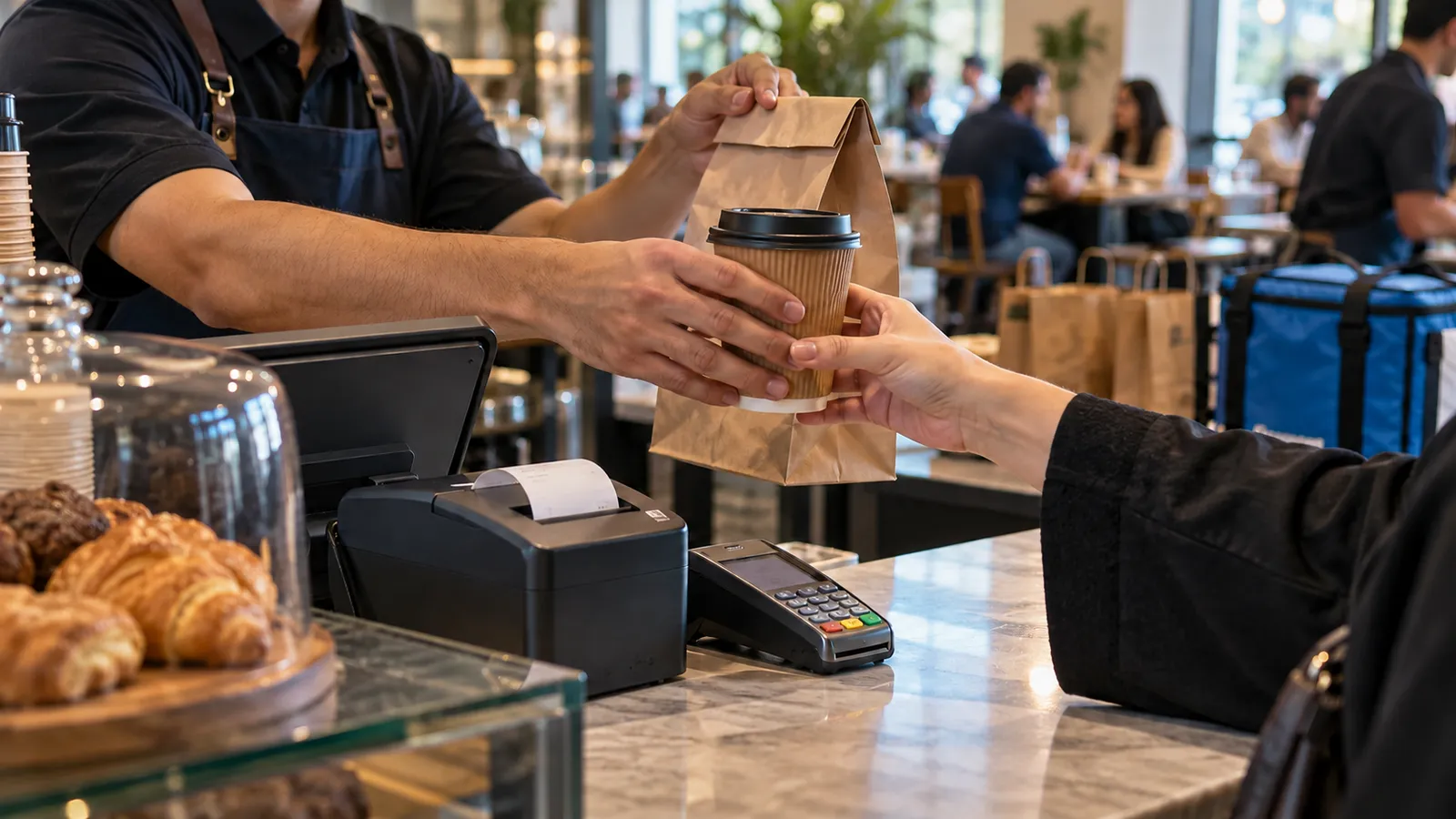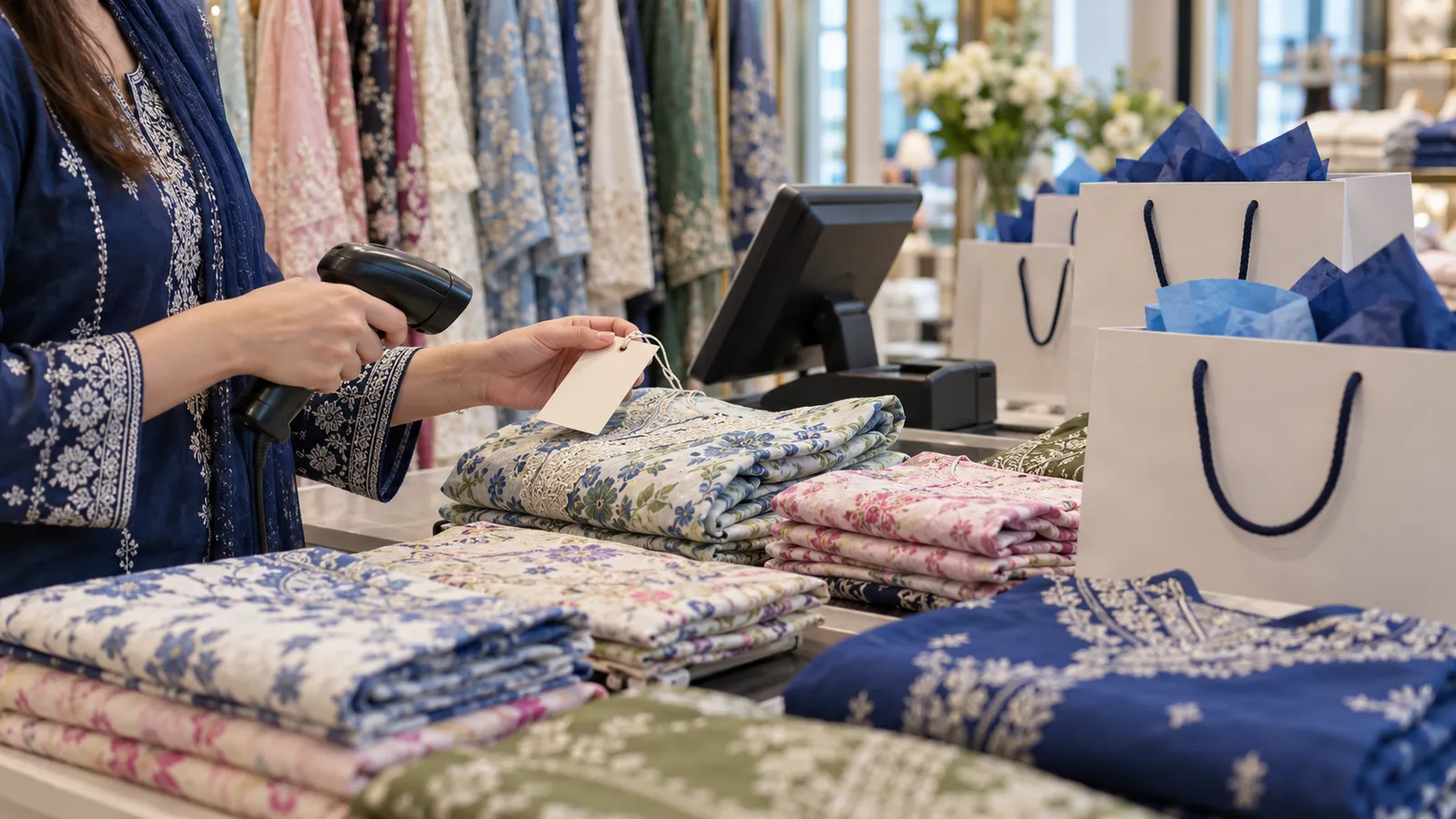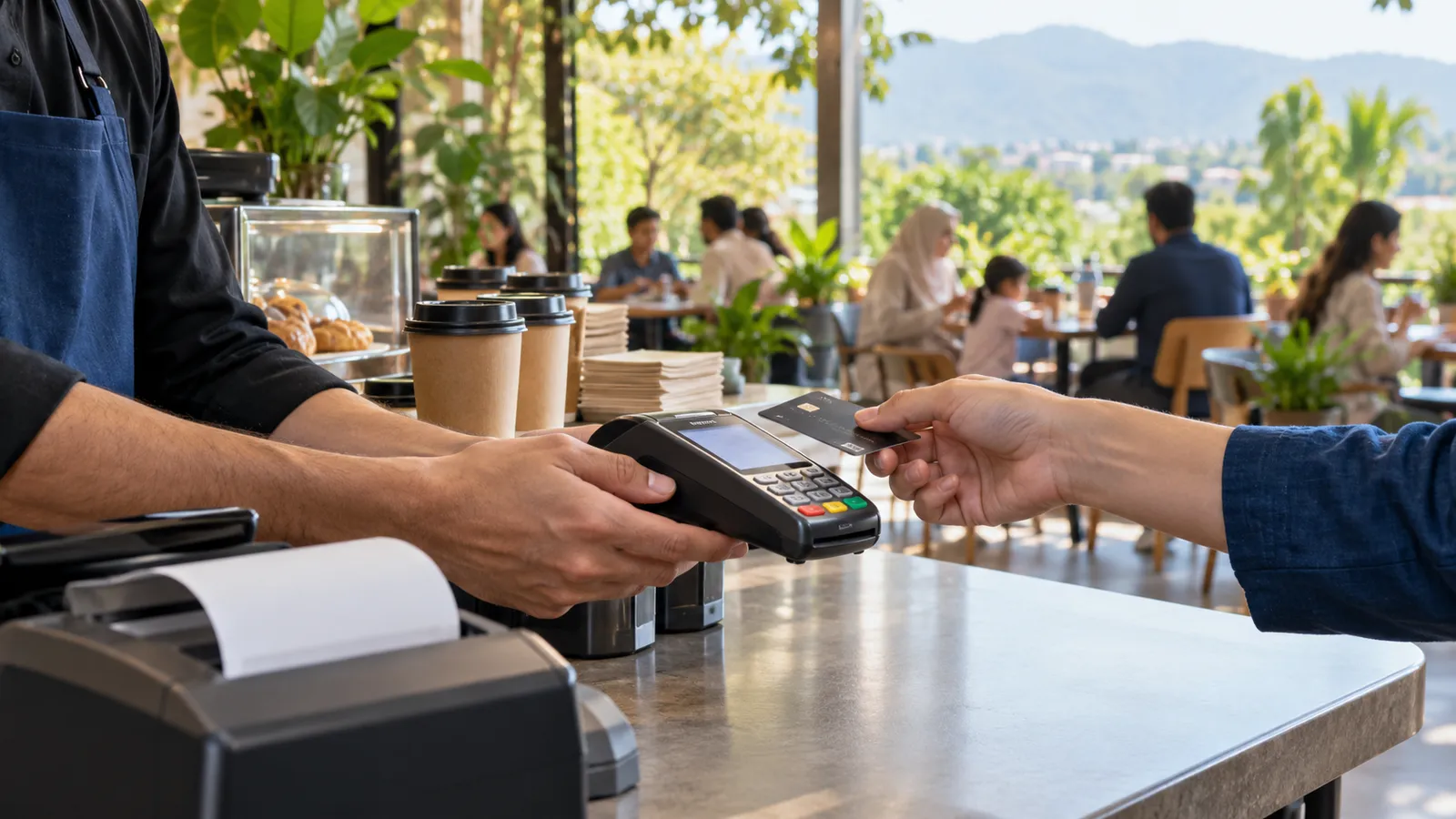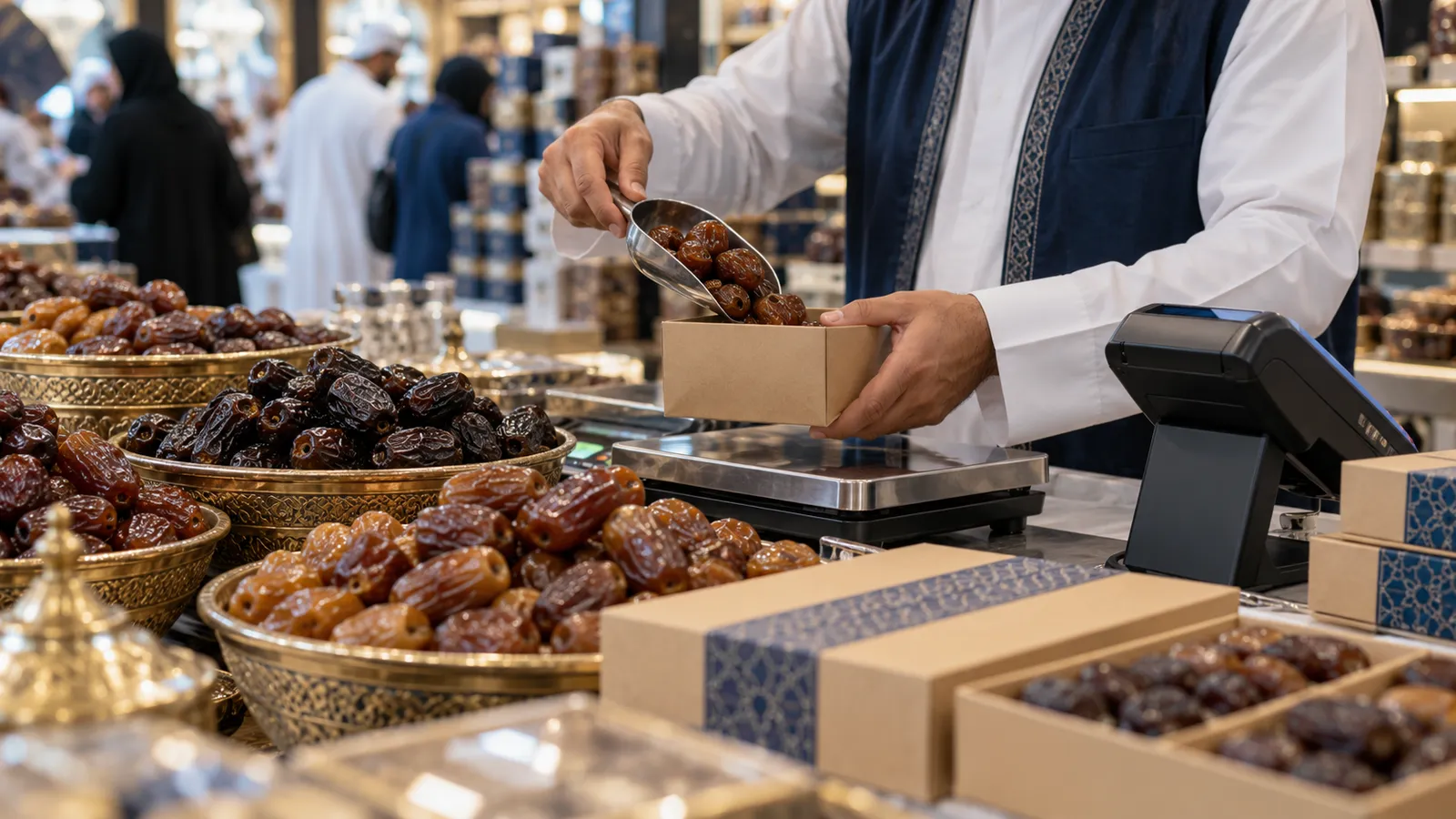
A dates shop in the central area of Madinah, a perfume and oud counter near the Haram in Makkah, an abaya shop in a hotel arcade, a quick-service restaurant feeding a tour group before Fajr: these businesses serve customers from every country in the world, in a few peak weeks a year, with staff who may have been hired a month earlier. The till has to be simple enough for a new cashier on a crowded night and strict enough that the owner trusts the cash count.
A year with two peaks and quiet weeks between
Ramadan brings Umrah pilgrims in numbers that fill the streets around the two mosques; Hajj brings groups with a schedule and a guide. Between them trade is steady but much lighter, and some shops cut their hours. The software has to help you buy for the peak, sell through it, count what is left and hold the rest until the next one. Our POS guide for Jeddah covers the city most pilgrims pass through on the way; this one is about the shops at the destination.
Stock bought for a season
Dates, perfume, prayer beads, abayas, gift packs and souvenirs are bought in bulk before the peak, often from suppliers in Madinah, Jeddah and Riyadh, and sometimes from abroad. A POS with stock tracking records what came in, what sold per day, and what remains, so the next season's order is based on last season's sales rather than memory. Slow lines show up before they take up shelf space, and items that sold out early are reordered in time. Our guide to inventory management software goes into reorder levels and counts.
| Business | At the counter | In the stock room |
|---|---|---|
| Dates shop | Weighed sales, gift boxes, group orders for a whole bus | Batches by variety and harvest, best-before dates |
| Perfume and oud | Bottle sizes and samples, high-value items, quick receipts | Serial or batch counts, shrinkage reports |
| Abaya and clothing | Sizes and colours as variants, exchanges against the receipt | Stock per variant, season transfers between shops |
| Gift and souvenir | Fast barcode scanning, many small sales, foreign cards | Reorder alerts on fast movers during the peak |
| Hotel restaurant and quick service | Set meals for groups, takeaway before prayer times, room charges | Ingredient usage and daily waste |
Receipts a pilgrim can read
Every sale is a simplified e-invoice with a QR code and 15% VAT under FATOORA. The receipt should print in Arabic, with English beside it, and the SAR total should be the largest thing on the paper. Item names can be stored in both languages, and staff screens can be in Arabic or English. Many customers pay with cards from their own country, alongside mada, Apple Pay, STC Pay and cash, so each method is recorded separately and a refund goes back the same way against the original receipt. Which integration wave applies to your shop is a question to confirm with your tax adviser.
Short-term staff and the till
Season staff arrive quickly and leave when the peak ends. Give each one a login with sell-only rights, so discounts, voids and refunds need a manager's PIN, and close each shift with a cash count against the POS total. When the season ends, the logins are switched off and the history stays under the person who made each sale. Our guide to roles and permissions explains how to set this up without slowing the counter.
Create the counter as its own till
Set it up under the main shop with its own cash drawer and shift, so its sales and cash are counted apart.
Transfer the season stock
Move dates, gifts and perfume from the store room to the counter as a transfer, recorded at both ends.
Load the season price list
Set prices and gift-pack bundles with a start and end date, in Arabic and English.
Add season staff with sell-only rights
One login per cashier; a manager's PIN for anything beyond a sale.
Test the payment methods and the receipt
Run a sale on mada, a foreign card, Apple Pay and cash, and check the QR code prints.
Close the counter after the season
Count what is left, transfer it back to the store, switch off the temporary logins and keep the reports.
Where Operix stands
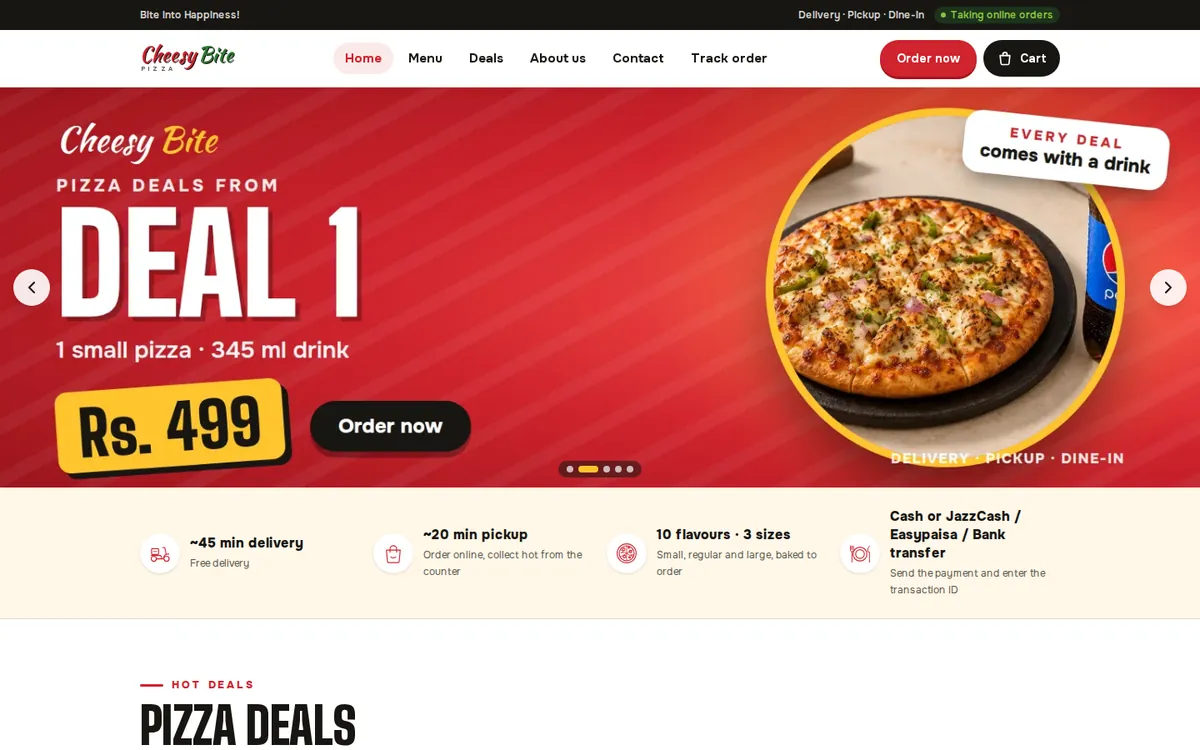
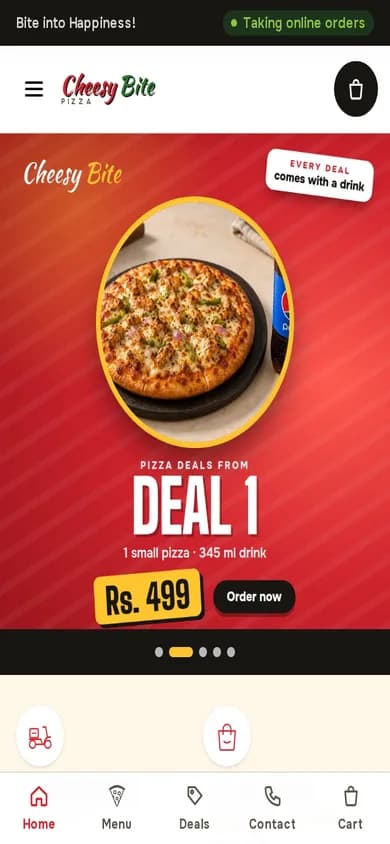
Operix Systems builds the POS system for Saudi Arabia from Karachi, two hours ahead of Makkah and Madinah, and delivers it remotely: discovery on a video call, screens approved before they are built, weekly releases on your own items, training in Urdu or English, and support on one WhatsApp number. We have no office in either city and no Saudi client to show yet. The live system you can try is Cheesy Bite, a pizza restaurant's online ordering, staff dashboard and POS, and our retail page shows the shop side. Book a demo and tell us what you sell and when your peak starts.
Questions people ask
Do you have an office in Makkah or Madinah?
No. Operix works from Karachi and serves both cities remotely, with video-call discovery, weekly releases and WhatsApp support. Printers and scanners are bought locally and set up with you on a call.
Can staff who speak only Urdu or English use the till?
Yes. Screens can be in Arabic or English, the sell screen is kept simple, and training is given in Urdu or English on the live system.
Can one owner see a Makkah shop and a Madinah shop together?
Yes. Each shop has its own stock, cash and staff, and the owner sees both in one dashboard, with transfers between them recorded at both ends.
What happens to stock left after the season?
It is counted and either transferred back to the store or held at the shop, and the report shows what sold, what remains and what to order next time.
Does the receipt work for customers with foreign cards?
Yes. The card is taken on your bank's terminal and the POS records the method and amount on the e-invoice, with the QR code and 15% VAT, in Arabic and English.