
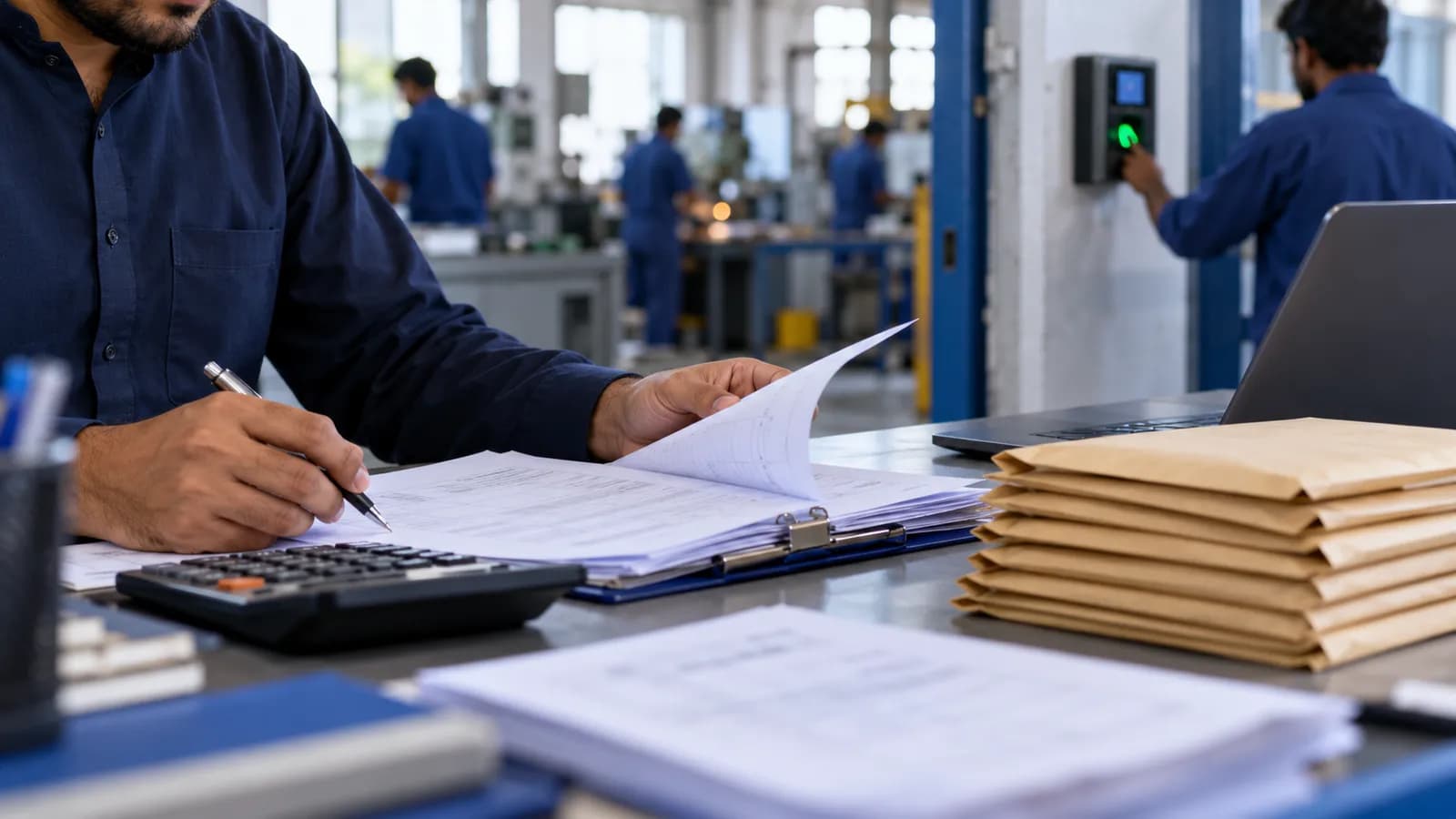
Salary day in most Karachi offices and factories starts three days early. Someone pulls attendance from the biometric machine, opens last month's Excel sheet, adds the new joiners, deducts the advances written in a register, works out overtime from a notebook, then prints payslips and prepares the bank letter. One wrong cell and a worker is underpaid, which is the one mistake staff never forget.
What payroll in Pakistan has to handle
Payroll here is not one calculation. The same company often has monthly-paid office staff, daily-wage workers in the godown, piece-rate workers in production and a few people on contract. Software built around a single salary type will not fit. This is what a Pakistani payroll usually has to cover.
- Monthly and daily-wage staff on one sheet, each with their own pay rule and holiday treatment.
- Overtime read from attendance, at rates you set per grade, with a manager's approval before it is paid.
- Advances and loans given during the month and recovered from salary in agreed instalments, with the balance visible to the employee and the owner.
- Leave: casual, sick and annual balances, with unpaid leave deducted without anyone remembering to.
- Attendance from a biometric device, a phone app with location, or a manual register for sites that have neither.
- Deductions such as EOBI, social security and provident fund where they apply; confirm the rules and rates with your adviser.
- Payslips sent on WhatsApp or printed, in Urdu or English.
- Bank transfer files in the format your bank accepts, and a cash list for those paid in hand.
What to record per employee
| Field | Why it matters |
|---|---|
| CNIC, photo and joining date | Identity, length of service and the documents HR is asked for |
| Department, grade and reporting manager | Who approves leave and overtime, and which site the person belongs to |
| Pay type and rate | Monthly, daily or piece-rate; the base every calculation starts from |
| Allowances and fixed deductions | Amounts that repeat each month and how each is treated |
| Bank account or cash | Where the salary goes, and which transfer file the person appears in |
| Loan and advance balance | What is still to be recovered and the instalment per month |
| Leave balances | Days left of each type |
| Documents and expiry dates | Contracts, certificates and licences where relevant |
How attendance becomes salary
The link between attendance and pay is where spreadsheets break. The software should read the device's log, apply each shift's rules for late arrival, early leaving and overtime, show the month's summary to the manager for correction, and only then calculate. Staff at a second branch or a site should be on the same system; the multi-branch guide explains why one database matters more than one office.
Advances, loans and the owner's register
Advances are the part owners worry about most, because they are given in cash, in a hurry, and remembered by the wrong person. Record the advance the day it is given, set the recovery plan, and let the payslip show the deduction and the balance left. A worker who can see the balance argues less. Loans should carry an approval, so the person who hands over the cash is not the person who decides.
Who should see what
Salary is the most sensitive data in the company. The data entry clerk should enter attendance without seeing pay rates; the branch manager should approve overtime without seeing other branches; only the owner and the accountant should see the full sheet. Our guide to roles and permissions covers how to set this up before the first salary runs.
Moving from an Excel salary sheet
Freeze one month's sheet
Use the most recent month as the test case. Every figure on it must be reproduced by the software before you trust it.
Build the employee list once
Import names, CNICs, rates and current loan balances. This is the slow step, and the one worth doing carefully.
Run both in parallel
Calculate one month in Excel and in the software, and explain every difference. Often the sheet is wrong, not the software, but find out which.
Switch payslips and the bank file
Once a month matches, issue payslips from the system and generate the bank file from it.
Retire the register
Advances now go straight into the system, and the paper register is closed.
When a payroll module is not worth it
A business with a handful of monthly-paid staff, no overtime and no advances can keep its sheet. Payroll software earns its place when attendance, daily wages, overtime and advances combine, which is why factories, distribution businesses and security firms feel the need first. For guards and rosters, see security company payroll. HR and payroll sit inside the Operix ERP, so attendance, salary and the accounts share one record. To see your own salary sheet reproduced, book a demo and bring last month's file.
Questions people ask
Can payroll software read our biometric machine?
Most machines export a log of punches by employee ID, and the software reads that log and applies your shift rules. For sites without a machine, a phone check-in with location or a manual register entered by a supervisor does the same job.
How are advances and loans handled?
Each advance or loan is recorded against the employee with a recovery plan. The payslip shows the instalment deducted and the balance remaining, and the owner can see every outstanding balance on one screen.
Does it handle EOBI and provident fund?
It applies the deductions you configure, per employee or per grade, and prints the summaries your accountant asks for. The rules and rates change, so confirm them with your adviser and update the settings rather than the formulas.
Can daily-wage workers and monthly staff be on the same payroll?
Yes. Each employee carries a pay type, and the calculation follows it: days worked times the daily rate for one, a fixed monthly amount with deductions for the other, and overtime on top of either where it applies.
Can payslips be sent on WhatsApp?
Yes. The payslip is generated as a PDF and sent to the employee's number, in Urdu or English, with the same figures the bank file carries. Workers without smartphones get a printed slip from the same record.