A forwarder's customer rings to ask where the container is. The person who booked it is at the port. The file is on his desk, the shipping line's emails are in his inbox and the transporter's number is in his phone. The shipment is fine. The office simply cannot say so. Logistics firms rarely have a problem moving cargo; they have a problem knowing, as a company, what one person knows.
Everything hangs on the job
Trading companies think in items and invoices. Logistics, freight and clearing companies think in jobs. A job is one shipment or one piece of work for a customer, and it gathers things from many directions: a quotation, a booking with a carrier, transport, clearance, port charges, documents and finally an invoice. A logistics ERP gives each job a number on the first day and attaches everything to it.
| Part of the job | What is recorded | Who uses it |
|---|---|---|
| Enquiry and quotation | Route, cargo, the rates you were given and the rate you offered | Sales |
| Booking and shipment | Carrier, vessel or flight, container or airway bill numbers, key dates | Operations |
| Documents | Shipping documents issued and received, with copies attached | Operations and the customer |
| Vendor costs | Each charge from the line, transporter, clearing agent or warehouse | Accounts |
| Invoice and receipts | What was billed, what was paid and what is outstanding | Accounts and management |
| Status | Milestones with dates, and who updated them | Everyone, including whoever answers the phone |
Quotations that become jobs
A freight quotation is built from other people's rates. Sales asks carriers and agents, adds a margin and replies, often against the clock. If those buying rates are saved with the quotation, two things follow. When the customer confirms, the job opens with its expected costs already filled in. And when the same lane is asked for again next month, the last rates are a search away, not buried in an inbox.
Documents from one record
The shipper, consignee, cargo description, weights and container numbers appear on one document after another. Typed fresh each time, they drift: a digit changes, a name is shortened, and the correction costs time at the worst moment. Entered once on the job, they flow into every document the system prints. Scanned copies of whatever comes back from carriers and authorities are attached to the same job, so the paper file is no longer the only file.
Vendor costs and job profit
Profit in logistics is made and lost in small charges: a detention day, an extra handling fee, a transporter's waiting charge. Each vendor bill should be entered against the job it belongs to, and charges to be recovered from the customer should be flagged, so they are invoiced and not absorbed. The job then shows expected profit from the quotation beside actual profit from the bills.
A job's profit is final only when its last vendor bill arrives, which can be well after the customer has been invoiced. Keep a list of jobs that are invoiced but still waiting for costs, and do not count their profit as settled.
Customer updates without the phone calls
When operations update a milestone on the job, the system can send that update to the customer by email or WhatsApp, or show it on a tracking page. The record that lets the office answer the phone also saves the customer from having to call. It leaves a dated trail as well, which helps if a delay is disputed later.
A logistics website is not a logistics ERP
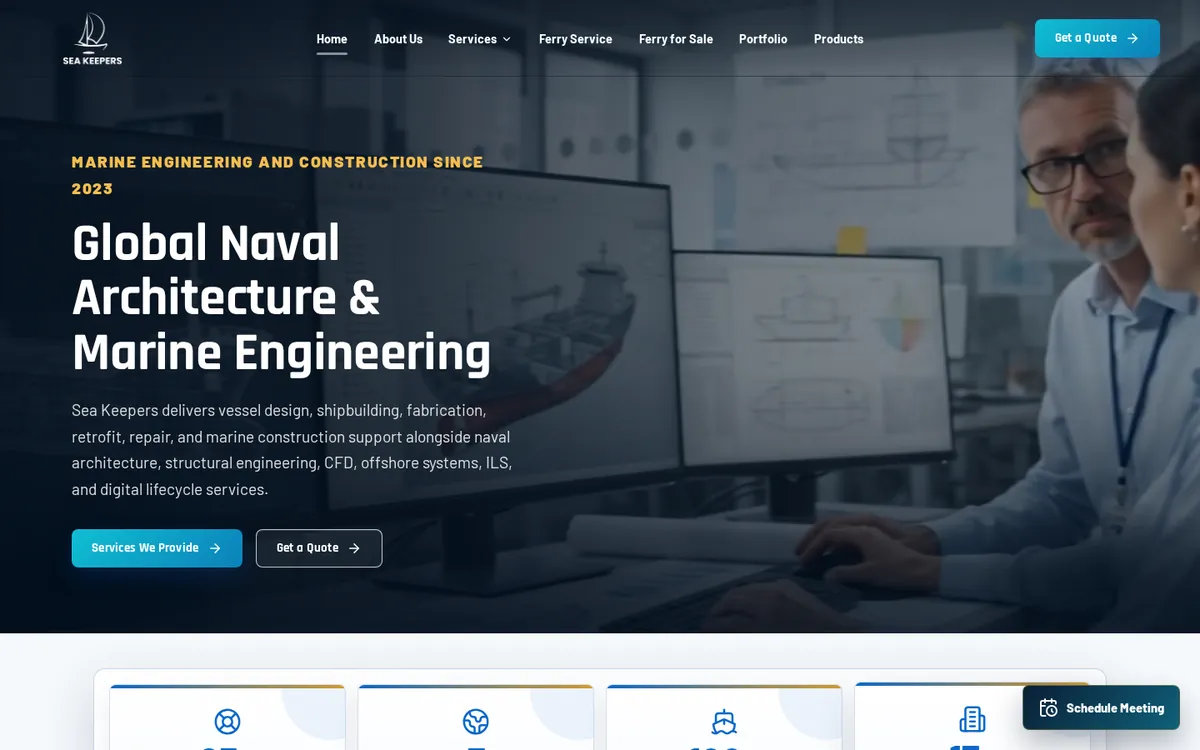
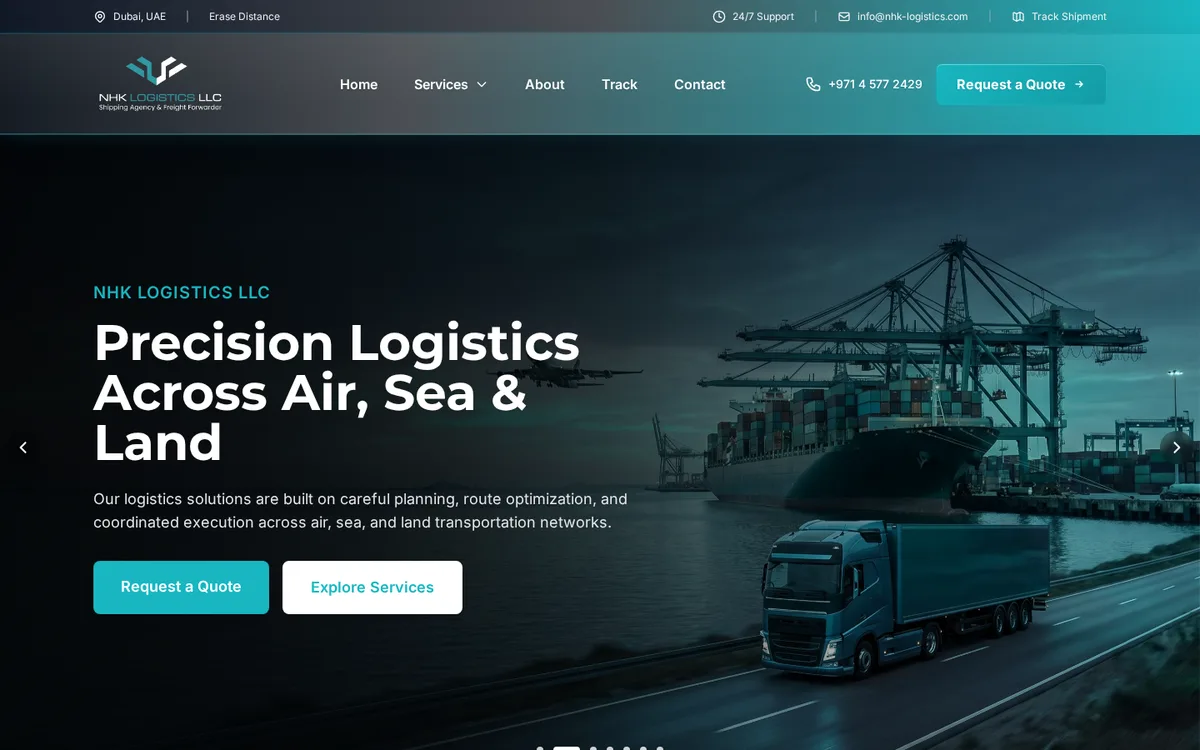
The two are often confused. For NHK Logistics, a Dubai freight forwarder, Operix built a website with a page for every service, an instant quote form and shipment tracking. That brings enquiries in. An ERP is what the office works in after the enquiry arrives. Sea Keepers, a marine engineering company, runs on an ERP we built that follows its work from the first enquiry email to the final delivery documents. A small forwarder with a handful of jobs a month can run well on a good website, a shared mailbox and a sheet of jobs. The ERP becomes worth it when jobs overlap and nobody can say which of them made money.
How to bring it in
Number every job
From a chosen date nothing moves without a job number, and the number goes into every email subject and onto every vendor bill.
Quote from the system
Save buying rates and selling rates together, so a confirmed quotation opens as a job.
Enter vendor bills against jobs
Accounts send back any bill that has no job number on it.
Print documents from the job
Start with the ones you issue most often, and retire the Word templates.
Review job profit monthly
Look at the closed jobs first, then at the open ones still waiting for costs.
Operix builds ERP software for logistics, freight and marine companies in Pakistan and the UAE; for UAE books, see our guide to VAT in an ERP and POS. If you are weighing a ready-made package against a system built around your own job flow, read custom ERP versus off-the-shelf, then book a demo.
Questions people ask
What is a logistics ERP?
An ERP organised around jobs or shipments instead of stock items. Each job holds its quotation, booking, documents, vendor costs, invoice and status, so operations and accounts work from one record.
Is freight forwarding software different from a logistics ERP?
Freight forwarding software is a logistics ERP shaped for forwarders: carrier bookings, shipping documents and charges per shipment. The core idea, one file per job, is the same.
Can the system show profit on each shipment?
Yes. Revenue from the customer's invoice is set against every vendor charge entered on the job. Jobs still waiting for vendor bills are listed separately, so their profit is not treated as final.
Can customers track their shipments?
Milestones entered on the job can be sent to the customer or shown on a tracking page on your website. The customer sees status and dates, not your costs.
How much does a logistics ERP cost?
It depends on the workflow, the documents you need, the number of users and any integrations. Operix does not publish prices; ask for a written quote after a discovery call.